Wholesale & Distribution
Automate Order Processing for Wholesale & Distribution
Automate order processing for wholesale and distribution end-to-end. Capture every customer and retailer order, check it against your SKU master, contract pricing, and stock availability, and post a clean record into SAP, Dynamics 365 F&O, Infor, or Business Central. No new interface for your order desk, no data migration, no replacement of the systems your DCs already run.
Draft
AS
Order Processing Agent
Edit

Every customer order your DC receives triggers a chain of checks. Match the line items to your SKU master, the pricing to the customer contract, the pack size to your case-pack conventions, the delivery window to available stock on hand, and post the record into the ERP. In most wholesale and distribution businesses this still happens by hand. Order desks re-key lines from customer emails, PDFs, and EDI 850s, chase missing references, and miss confirmation windows before anyone notices.
Process orders in minutes, not hours
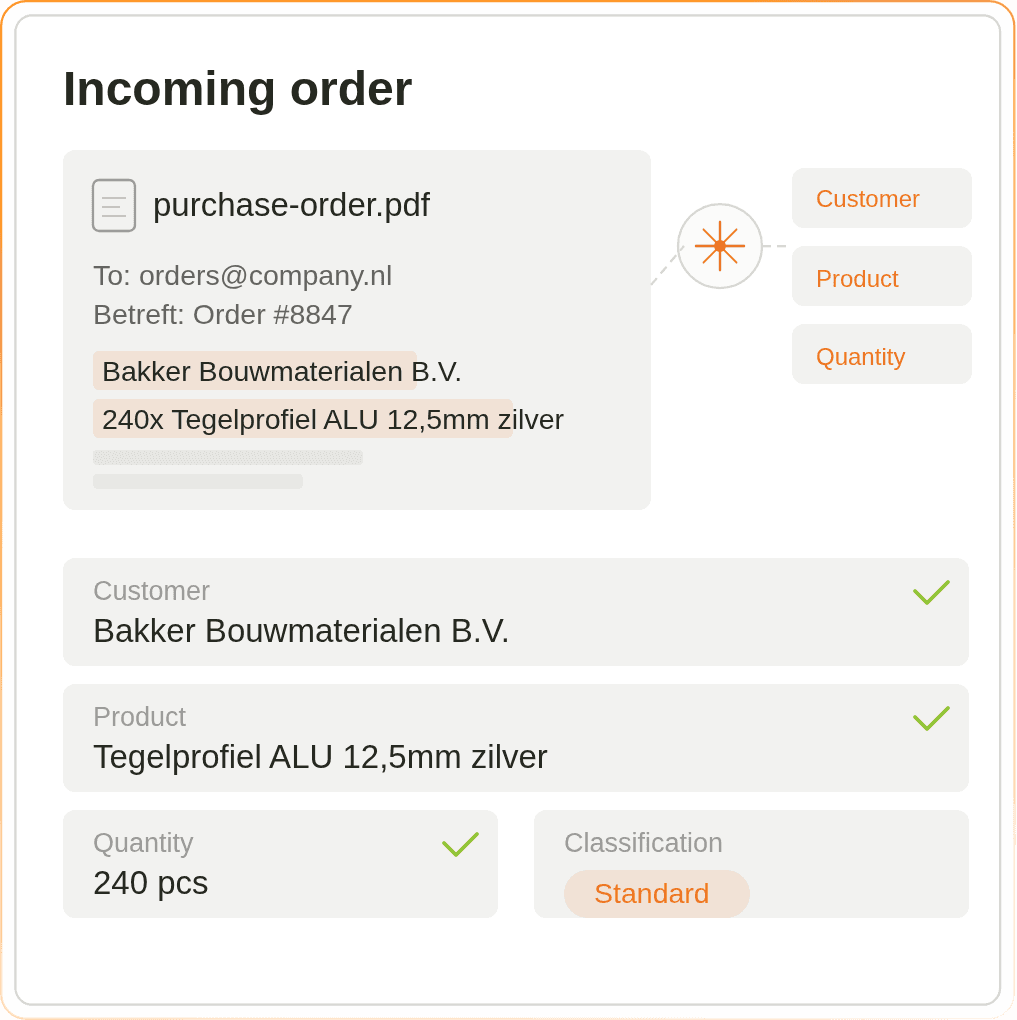
Customers and retailers send orders as PDFs, emails, Excel files, EDI 850s, and customer portals, often in different languages and layouts. We read all of them and pull out the customer, the SKUs, the pack size, the delivery window, and every line automatically, so your order desk does not have to type anything in.
Check every order against your SKU master, stock, and customer contracts
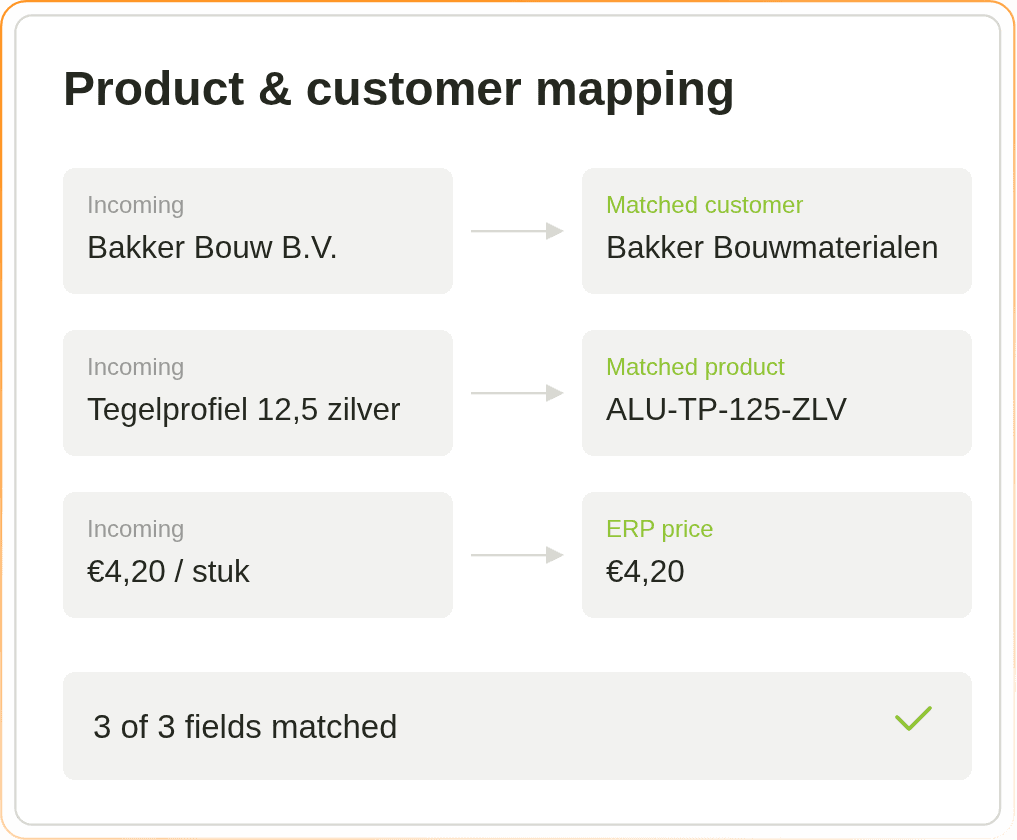
Before a customer order is confirmed, it has to match several things. The SKUs against your item master, the pricing against the customer contract, the pack size against your case-pack conventions, the delivery window against stock on hand and available picking capacity. We do that check automatically for every line, including UOM mismatches and substitution SKUs, and only flag a human when something genuinely does not add up.
Handles retailer PO, emailed order, EDI 850, and customer portal exports
Matches line items to your SKU master, contract pricing, and case-pack conventions
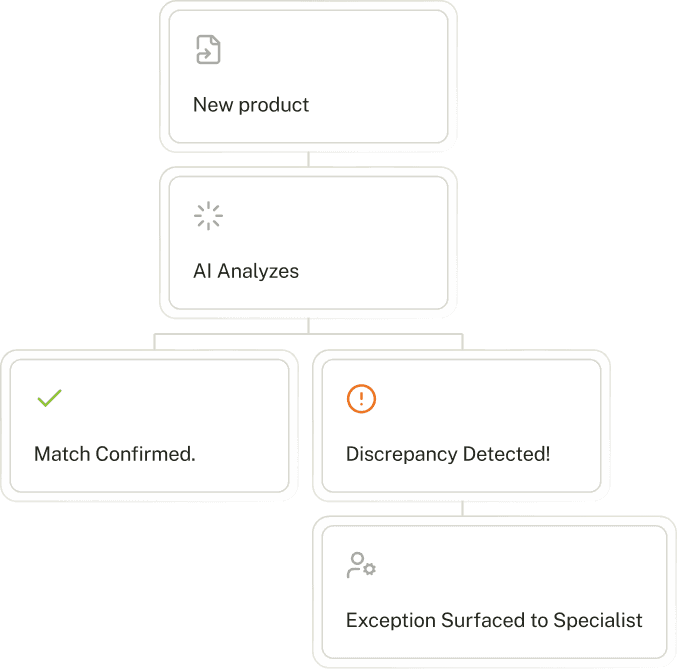
Flags exceptions like out-of-stock SKUs, credit limits, UOM mismatches, and delivery window conflicts
Works across formats: email, PDF, Excel, EDI 850, customer portals, and scans
Route every order to the right DC, cost center, and customer account
For orders that arrive without a clean reference (new retailer accounts, non-standard pack sizes, ambiguous rush requests, substitution SKUs), we use your own rules to decide which DC, cost center, and customer account they belong to. The system learns from every correction your order desk makes.
Exception handling: 20 to 30 minutes per order
Under 2 minutes
Uses your own rules for matching, coding, and approvals
Gets more accurate every week as your team uses it
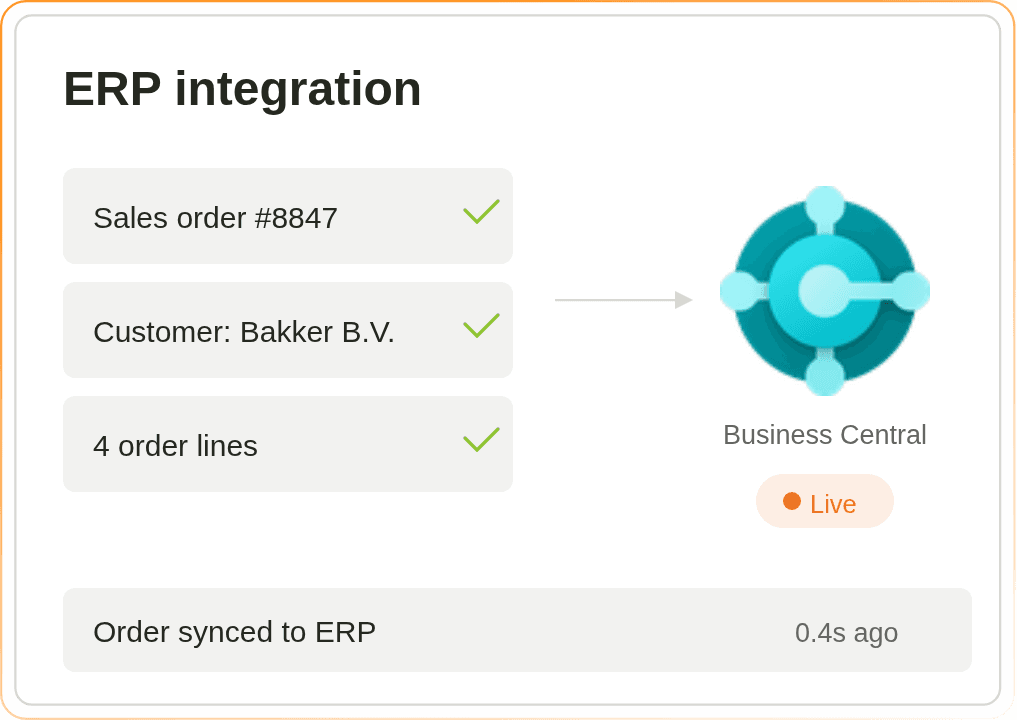
Writes the final order straight into SAP, Dynamics 365 F&O, Infor, or Business Central
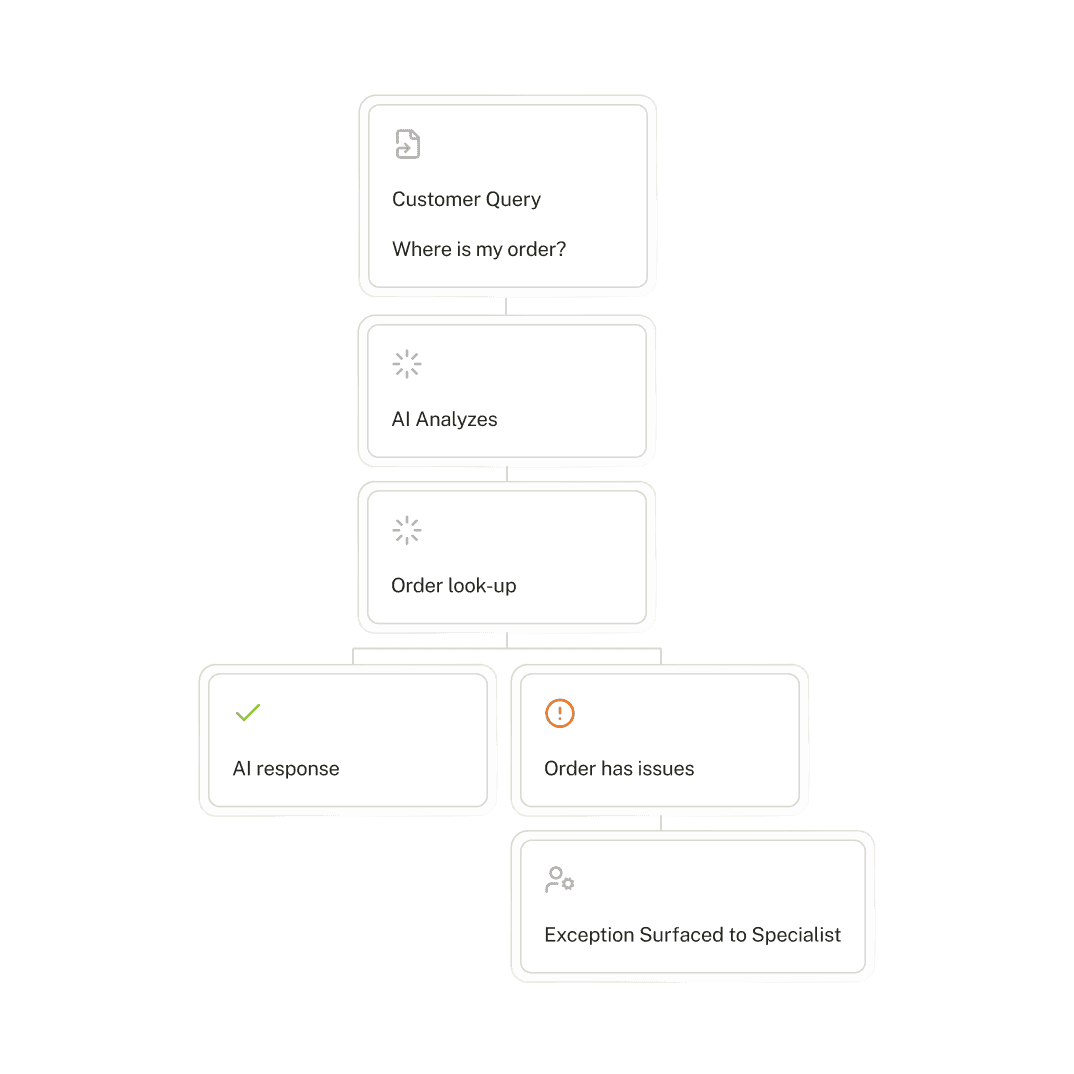
Fix problem orders without leaving your ERP
Out-of-stock SKUs, unknown retailer accounts, UOM mismatches, credit limit issues, rush requests that break capacity: the orders that usually get stuck. We route them to the right customer-service rep or operations controller in Slack or Teams, gather the context they need to decide, and push the answer back into your ERP.

"We started with automating our order intake process, we're saving about 4 FTE with that solution. Now we've got a full roadmap towards automating our full back-office. All with Lleverage."

Mart Kruidenier
Continuous Improvement Specialist, Koninklijke Dekker
companies that trust lleverage