Logistics
Invoice processing for logistics
Capture every carrier and vendor invoice, match it against rate agreements and shipments automatically, and post it to your ERP or TMS — without adding headcount or replacing the systems your operation already runs.
Draft
AS
Invoice Processing Agent
Edit

Every carrier invoice has to be checked against the rate agreement, the shipment that actually moved, and the accessorials that were authorized — then coded to the right lane, cost center, and customer. In most logistics operations this still happens by hand. AP teams re-key lines, chase missing proof of delivery, and overpay on duplicate or mis-rated invoices before anyone notices.
Capture every invoice, in every format
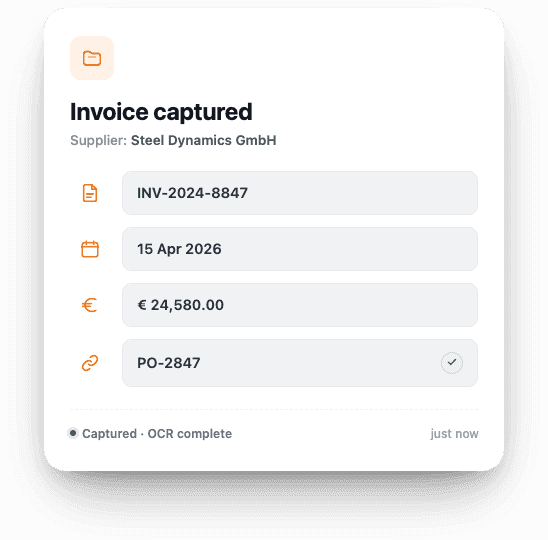
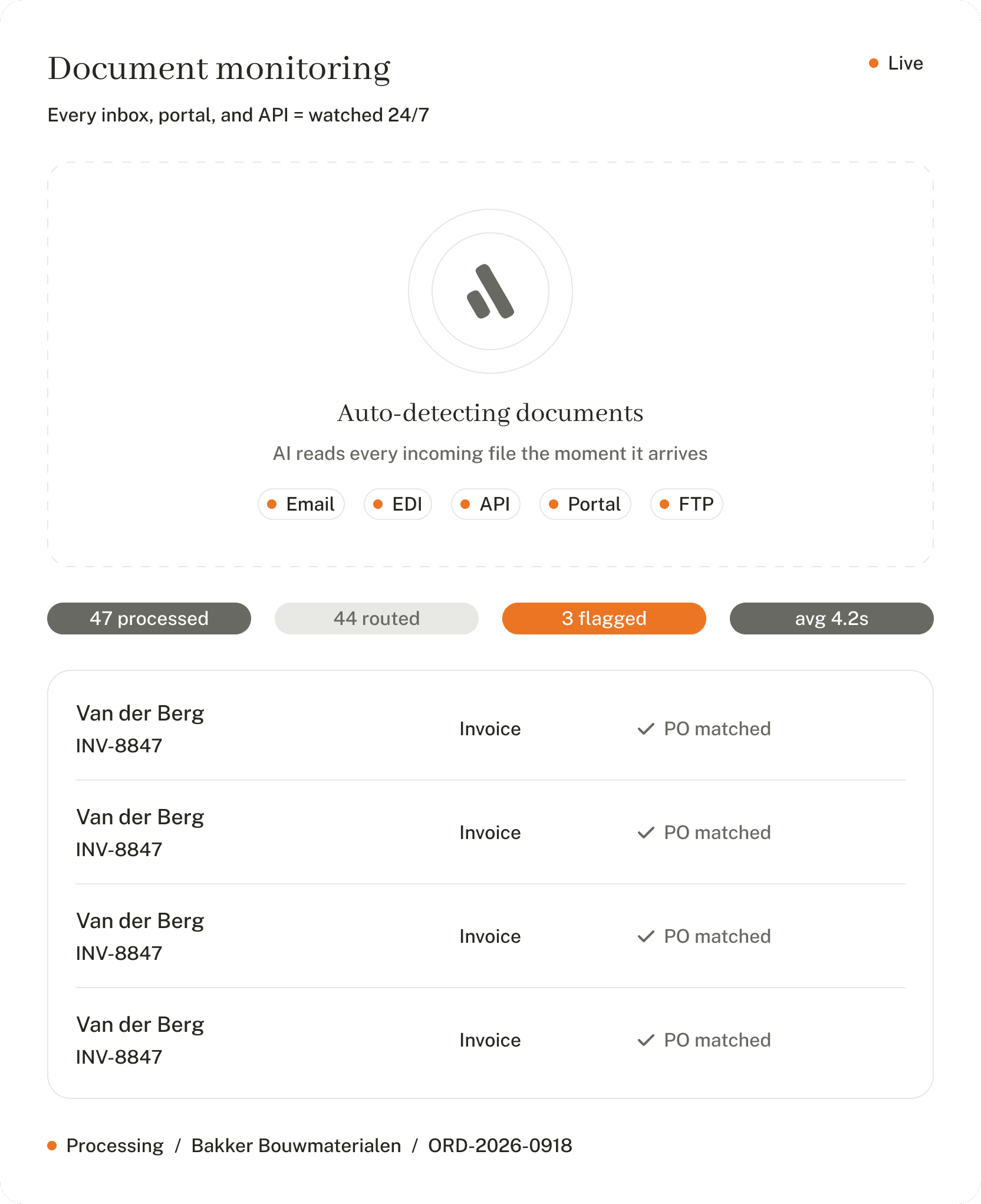
Carriers and 3PLs send invoices as PDFs, EDI 210s, emails, scans, and portal uploads — often in different currencies and languages. We read all of them and pull out the carrier, shipment references, and every line automatically, so your AP team doesn't have to type anything in.
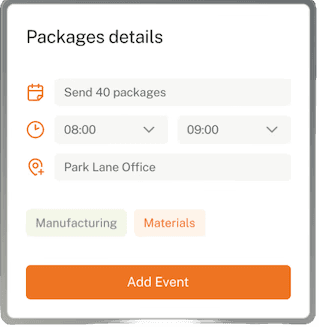
Check every invoice against your rates and the shipments that moved
Before a carrier invoice is paid, it has to match two things: the contracted rate for that lane and the shipment that actually moved, including any authorized accessorials. We do that check automatically for every line — base rates, fuel surcharges, detention, demurrage — and only flag a human when something genuinely doesn't add up.
Invoice processing time: ~12 min → ~90 sec
Handles carrier-specific rate cards, fuel surcharges, and accessorials
Flags exceptions like rate mismatches, missing PODs, and duplicate billings
Works across formats: email, PDF, EDI 210, carrier portals, and scans
Allocate every invoice to the right lane, cost center, and customer
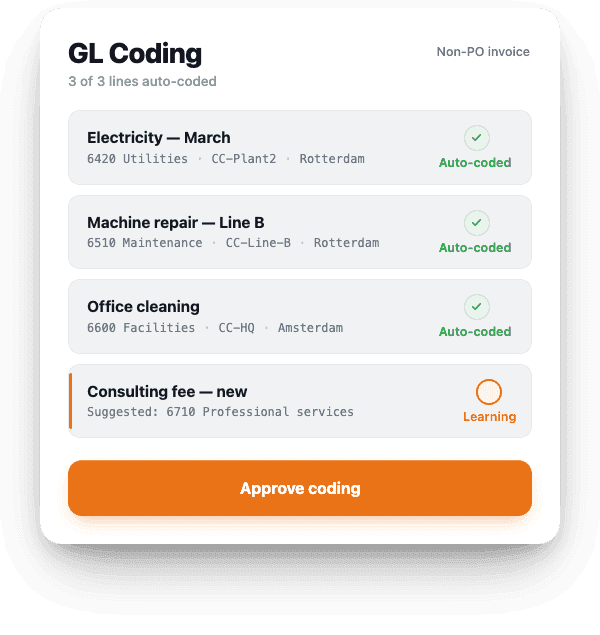
For invoices without a purchase order — fuel surcharges, accessorials, detention, demurrage, customs fees — we use your own rules to decide which lane, cost center, and customer they belong to. The system learns from every correction your AP team makes.
Exception handling: 20–30 min per invoice
Under 2 min
Uses your own rules for matching, coding, and approvals
Gets more accurate every week as your team uses it
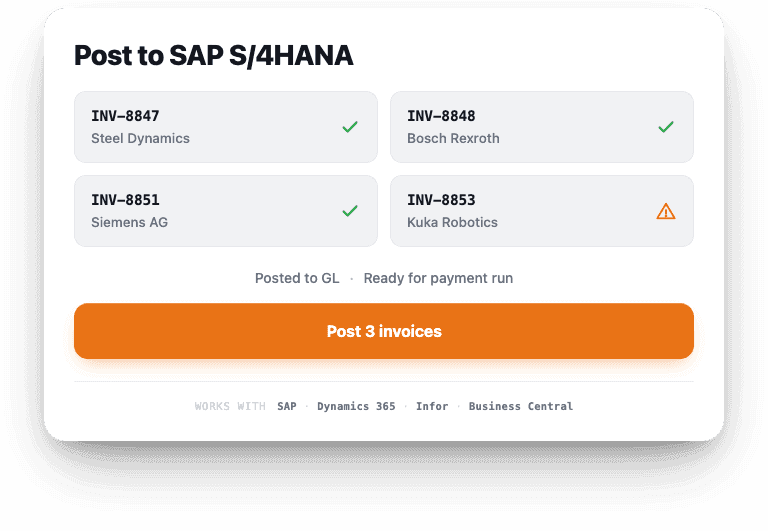
Writes the final invoice straight into SAP, Dynamics 365 F&O, Infor, or Business Central
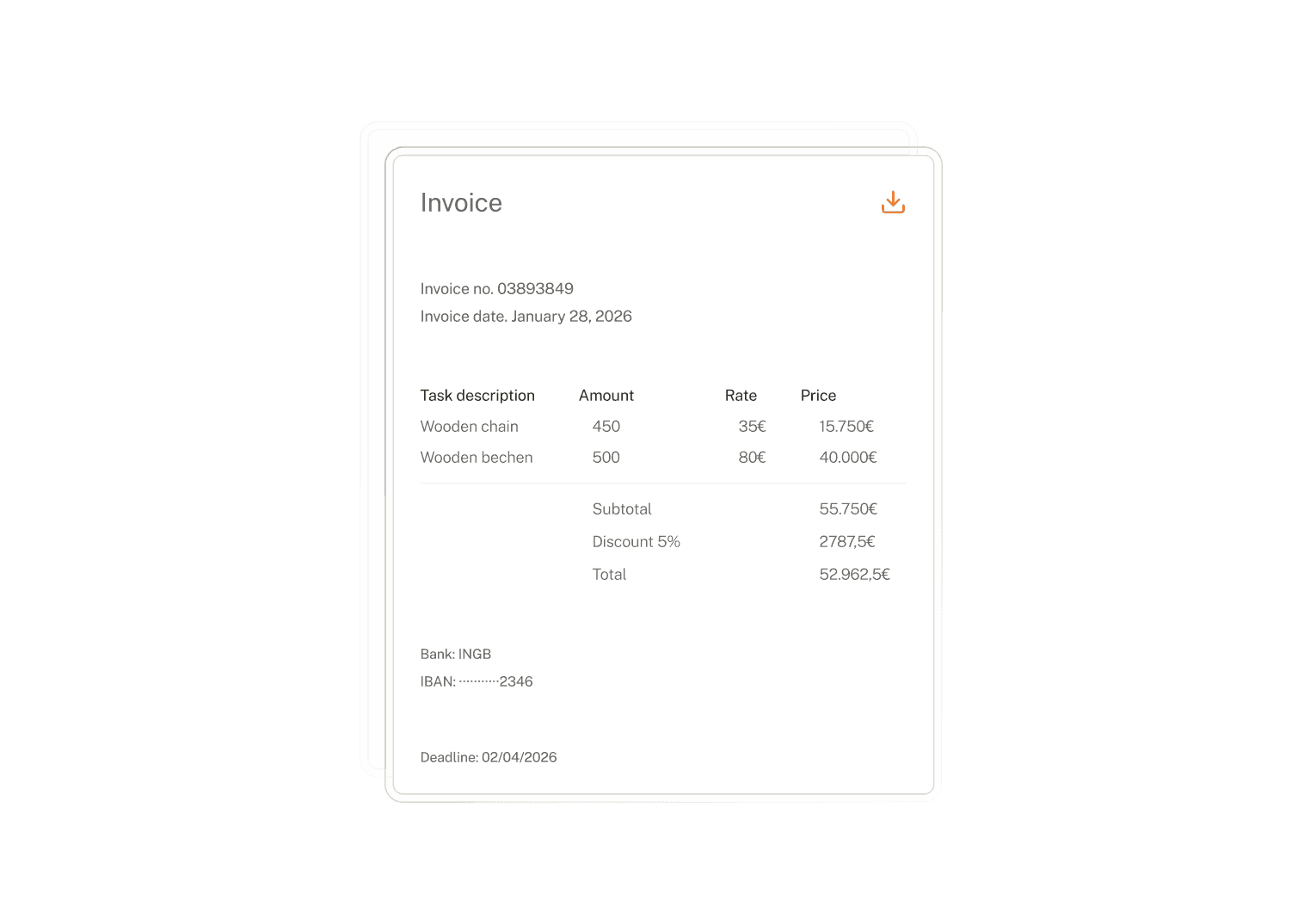
Fix problem invoices without leaving your finance system
Missing shipment references, rate mismatches, unauthorized accessorials, duplicate billings — the invoices that usually get stuck. We route them to the right buyer or controller in Slack or Teams, gather the proof of delivery and rate context they need to decide, and push the answer back into your ERP or TMS.

"We have 37 people spending half their time manually processing 9,000 cargo checks a week. By using AI to do the Load Planning and confirming shipments in under 30 seconds, Lleverage has just put 1.9 million euros back on the table for us, every year."

Heiko Blecher
Lufthansa Cargo
companies that trust lleverage