Order processing automation
Order processing automation
Capture every customer order in any format, validate it against your prices, capacity, and customer master, and post a clean record straight into your ERP. Built for SMEs in manufacturing, logistics, and wholesale running SAP, Dynamics 365, Business Central, or Infor.
Draft
AS
Order Processing Agent
Edit

companies that trust lleverage





Every customer order your team receives triggers a chain of checks. Match the line items to your product master, the pricing to the customer contract, the delivery window to capacity in your plant, warehouse, or lane, and post a clean record into the ERP.
In most operations this still happens by hand.
Whether you produce in factories, store in warehouses, or move stock through distribution centers, the pattern is the same: a small group of people doing the same repetitive work every day. Lleverage is changing that.
Process every order in minutes, not hours
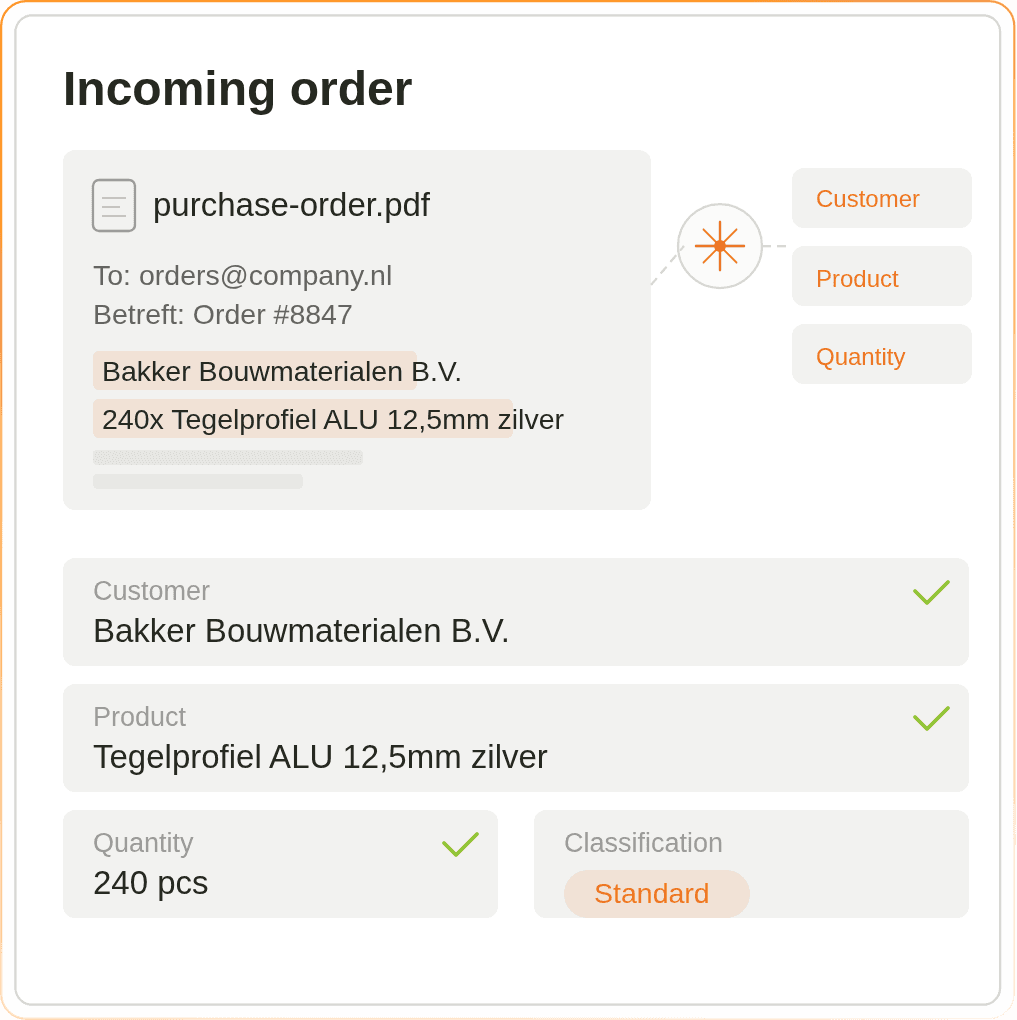
Customers send orders as PDFs, emails, Excel files, EDI 850s, and portal exports, often in different currencies and languages. Lleverage reads all of them and extracts the customer, the references, the delivery window, and every line automatically, so your order desk does not have to type anything in. Touchless processing on first run lands at 60 to 80%, and climbs above 90% as your team confirms exceptions.
Check every order against your prices, capacity, and customer master
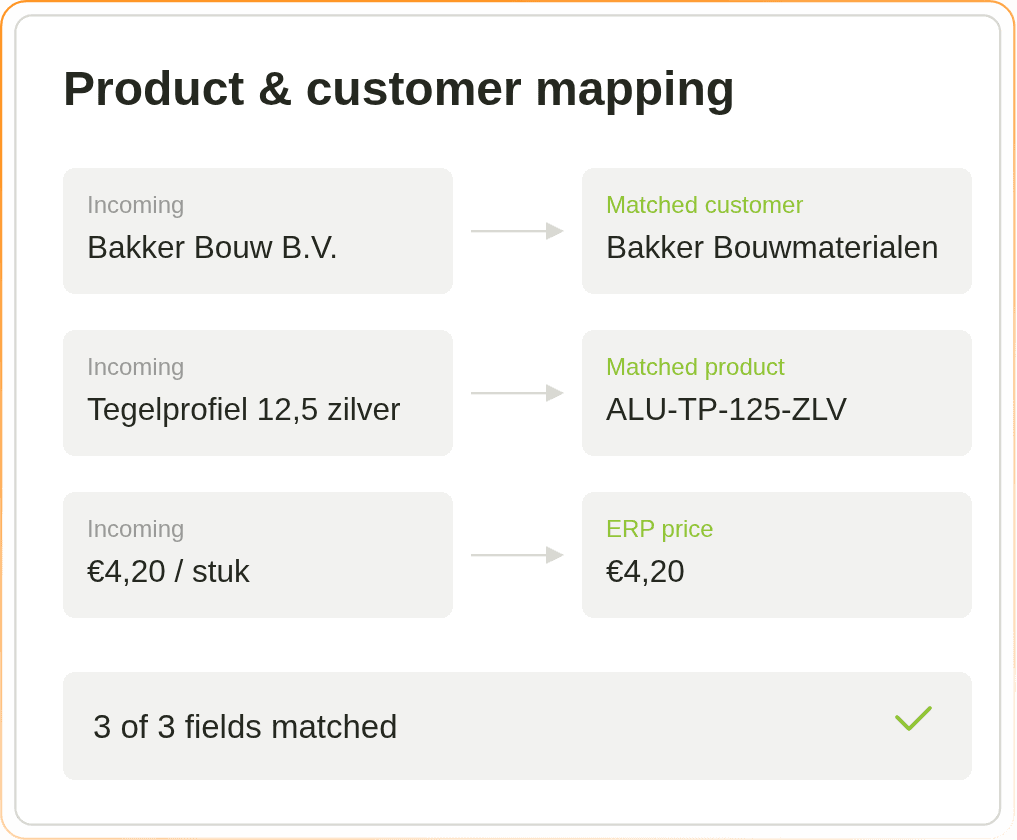
Before any order is confirmed, it has to match several things. Line items against your item master, pricing against the customer contract, delivery window against capacity in the plant or DC, incoterms and accessorials against what was actually authorised. Lleverage runs that check automatically for every line, and only flags a human when something genuinely does not add up.
Captures customer orders from email, EDI 850, scans, and portal exports
Matches lines to your item master, customer contracts, and capacity windows
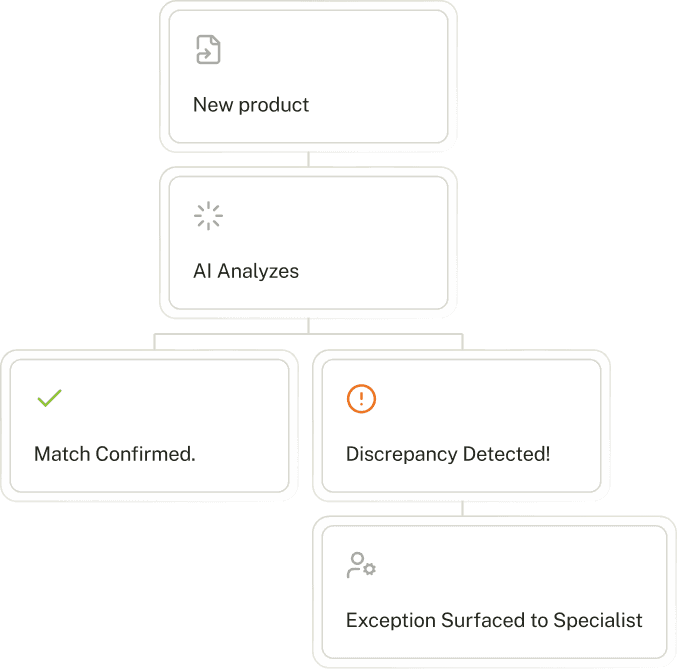
Flags unknown customers, capacity gaps, missing references, and duplicate entries
Works across formats: email, PDF, Excel, EDI 850, customer portals, and scans
Allocate every order to the right account, cost center, and customer
For orders that arrive without a clean reference, like last-minute reroutes, accessorial requests, new customer accounts, or ambiguous rush instructions, Lleverage uses your own rules to decide which account, cost center, and customer they belong to. The agent learns from every correction your dispatch or operations controller makes, and writes the final order straight into SAP, Dynamics 365, Business Central, Infor, or your TMS.
Exception handling: 20 to 30 minutes per order
Under 2 min
Uses your own rules for matching, coding, and approvals
Gets more accurate every week as your team uses it
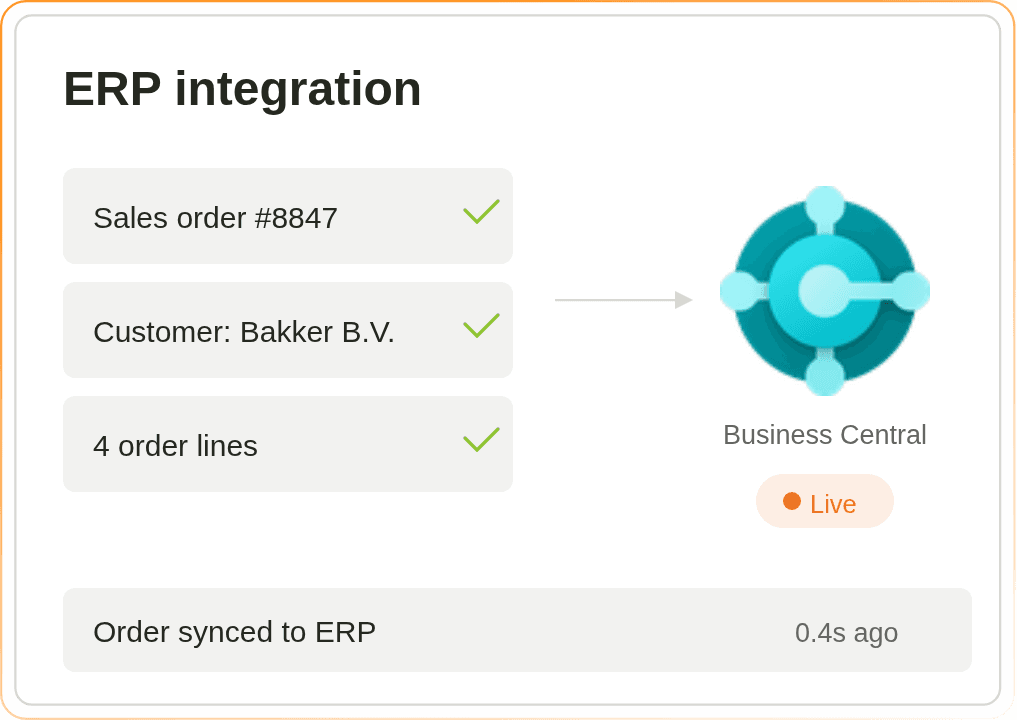
Writes the final order straight into SAP, Dynamics 365, Business Central, Infor, or your TMS
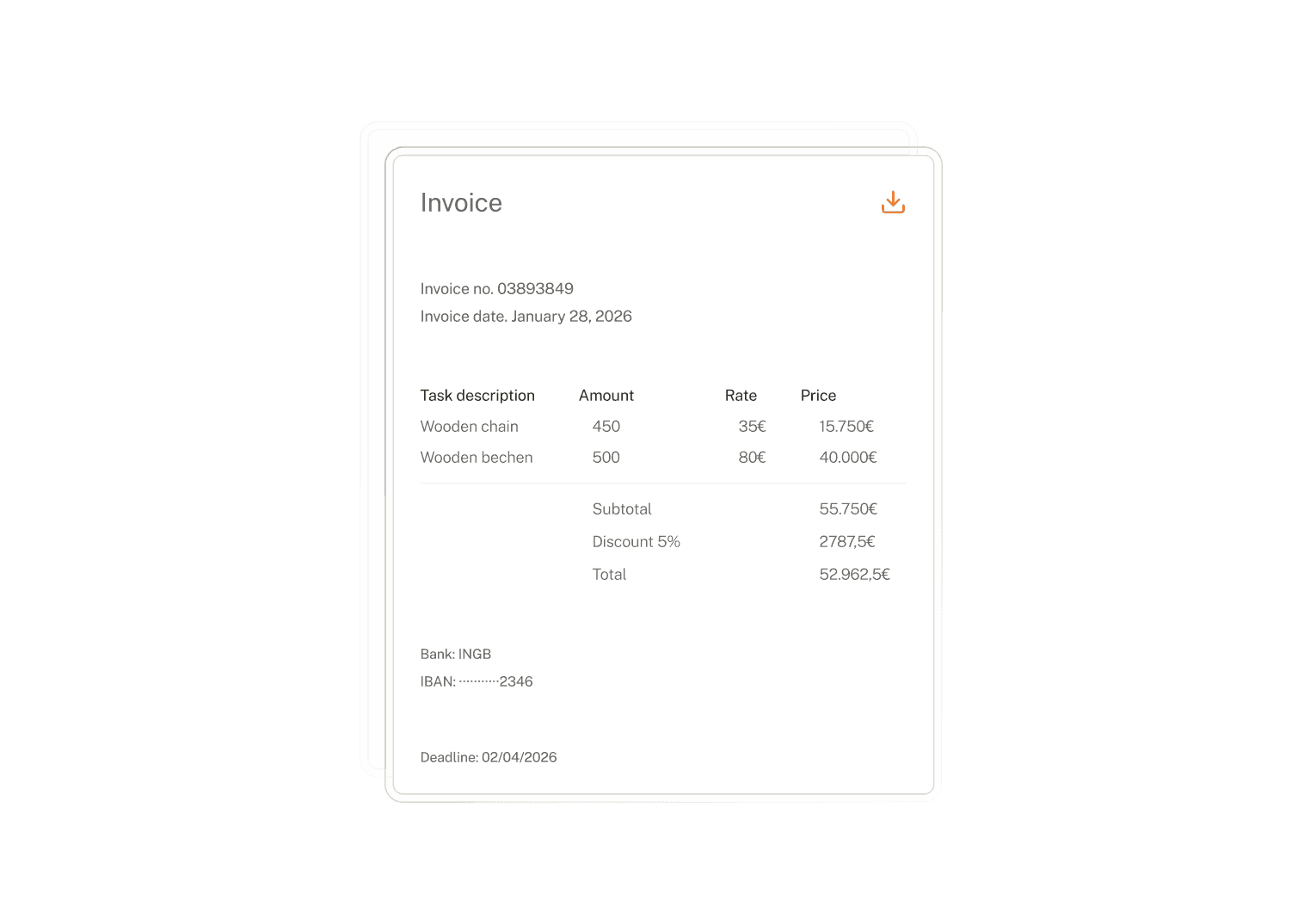
Fix problem orders without leaving your ERP or TMS
Unknown customers, capacity mismatches, unauthorised accessorials, duplicate entries, missing delivery windows: the orders that usually get stuck. Lleverage routes them to the right dispatcher, planner, or operations controller in Outlook, Slack, or Microsoft Teams, gathers the context they need to decide, and pushes the answer back into your ERP or TMS. Order entry time falls from hours to minutes, with full audit trail intact.

“We have 37 people spending half their time manually processing 9,000 cargo checks a week. By using AI to do the Load Planning and confirming shipments in under 30 seconds, Lleverage has just put 1.9 million euros back on the table for us, every year.”

Heiko Blecher
Lufthansa Cargo
companies that trust lleverage
Implementation timeline
Live in four weeks, full automation right after
Start with your highest-volume order channel. Run new orders in shadow mode, validate the agent output, and measure time savings as it calibrates against your team decisions.
Week 1
Map order channels and customer master
Connect Lleverage to your order mailboxes, EDI feeds, and customer portals. Import 90 days of orders and the matching ERP records so the agent learns your validation rules and customer-specific exceptions.
Week 2
Connect ERP and configure rules
Run new orders in shadow mode. The agent proposes the capture, validation, and allocation; your dispatch or order desk approves or corrects each one. Calibrates against your actual decisions, not generic benchmarks.
Week 4
Full automation with approval routing
Switch to autonomous mode. Order entry time drops from hours to minutes, with 60 to 80% touchless processing on day one and full pipeline visibility in your ERP or TMS.
Why Lleverage
Intelligent order processing, made secure
Built for operations, finance, and IT teams that move fast without compromising on data residency, identity, or audit trail.
A dedicated Solution Engineer for your project
White-glove onboarding and premium support for enterprise customers. A complete solution with continuous support to ensure success on day one and long after.
Zero data retention on the LLM layer
Your customer orders and ERP data are processed in real time and immediately purged from external providers. No persistent storage, no logging, no training your data into someone else model.
Enterprise SSO and SCIM provisioning
SAML SSO and SCIM provisioning let your teams sign in with corporate credentials. Centralised access control and security policies stay in IT, not scattered across vendor consoles.
Enterprise-grade security and compliance
SOC 2 Type II audited, ISO 27001 certified, and GDPR compliant with EU-region hosting. Customer data isolated by tenant. Maintain complete control over infrastructure and data residency.
FAQs
Everything you want to know about order processing automation
How accurate is order processing automation on PDFs and email orders?
Lleverage extracts the customer, references, line items, and delivery windows from PDFs, scans, EDI 850 feeds, and portal exports without per-customer templates. Where extraction is ambiguous, the agent flags the gap for human-in-the-loop review rather than guessing. Touchless processing on first run lands at 60 to 80% and climbs above 90% as your team confirms exceptions.
What about orders with multiple line items, custom SKUs, or non-standard incoterms?
Complexity is exactly where this earns its keep. The agent handles multi-line orders, customer-specific SKUs, contract pricing, and incoterm variations. It checks each line against your item master and the customer contract, then flags only the disputed line for an order-desk clerk to resolve, not the whole order.
Will dispatch and order desk teams actually adopt this?
When orders appear pre-validated in the ERP within minutes of arrival, adoption is immediate. No more spreadsheets, no copy-paste from emails, no chasing missing references. Order desks review and confirm instead of building from scratch, and operations gets full pipeline visibility because every order lands in the system of record.
How does this integrate with our existing ERP?
Lleverage runs natively against SAP S/4HANA, SAP Business One, Microsoft Dynamics 365 Finance and Operations, Business Central, and Infor, plus most TMS systems. Orders post directly into the order or shipment module, with no middleware layer or custom integration project required. Existing approval routing rules stay intact.
What is the real time savings?
Most teams reduce order entry time from hours to minutes, with 60 to 80% touchless processing on day one. For an order desk processing hundreds of orders a day, that means reps redeployed from data entry to vendor management and exception accuracy, plus faster customer response and a pipeline that finance can actually see.