Order management in Dynamics 365 F&O,
from the inbox to the sales order
Lleverage is an AI agent for D365 order management. It reads customer orders from email, PDF and Excel, finds the customer account and released products in the right legal entity of Dynamics 365 F&O, checks price and credit, and creates the sales order. Orders outside your rules wait for a person, with the reason attached.

How D365 order management works with an AI agent, step by step
In Dynamics 365 F&O someone on the order desk reads each order and keys it on the All sales orders page, line by line, in the right legal entity. The agent does that work in 4 steps and leaves your setup in F&O as it is.
Read the order as the customer sent it
An email body, a PDF purchase order, an Excel sheet or a CSV from the shared Outlook inbox. The agent picks out the customer, their order reference, the delivery address, the requested ship date and every line, each with a confidence.
Find the legal entity, customer account and released products
The order is tied to the customer account in the legal entity it is meant for, and each line to a released product, also when the customer wrote only a description. At SIG Benelux 88% of lines match the right article first time, using years of order history.
Check price, address, date and credit
The price on each line is compared with the trade agreement price F&O holds for that customer, the address with the customer’s delivery addresses, and the requested date with what can be met. Credit status is checked before anything is written.
Create the sales order and confirm
The sales order header and its lines are created in Dynamics 365 F&O, so F&O validates every field as it does for your desk and your credit management rules still apply. The confirmation goes back to the customer.

Orders in F&O before the warehouse starts its day.
Orders that arrive overnight are read, checked and created as sales orders in Dynamics 365 F&O before the desk logs in, so the warehouse plans from clean orders and customers hear back sooner. Your people keep the orders that need judgement and the time to call a customer back.
Learn moreExample data
What a Dynamics 365 distributor gets out of it
All customer stories↗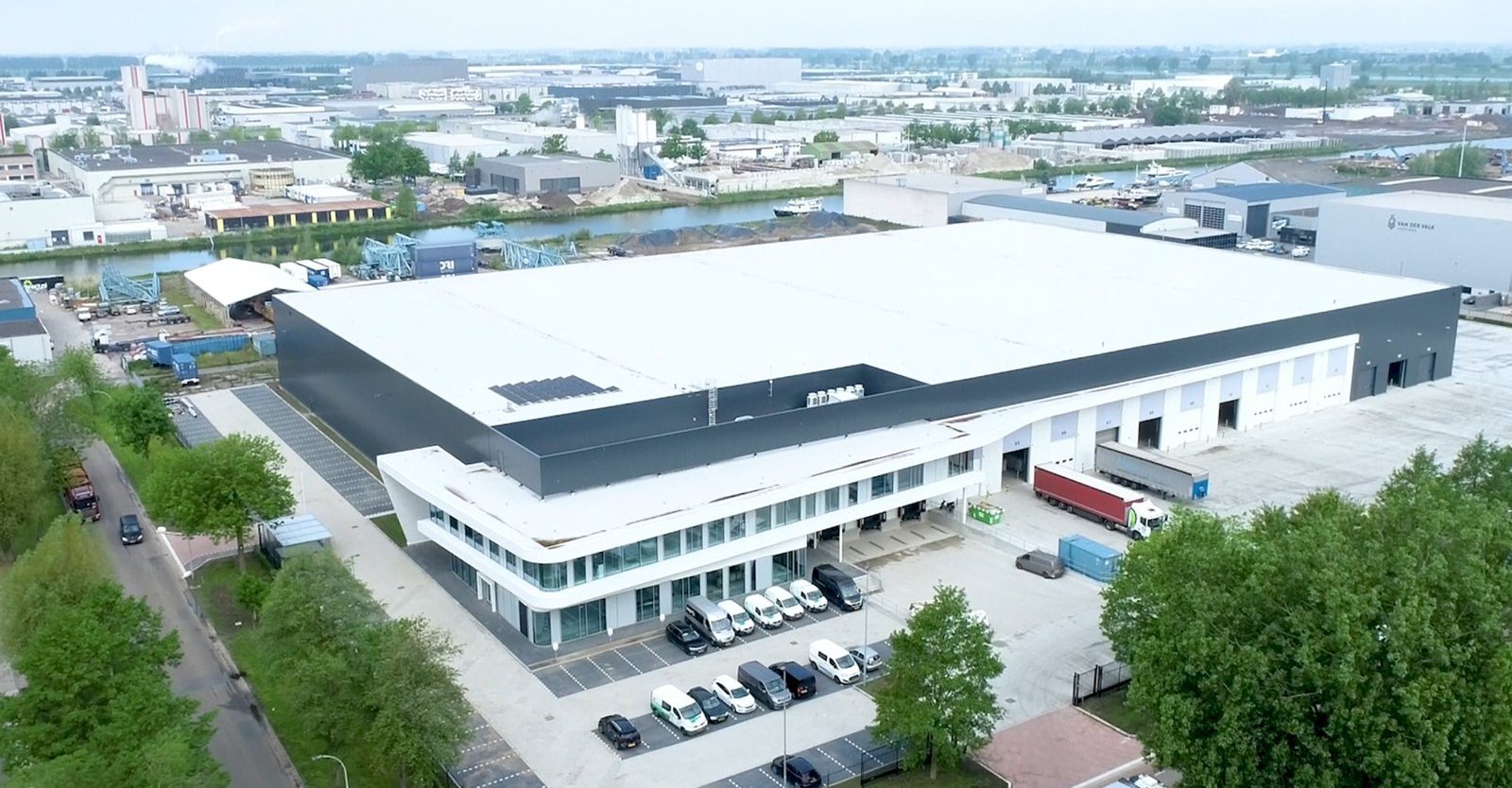

One order into D365 F&O, start to finish.
A purchase order from Brakveld Techniek lands in the shared Outlook inbox at 07:14. Nobody touches it. This is what the agent does with it.
Example data


What the agent checks in D365 F&O before it creates a sales order
Released products, trade agreement prices, delivery address, date and credit are checked against Dynamics 365 F&O, and every check has a setting. Clean orders can be created on their own, or land as drafts a person approves, as SIG Benelux chose. The rest wait with the reason attached.
Example data

- Parts known
- Stock and date
- Price vs contract
- Credit status
- Sales order created
D365 F&O - Confirmation sent
In 28 s - Stock reserved
Warehouse
- Price off contract
Sales Ops - Below 98% sure
Order desk - Credit hold
Credit control
D365 F&O on its own or with Lleverage: which fits when?
Dynamics 365 Supply Chain Management already carries a lot of order management: entities to import sales orders, trade agreements, credit holds, a Copilot summary on each order and, with Commerce, distributed order management. We read Microsoft Learn’s pages on each on 10 October 2026, and every statement in the middle column comes from those pages.
| D365 F&O on its own | Lleverage | |
|---|---|---|
| An order that arrives by email | Not described on the vendor’s pages for Finance and Operations. The Sales Order Agent on Microsoft Learn, which reads orders from a mailbox, is a Business Central feature. | Reads the email body, PDF, Excel and CSV orders from the shared inbox your customers already write to, overnight and at weekends too. |
| Getting orders in without keying | The Sales order headers V2 and Sales order lines V2 entities import sales orders through data management or OData, headers first and lines after. Microsoft describes them for data migration and integration. | Creates the header and lines itself through a native F&O connection. Nobody builds a file or an import job first. |
| What a line must already say | An item number, a delivery address location and a requested shipping date are required fields on each imported line, and they must exist in F&O. | Works those values out from the order as written: the customer’s own part numbers, a description, an address in free text. A line it cannot place waits for a person. |
| Customer prices | Trade agreements hold a negotiated price for one customer or a group of customers, entered through trade agreement journals. | Compares the price the customer wrote with the price F&O holds. A difference goes to the person you choose before the order exists. |
| Credit checks | Microsoft’s strength. Blocking rules for days overdue, account status, terms of payment, an expired credit limit, overdue amount, sales order amount and the portion of credit used, with exclusions and checkpoints that put the order on hold. | Checks credit status before it creates the order, and leaves your credit management rules in F&O to do their work after. |
| Seeing where an order stands | A Summary by Copilot FastTab on the sales order shows how many lines are confirmed, received and invoiced, and which are overdue or nearly overdue. | Every run is logged: what the agent read, what it decided and why, and which sales order it created. |
| Choosing the warehouse that ships | Distributed order management in Dynamics 365 Commerce picks the fulfilment source for order lines in a batch job, by distance, cost and inventory. It runs on the cloud version of Commerce only. | Not what Lleverage does. It creates the sales order, and distributed order management or your planners take it from there. |
| Set-up | The entities are part of F&O. Microsoft recommends a single thread for both, and the system that produces the orders has to fill the required fields. | Forward deployed engineers build the first flow with your order desk on your real orders. One monthly price per agent, with integration included. |
| Fits best when | Orders come from systems that can send clean, structured data, and the hard part is pricing, credit and fulfilment once the order is in. | Orders arrive as emails, PDFs and spreadsheets in every customer’s own words, and someone is retyping them today. |
We think F&O on its own is enough when your orders already arrive as structured data: the entities, trade agreements and credit rules are thorough. We think Lleverage fits when the work you want gone is reading and keying orders that were written for people. On Business Central instead? See order management for Business Central, and our guide to sales order automation.
Our engineers set it up with you.
It takes on more of the order desk as it learns.
Forward deployed engineers build the first order flow with your order desk and connect it to Dynamics 365 F&O, so orders come off the desk in the first weeks rather than at the end of a project. From there it automates gradually: every correction teaches it your customers, their descriptions and your legal entities, and fewer sales orders need a person to look.
They work inside your operation. They map every customer format and exception with your order desk, set the confidence line together, and stay on as your customers and products change. Not a licence and a manual. A team that knows your floor.
The inbox, the ERP connection, the checks and the log are yours to configure. Our documentation and support sit behind your team, and an engineer is a call away whenever you want one.
Talk to us about either ↗Frequently asked questions
Does Dynamics 365 Finance and Operations have its own sales order agent?
Not one we could find. The Sales Order Agent on Microsoft Learn, which reads customer orders from a mailbox and drafts quotes, belongs to Business Central (Microsoft Learn, read 10 October 2026). In F&O, an emailed order is still keyed on the sales order page by someone on the desk, or imported through the sales order entities.
How does Lleverage connect to D365 F&O?
Through a native Dynamics 365 F&O connection with sales order, customer, item and invoice nodes, built by our engineers while working with SIG Benelux. The agent gets the access a person on your order desk has, nothing more, and F&O stays the system of record. More on integrations.
Is this the same as distributed order management in D365?
No. Distributed order management in Dynamics 365 Commerce works on sales orders that already exist: in a batch job it picks the warehouse or store that ships each line, by distance, cost and inventory. Lleverage works before that point, turning an emailed order into the sales order. The two can run side by side.
What happens when an order line has no item number?
The agent looks for the released product the customer means, from the description and from how that customer ordered before. At SIG Benelux only about 3% of orders carry an article number, and 88% of lines still match the right article first time. A line it is not sure of waits for a person instead of being guessed.
Do our trade agreements and credit holds still apply?
Yes. The agent reads the trade agreement price for that customer and sends a mismatch to a person before the order exists. Once the sales order is created, your credit management blocking rules and checkpoints in F&O work on it as they do on an order your desk keyed. Nothing in your setup is changed.
How long until the first sales orders are created?
The first process typically runs supervised within a few weeks. Forward deployed engineers build the first flow with your order desk on your real orders, one mailbox and one legal entity first. At SIG Benelux the first project ran 4 weeks, from interviews at the sales desk to shadow running on live order emails.
The rest of the back office.
 ↗
Purchase to paySource & ProcureInvoices, POs and confirmations, posted where they belong.
↗
Purchase to paySource & ProcureInvoices, POs and confirmations, posted where they belong.
 ↗
Forecast to producePlan & ProduceThe plan reshuffled when reality changes.
↗
Forecast to producePlan & ProduceThe plan reshuffled when reality changes.
 ↗
Order to deliveryDeliver & SupportCustomers answered with full context, in their own channel.
↗
Order to deliveryDeliver & SupportCustomers answered with full context, in their own channel.
 ↗
AP & ARPay & CollectInvoices matched, real variances flagged, the rest untouched.
↗
AP & ARPay & CollectInvoices matched, real variances flagged, the rest untouched.
 ↗
Master dataGovern & EnableMaster data kept clean and in sync across every system.
↗
Master dataGovern & EnableMaster data kept clean and in sync across every system.