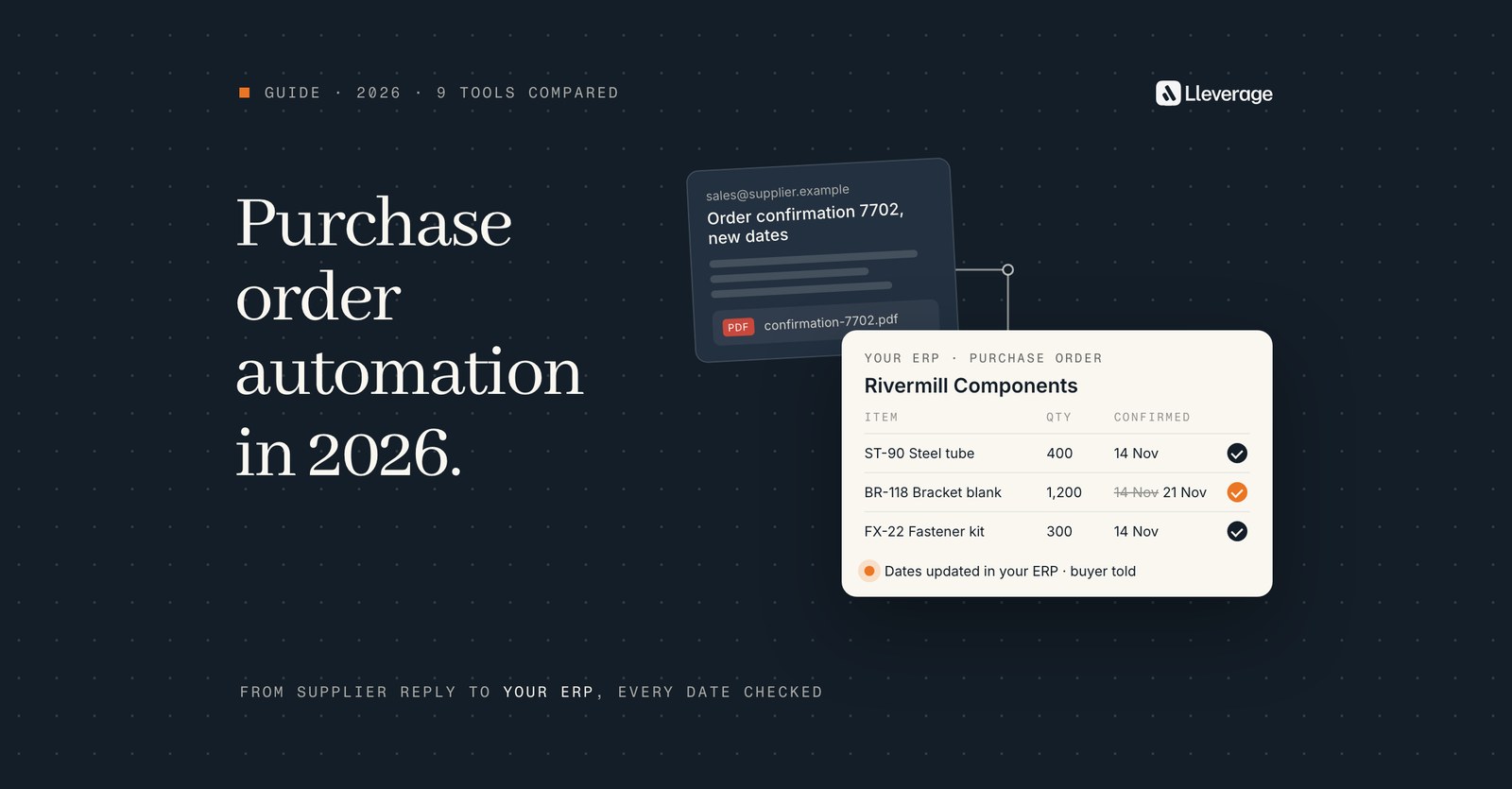
The best purchase order automation software depends on which half of purchasing costs you time. For manufacturers and wholesalers whose PO work is the supplier side and who keep their ERP, we pick Lleverage, our own product. It reads confirmations in many layouts, records changed dates and prices, and matches invoices against the PO.
Spend management tools handle the other half: requests, approvals and issuing the order. At Lleverage we think a mid-size manufacturer should first check which of those 2 jobs it needs, because most PO tools do one of them. On the buying desks we see, the hours go into reading what suppliers send back. We build AI agents for that supplier side of procurement automation, and they also raise the purchase order. Below, 9 tools are sorted by the job each one does, with Lleverage first. We mark the cases where another tool fits better. To see the agent on your own supplier replies, book a demo.
Picture a buying desk at a manufacturer with a few hundred open purchase orders. The replies arrive as a PDF from one supplier, a line in an email thread from another and a portal export from a third. One confirms 3 days late, another quotes last year's price, a third ships half the quantity now and half next month, and a few never reply. A buyer reads each one and keys the confirmed date. Weeks later the invoices arrive and the comparison starts again.
How we picked these tools
We started from the question a purchasing or finance lead at a European manufacturer or distributor asks. Which software takes the manual work out of a purchase order, from the request to the paid invoice, while the ERP stays the system of record? That ruled out ERPs themselves, EDI networks that need every supplier to change how it sends, and document parsers that hand back a file and stop.
9 tools passed that first filter. Each one covers a clear part of the purchase order's life and names the ERPs or accounting systems it works with, or says how it reaches them. Every fact about a tool comes from the vendor's own pages, documentation and pricing, read in November 2026. Where a vendor says nothing about a case, the tables say "Not stated": the tool may still handle it, so ask in the demo.
We grouped the tools by job and judged them on 5 points:
- Which part of the PO process it covers: requests and approvals, supplier replies, invoices, or more than one.
- What it does with a supplier confirmation in a layout it has not seen, and with a changed date or price.
- Where the result lands: in the tool's own platform, or in the ERP fields planning and finance read.
- What a manufacturer needs on top: blanket orders and call-offs, partial deliveries, and dates checked against the production plan.
- Where a person decides, and who sets that line.
After Lleverage, the tools are listed by group in no order of merit.
What does purchase order automation software do?
Purchase order automation software takes manual work out of the purchase order's life, from the first request to the invoice that closes it. In practice the market splits into 2 jobs that rarely sit in one product.
- Everything suppliers send back. The order confirmation in the supplier's own layout, a moved delivery date, a changed price, a line that ships in 2 parts and a missing reply that needs chasing. Then the invoice, matched against the order and the goods receipt. The result has to land in the ERP, because that is where planning and finance read it.
- Requests, approvals and issuing the PO. An employee asks for something, the request goes to the right approver by amount or category, and an approved request becomes a purchase order. This is what spend management suites do, often with catalogues, budgets and spending cards.
The first job keeps the ERP true to what suppliers have promised, and the production plan and the stock forecast run on those dates. The second is mostly about control before money is committed.
Which of those 2 jobs costs you hours decides which half of this list to read. Our posts on purchase order automation from email to ERP and on purchase order confirmation automation explain how the first job works step by step.
Which purchase order automation software should a manufacturer compare?
The 9 tools below make a realistic shortlist for a European company that makes, moves or sells physical products and runs SAP, Business Central, Dynamics 365, Infor, NetSuite or a similar ERP.
| Tool | Job | What it covers | Where the result lands | Choose it when |
|---|---|---|---|---|
| Lleverage | Supplier documents, with PO creation | POs raised on your contract terms, confirmations from email, PDF or portal export, chasing, changed dates and prices, three-way matched invoices | Inside SAP, Business Central, Dynamics 365, Exact, AFAS, Infor and other ERPs | Suppliers reply in every layout and the confirmed date must land in the ERP you keep |
| Evolinq | Supplier documents | Sends POs, chases acknowledgements, reads free-text replies, flags price and date mismatches, records split commitments | Confirmed dates written back to SAP, NetSuite, Dynamics 365, Infor, IFS and others | Expediting thousands of direct material PO lines is the main job, with no invoices in scope |
| GeneralMind | Supplier documents, with PO creation | RFQs, POs from approved requisitions, confirmations matched to the PO, open PO follow-up, 4-way invoice matching | SAP in production, plus Business Central, Oracle, JD Edwards and Infor | You want purchasing and order-to-cash on one platform, paid by outcome |
| Business Central Payables Agent | Supplier invoices only | PDF invoices from a mailbox, proposed PO line matches, unposted purchase invoices | Inside Business Central | You run Business Central and most invoices are short PDFs from known vendors |
| Medius | Supplier invoices only | Invoice-to-pay AP, line matching, payments, statement reconciliation, supplier emails answered | Its own AP platform, connected to SAP S/4HANA, Business Central, Dynamics 365 F&O, NetSuite, Infor and others | Finance wants one AP platform across several entities and ERPs |
| Procurify | Requests and approvals | Purchase requests, approval rules, POs, line-by-line receiving, bill matching, payments, cards | Its own platform, synced to NetSuite, QuickBooks, Sage Intacct or Business Central | You need spend control and cards for a growing mid-sized organisation |
| Precoro | Requests and approvals | Intake forms, approvals, blanket and recurring POs, receipts, AP inbox with PO matching | Its own platform, synced to QuickBooks Online, Xero, NetSuite, Sage Intacct or Business Central | You buy across projects, locations or business units and want published plan prices |
| Coupa | Requests and approvals | Guided buying, approvals, budgets, supplier portal with PO collaboration, three-way matching | Its own source-to-pay suite, connected to SAP, Oracle, NetSuite, Workday or Microsoft Dynamics | You are a global, multi-entity group and your suppliers will use a portal |
| Zip | Requests and approvals | Intake for any procurement request, approvals, POs, invoice extraction, contracts, sourcing | Its own platform, synced to SAP, Oracle, NetSuite, Workday, Dynamics 365 and others | Procurement, legal and IT review every request before it becomes a PO |
Which tools handle supplier confirmations and invoices against the PO?
These 5 tools handle the documents suppliers send. Lleverage, Evolinq and GeneralMind read confirmations and changed commitments. Lleverage and GeneralMind also raise the purchase order. The Payables Agent and Medius focus on the invoice.
Lleverage, our pick for manufacturers and wholesalers whose suppliers reply in every layout

We pick Lleverage for this reader because one agent covers the supplier side of the purchase order from start to finish. It raises the PO on your contract terms and reads every supplier reply against it. Before an invoice is booked, it matches it against the order and the goods receipt. It does that inside the ERP you already run, with nothing migrated, and only the lines that differ reach a buyer.
Lleverage puts an AI agent on the purchasing and finance inboxes. Suppliers answer however they like: a line in an email, a PDF or a portal export. The agent reads each reply against the purchase order in the ERP, compares quantity, price and delivery date per line, and records what was confirmed where you allow it. A supplier that has not answered by the date its reply was due gets a follow-up.
When a supplier moves its date, the agent updates the expected delivery where you have authorised it and brings the change to the planner as a planning decision. It can also flag orders or materials that put the current production plan at risk, so the planner sees which work is affected. When goods arrive, the agent matches the receipt against the purchase order and surfaces the differences that need a person.
At the front of the process, the agent raises purchase orders in the ERP on your contract terms. It uses the supplier you hold a contract with, the contract price and a lead time that supplier has met before. Each order goes to the person whose signature it needs, by amount, category and delegation, and an order under your limit goes out without waiting. Supplier catalogues, PunchOut, budget tracking and spending cards belong to the spend management tools further down, so if that is your gap, pick from there.
The same agent reads supplier invoices and matches each line three ways, against the order and the goods receipt, within the tolerances you set. Invoices inside them are booked. Releasing a payment always stays with a person. The agent scores how sure it is of each piece of work: below the line you set, a person decides, and only you move that line. When a reply is ambiguous, it asks the buyer in Microsoft Teams or Slack and carries on with the answer.
The agent fills the same fields your buyers fill, in SAP S/4HANA and ECC, Microsoft Dynamics 365 Business Central and Finance and Operations, Exact, AFAS, Infor and the other systems on our integrations page. Nothing is migrated, on-premise systems are reached without opening them to the internet, and every action is written to an audit trail. Our forward deployed engineers typically put the first supplier category live with your buyers within a few weeks.
We have no published customer story yet for purchasing, and none for blanket orders, call-offs or split confirmations, so test those on your own supplier replies first. For Business Central, see procurement automation in Business Central, and for SAP, procurement automation in SAP.
Evolinq: for direct materials teams expediting thousands of PO lines
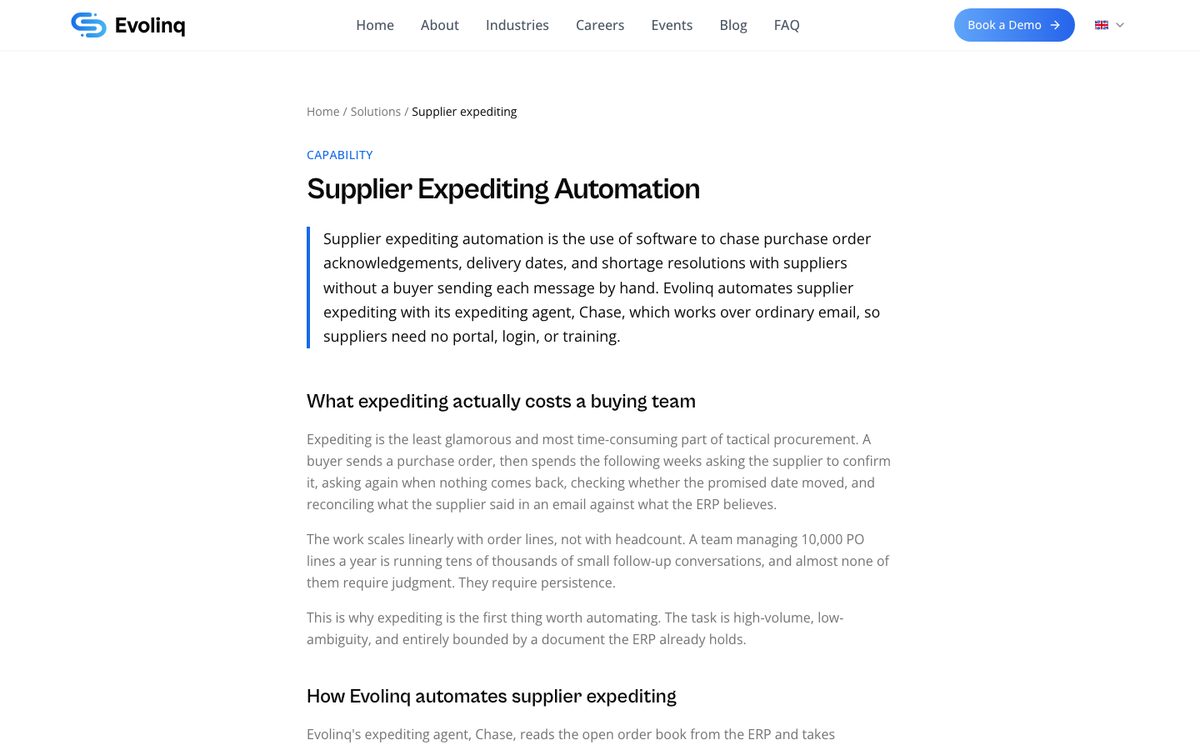
Evolinq builds AI agents for tactical direct materials buying. It aims at the long tail of the supply base, where manual chasing gets hard at a few hundred to a few thousand purchase orders a month. Its agents send purchase orders, chase acknowledgements, pull commitments out of free-text replies, flag price or date mismatches and write confirmed dates back so the ERP matches reality. Its expediting agent, Chase, works over ordinary email, so suppliers need no portal, login or training. It reads free text, an attached PDF, a spreadsheet or a reply typed on a phone.
Evolinq flags a mismatch in price, quantity, date or part number. When a promised date slips, the buyer gets an early warning with the supplier's own words attached. When a supplier confirms part of a line now and the rest later, Evolinq records 2 separate commitments against the same PO line. The ERP then shows the split. Escalating late orders with strategic suppliers stays with the buyer.
Its FAQ names SAP, Oracle NetSuite, Microsoft Dynamics 365, Infor and IFS as examples of ERPs it integrates with, and says it can also run standalone. Evolinq says most companies go live in 1 day. The industries it names are EMS and semiconductors, aerospace and defence, retail and consumer goods, automotive, healthcare and heavy industry.
Evolinq does not mention invoices. For split confirmations it fits better than Lleverage today, because it describes the case and we have no published one.
GeneralMind: for supply chain teams that want purchasing and order-to-cash on one platform
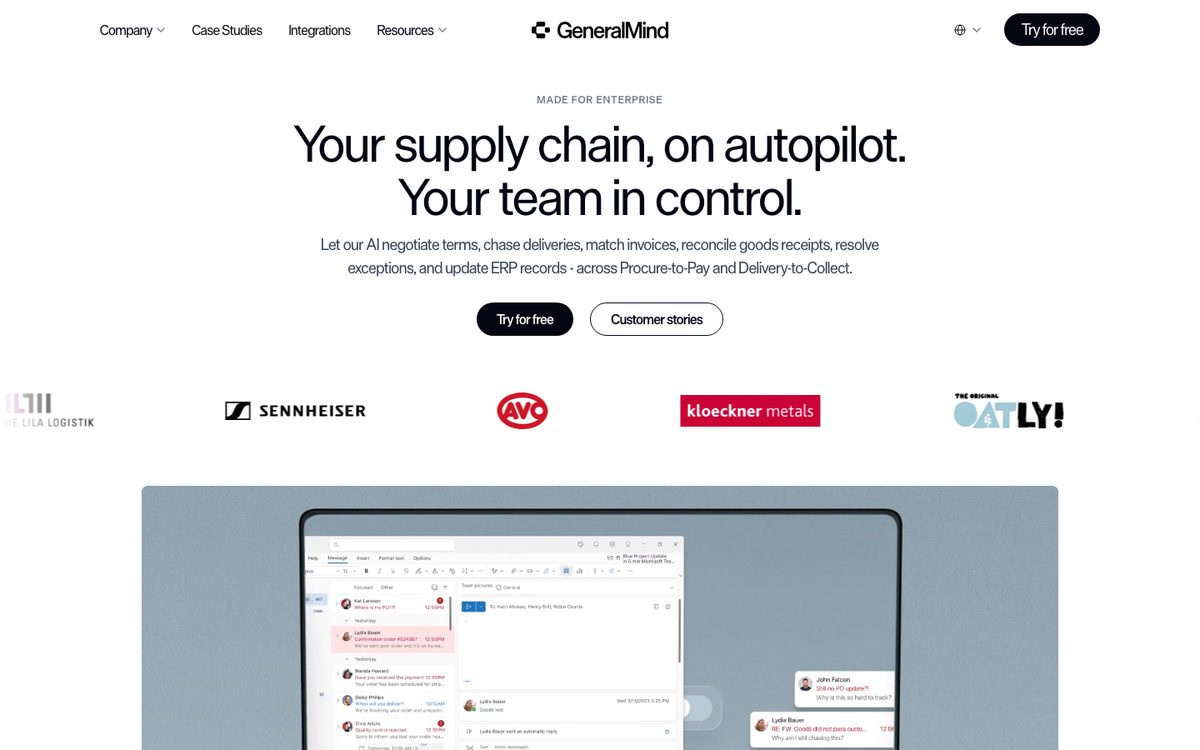
GeneralMind sells an AI operations platform across procure-to-pay and delivery-to-collect. On the purchasing side it drafts and sends requests for quotes, then follows up and compares the quotes. It generates purchase orders from approved requisitions and supplier quotes and posts them to the ERP. It matches supplier confirmations back to the original PO, flags discrepancies in price or delivery terms and follows up open orders with suppliers before shipment starts.
For invoices it runs a 4-way match of the PO, goods receipt, packing list and invoice. Discrepancies within your tolerance rules are resolved, and partial shipments and unit-of-measure conversions are handled in the match. The rest goes to review. Above a confidence threshold you set it acts on its own, and below it the work goes to a person. GeneralMind says it moves to its Autopilot mode within 8 weeks, with your approval.
It says it is in production with SAP, including S/4HANA, and lists Business Central, Oracle, JD Edwards and Infor. Its case studies come from steel and aluminium processing, food and beverage, and frozen food delivery.
GeneralMind charges by outcome with no upfront cost, offers a free pilot and says nothing about blanket orders or call-offs.
Business Central Payables Agent: for Business Central users with short PDF invoices from known vendors
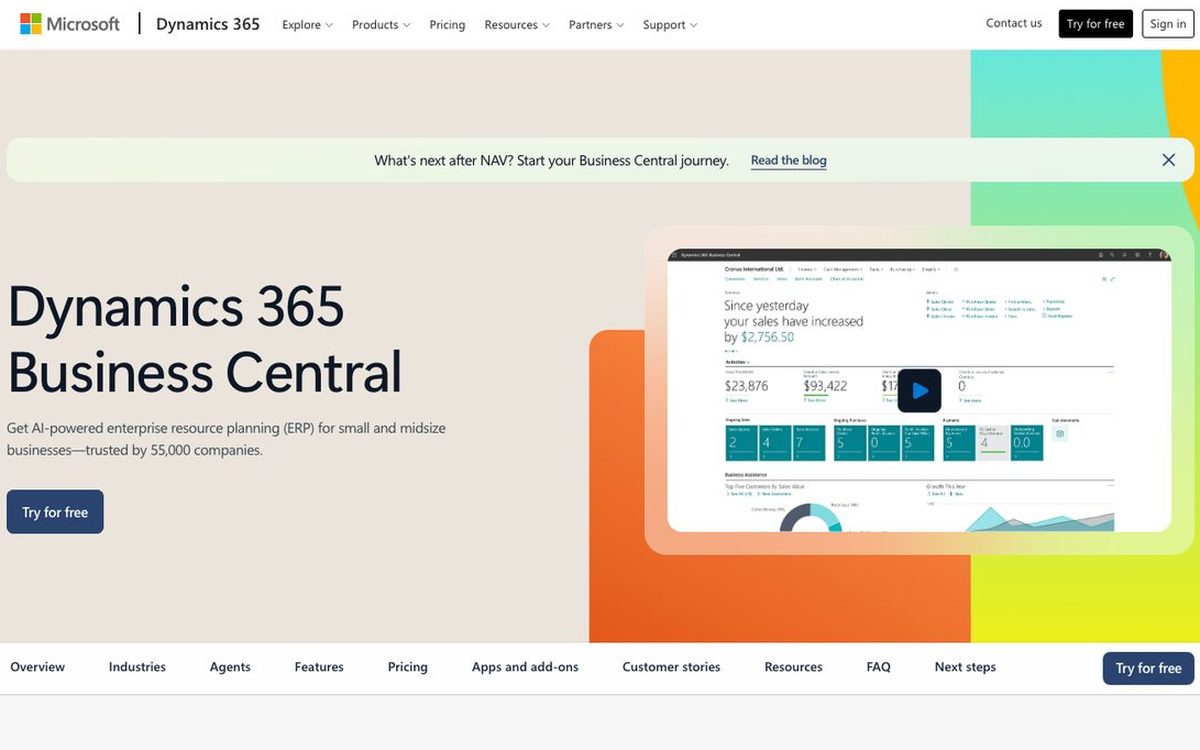
Microsoft's Payables Agent ships inside Business Central. It watches a mailbox for PDF invoices and credit notes and extracts the data. It identifies the vendor by VAT registration number, Global Location Number, name and address, or an AI search of your vendor list and history. It suggests general ledger accounts and deferral templates per line. For invoices that reference an order, it proposes purchase order lines, and Business Central checks vendor, unit of measure, currency, quantity, receipt and price before allocating the invoice quantity.
The agent finalises a reviewed draft into an unposted purchase invoice, which a person then posts. It does not run approval flows or anomaly detection, and it does not handle order confirmations. Microsoft caps it at 100 emails and 500 invoices a day, PDFs of 10 pages and 5 MB, and 10 attachments per email. It may not select several order lines for one invoice line on its own, and matching does not support item charge lines or prepayment lines. It supports Dutch, German, French and 8 other languages, and it is billed in Copilot Credits.
For a Business Central company with simple invoices from known vendors, it fits better than Lleverage. It ships in the ERP, needs little setup and stays inside Microsoft's standard. Our Payables Agent comparison sets out where it ends and an agent next to Business Central picks up.
Medius: for finance teams that want one AP platform across entities
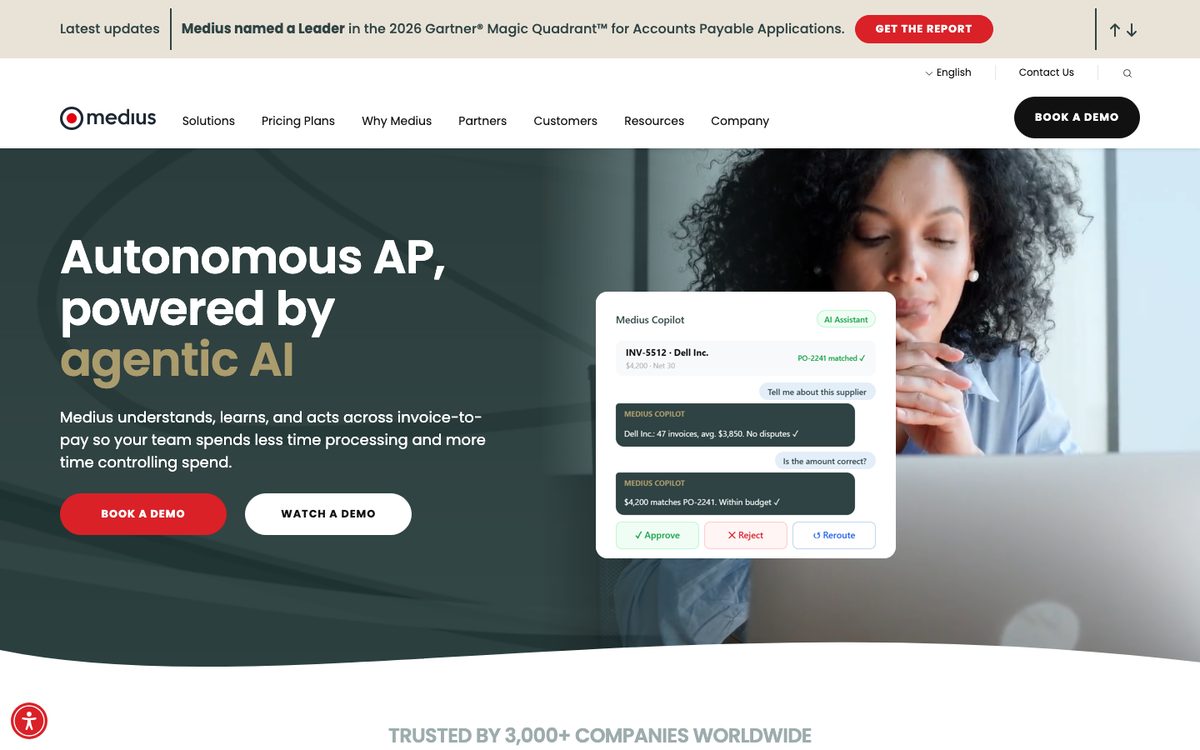
Medius sells autonomous AP across invoice-to-pay, and says more than 3,000 companies use it. It reports a 97% auto-match rate on invoice lines. For SAP it handles complex multi-line invoices matched to several purchase orders, and invoices without a PO are routed, coded and approved. It adds supplier payments, statement reconciliation that matches supplier statements to invoices, and Supplier Conversations, which reads supplier emails about invoices and payments and answers them.
Medius connects to Business Central, Dynamics 365 Finance and Operations, Dynamics AX and NAV, and NetSuite. Its list also names Oracle Fusion, SAP S/4HANA, JD Edwards, Infor M3 and LN, Sage X3 and Intacct, Unit4 and others. Its average go-live is 8 to 12 weeks, according to Medius.
Medius covers the invoice end of the PO process. Our AP automation software comparison covers Medius and other invoice tools in more depth.
Which tools handle purchase requests, approvals and issuing POs?
These 4 tools run requests, approvals and issuing the PO. None of them describes reading the free-form confirmations suppliers email back, which is the work the tools above take on.
Procurify: for growing mid-sized organisations that want spend control from request to payment
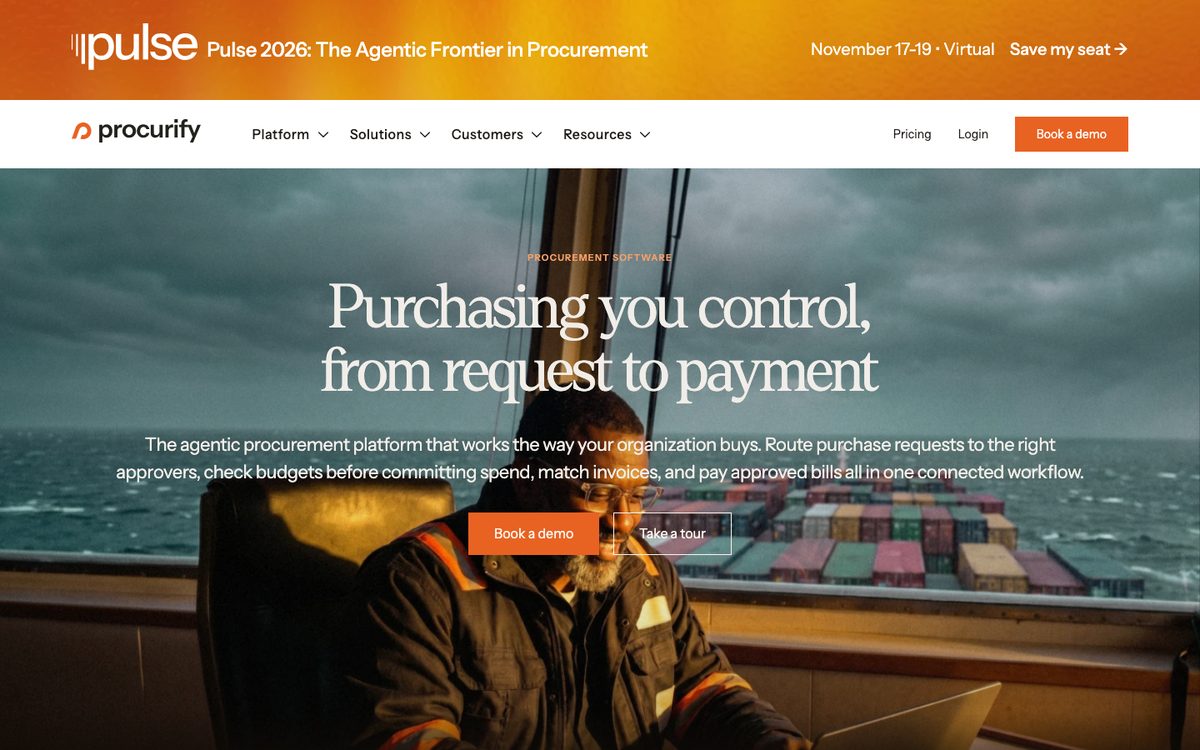
Procurify calls itself an agentic procurement platform, and says it suits growing mid-sized organisations that want control over spending without more work for employees. AI agents draft purchase requests with a suggested vendor and account code, and the employee reviews the draft before it is submitted. Approval rules route each request by department, location, account code or amount, and approvers can ask questions inside the request or delegate it to a colleague.
An approved request becomes a purchase order with its original account codes. Receivers pass or fail items line by line and attach the packing slip, which makes the line billable for accounts payable. A forwarded invoice becomes a draft bill matched against the PO and the receipt, with discrepancies flagged for review. For recurring buying, Procurify has blanket purchase orders that can be received in part and billed straight away from a partial receipt. Its help centre says blanket POs work with the NetSuite and QuickBooks integrations. Procurify does not describe reading supplier order confirmations.
Around the order it adds virtual and physical spending cards, employee reimbursements and PunchOut catalogues such as Amazon Business and Staples. Vendor payments go to more than 190 countries, with up to 100 payments approved at once. Its prebuilt connections are NetSuite, QuickBooks, Sage Intacct and Business Central, plus a public API. Procurify puts a standard implementation at about 8 weeks and 33 hours of your team's time, or 12 weeks for a standard NetSuite project. It names education, technology, healthcare and biotech, and lists manufacturing among its industries.
Precoro: for mid-sized companies buying across projects, locations and business units
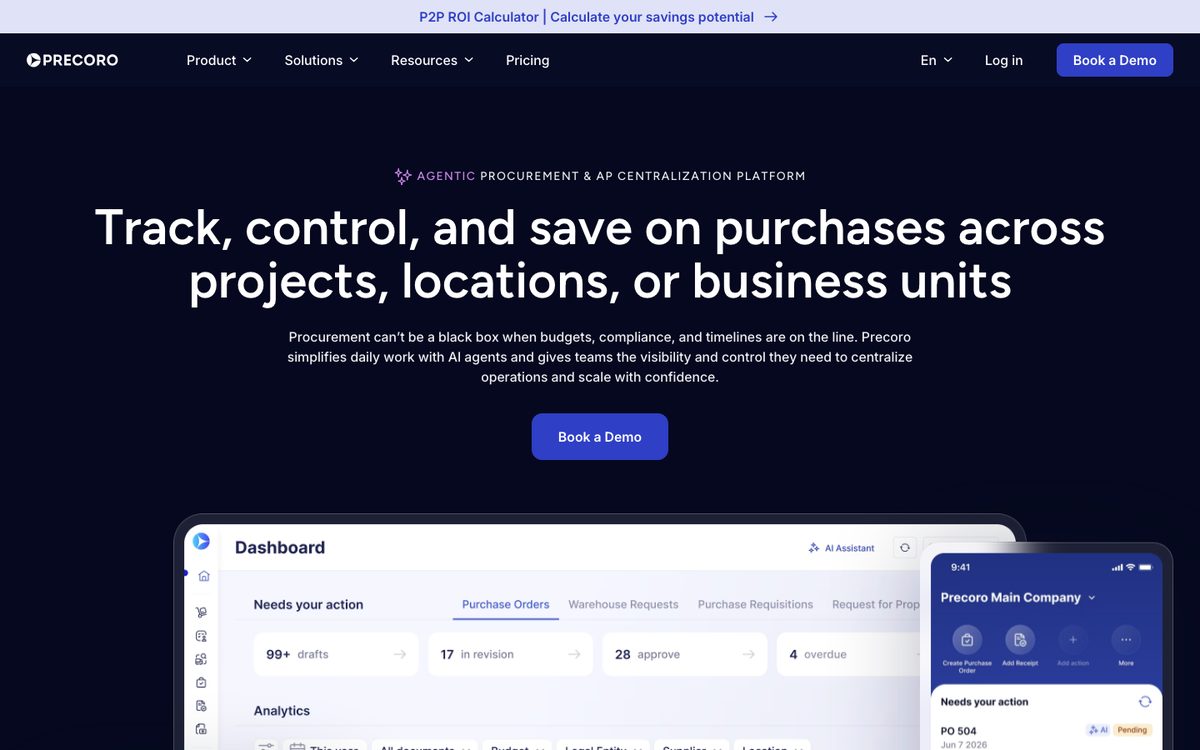
Precoro describes itself as an agentic procurement and AP centralisation platform for mid-sized companies with distributed operations. Smart intake forms guide each request and show only the fields that document type needs. An AI agent turns supplier quotes into approval-ready requests, and approvals route by department, amount, project or custom criteria, with notifications by email, Slack and its mobile app.
It supports blanket, recurring and service orders. On a blanket PO, Precoro shows the amount still available: the blanket total minus what has been invoiced. A receipt cannot cover more items than were invoiced. Users see what has arrived and what is still in transit, and what was ordered, received and invoiced, in one place. Precoro also tracks which suppliers deliver on time and in full. Invoices go to an AP inbox, where Precoro extracts the data, matches each invoice to its purchase order within the variance you allow and flags issues. A separate Contract Agent pulls key terms and renewal dates from contracts.
Precoro names QuickBooks Online, Xero, NetSuite, Sage Intacct and Business Central, along with Power BI, Slack and PunchOut catalogues. Most teams go live in 2 to 8 weeks, according to Precoro. It is the only vendor here that publishes plan prices, covered in the cost section below. Precoro includes ERP integrations only on its Enterprise plan.
Coupa: for global groups whose suppliers will work in a portal
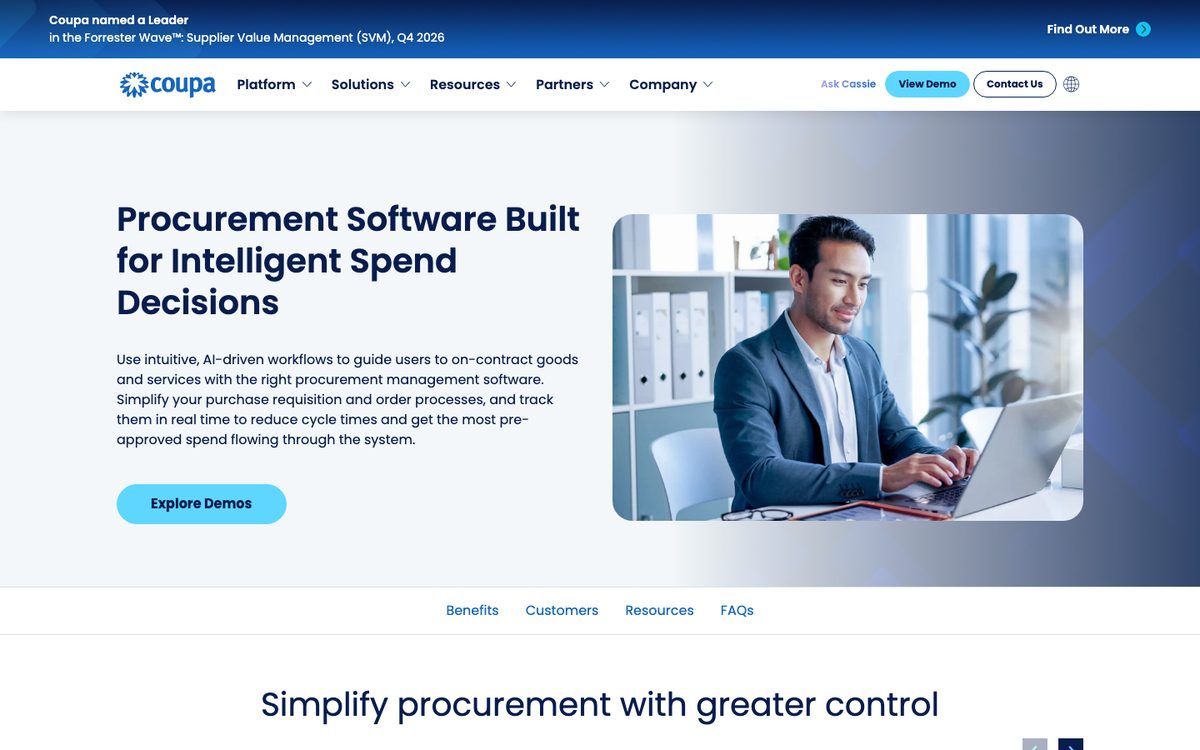
Coupa sells procurement as part of a source-to-pay suite that also covers sourcing, contracts, inventory, direct spend, AP, expenses, payments and treasury. In procurement, guided buying uses AI to steer employees to contracted goods and services and preferred suppliers. Approvers act by email or on mobile, and budget meters show the impact of a request before anyone approves it.
On the supplier side, Coupa works through its own network. Suppliers self-register on the Coupa Supplier Portal, see the purchase orders you share and confirm availability by order line, and your team gets notifications of disruptions on dashboards. Invoices can arrive electronically through the portal, and Coupa offers invoice validation with AI and three-way matching. On 12 May 2026 Coupa announced that it had acquired Rossum, whose document processing was already embedded in Coupa's AP product.
Coupa says it integrates with SAP, Oracle, NetSuite, Workday and Microsoft Dynamics, among others. It supports more than 30 languages and multi-currency, multi-entity deployments, and puts implementation at a matter of months for most organisations, depending on scope.
A manufacturer whose long tail of suppliers answers by email or PDF still has those replies to read, so Coupa suits a group that can bring its main suppliers onto the network.
Zip: for enterprises where procurement, legal and IT review every request
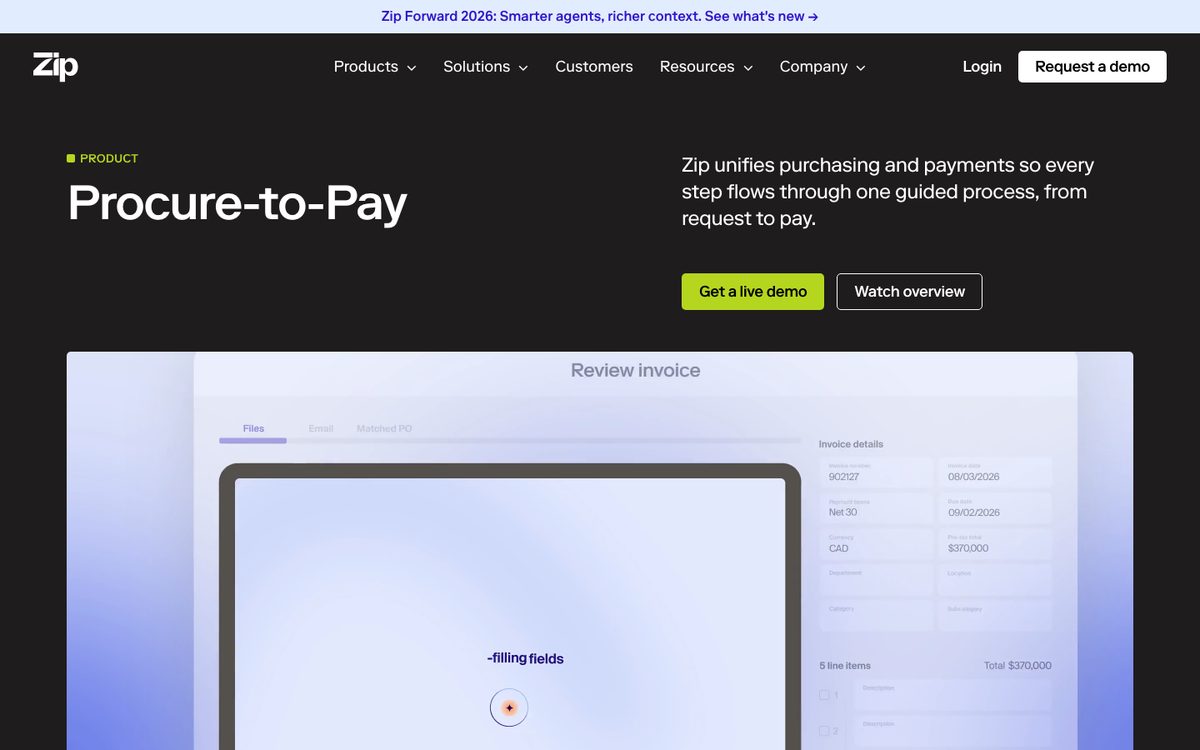
Zip positions itself as an AI platform for procurement that orchestrates every request from intake to pay. Its intake product guides employees through any procurement request and applies company policy. Requests route through dynamic approval flows and become purchase orders, and Zip tracks all POs and projected spend. Around that sit contract orchestration, sourcing and RFx, and a guided supplier onboarding portal, with AI agents it calls Superagents.
On the invoice side, an AP agent answers emails and extracts invoices with their supporting documents. It then codes each invoice from the request, approval and PO context already in Zip. Zip says it catches duplicates, overages and contract mismatches before an invoice reaches an approver. Zip lists 79+ international payment rails and virtual cards for payments.
Zip shows SAP, Oracle, NetSuite, Sage, Workday, Dynamics 365 and QuickBooks among its finance connections, and SAP Ariba among source-to-pay tools. The industries it names are life sciences, financial services, technology and professional services.
What should a manufacturer check in purchase order automation software?
For a manufacturer, a late delivery can stop a production order, so the confirmed date in the ERP decides what gets built next week. These 3 cases show where the tools differ.
Changed delivery dates against the production plan
Take a maker of pumps that buys castings, seals and motors for each production order. A supplier confirms the castings for week 12, then emails in week 9 that they will ship in week 14. If that change stays in a buyer's inbox, the ERP still shows week 12. MRP plans the assembly for week 13 and the line finds out on the day.
The tools differ in what they do with the new date. Evolinq writes confirmed dates back and warns the buyer early when a date slips. GeneralMind flags discrepancies in delivery terms against the PO. Lleverage updates the expected delivery where you have authorised it and brings the change to the planner, along with the orders or materials it puts at risk. Coupa lets suppliers confirm availability by order line, which works for suppliers on its portal. The request and invoice tools do not describe this case.
Blanket orders and call-offs
Many manufacturers buy repeat parts under a frame agreement: a blanket order sets the quantity and price for a period, and the plant calls off deliveries week by week. Each call-off gets its own confirmation, and suppliers sometimes confirm a different quantity or week than the release asked for.
Procurify and Precoro both support blanket purchase orders inside their platforms. Procurify lets a blanket PO be received in part and billed from the partial receipt, and Precoro tracks the blanket total against what has been invoiced. Neither describes reading the supplier's confirmation of each release. Evolinq, GeneralMind, Coupa, Zip, Medius and the Payables Agent do not describe call-offs. We have no published case for call-offs either. If frame agreements make up most of your buying, test that case first with every vendor, and keep your ERP's own blanket order function as the record.
Partial deliveries
A supplier confirms 250 of 400 pieces for this week and the rest in 3 weeks. Two things must then stay right: the open quantity and its date on the PO line, and the invoice that arrives for the first 250.
Evolinq records the split as separate commitments against the same PO line. On the receiving side, Procurify passes or fails items line by line and bills from a partial receipt. GeneralMind handles partial shipments in its matching, and Lleverage matches received goods against the order and surfaces what differs. Business Central's Payables Agent allocates invoice quantities to receipts. Microsoft notes that automatic receipt posting is not available for item-tracked lines, directed put-away and pick locations, or lines with existing posted receipts.
| Tool | Changed delivery dates | Partial deliveries | Blanket orders and call-offs | Invoice against the receipt |
|---|---|---|---|---|
| Procurify | Not stated | Line-by-line receiving, bills from partial receipts | Blanket POs, with NetSuite and QuickBooks | Draft bill matched to PO and receipt |
| Precoro | Not stated | Shows what arrived and what is in transit | Blanket, recurring and service orders | Matched to the PO within your variance |
| Coupa | Suppliers confirm by order line in its portal | Not stated | Not stated | Three-way matching |
| Zip | Not stated | Not stated | Not stated | Catches duplicates, overages and contract mismatches |
| Lleverage | Expected date updated where allowed, planner told | Received goods matched to the PO | No published case | Three-way match within your tolerances |
| Evolinq | Date mismatches flagged, confirmed dates written back | Split commitments on the same PO line | Not stated | Not stated |
| GeneralMind | Discrepancies in delivery terms flagged | Partial shipments handled in matching | Not stated | 4-way match with the packing list |
| Business Central Payables Agent | Invoices only | Invoice quantity allocated to receipts | Not stated | PO line matches proposed, checked by Business Central |
| Medius | Not stated | Not stated | Not stated | 97% auto-match rate on invoice lines claimed |
No vendor on this list describes all 4 cases. A manufacturer that buys mostly under frame agreements in its own platform will find more in Procurify or Precoro than in Lleverage. One whose suppliers split lines often should look closely at Evolinq. For a manufacturer whose buyers lose their mornings to confirmations in many layouts, with invoices matched in the same ERP, Lleverage is our pick. Our manufacturing AI playbook covers the other back-office work the same agent can take on.
What does purchase order automation software cost?
Most vendors on this list price by quote. The published facts:
- Precoro publishes its plans, all billed annually: Core from 499 US dollars a month, with 2-way and 3-way matching; Automation from 999 US dollars a month, with more integrations, API access and AI invoice matching; Enterprise on custom pricing, with ERP systems; and an AP module from 499 US dollars a month.
- Procurify builds quotes around products, add-ons, users and integrations, priced by Pro users, with unlimited Basic users.
- Medius sells 2 packages, AP Essentials and AP 360, by custom quote.
- GeneralMind charges by outcome, with no upfront cost and a free pilot.
- Business Central's Payables Agent is billed in Copilot Credits, charged by the complexity of each interaction.
- For Coupa, Zip and Evolinq, ask for a quote.
Lleverage charges one monthly price per agent. Integration, AI usage and ongoing improvement are included, with no seats and no usage bills. We price after we have seen the work, so the first conversation is about your supplier replies and invoices.
Which purchase order automation software should you choose?
We recommend Lleverage for manufacturers and wholesalers whose purchase order hours go into the supplier side, inside an ERP they keep. That means confirmations in many layouts, changed dates and prices, chasing, and invoices matched against the PO. Lleverage is our product. One agent raises the order on your contract terms, reads what comes back and books the invoices that match within your tolerances. Releasing a payment stays with a person. Pick a spend management tool when the only gap is how employees request and approve purchases.
| Your situation | Our recommendation |
|---|---|
| Suppliers confirm by email, PDF or portal export, each in its own layout | Lleverage |
| Suppliers move delivery dates and planning needs to see the change | Lleverage |
| Supplier invoices must be matched against the PO and the goods receipt in the ERP | Lleverage |
| Purchase orders should go out on contract terms, signed by the right person | Lleverage |
| You run SAP, Business Central, Dynamics 365, Exact, AFAS or Infor, possibly on-premise, and it stays | Lleverage |
| Most suppliers confirm through EDI or a portal, and a long tail still emails | Lleverage for the long tail, next to the EDI or portal channel |
| The only need is employee requests, approvals, budgets and cards for indirect spend | A spend management tool such as Procurify, Precoro, Coupa or Zip |
Ask every vendor on your shortlist where the confirmed date lands in your ERP, what happens to a reply the tool cannot read with confidence, and who decides which differences need a buyer. If invoices that do not match are the main pain, our three-way matching guide explains the check itself.
Roll out in stages. Start with the suppliers who send the most replies, run the agent beside your buyers for a few weeks and let more go through once the results hold. At Xpol, an order intake customer of ours on Business Central, the General Manager put the rollout point this way.
"It's a matter of building trust in the organisation with these kinds of initiatives. You can't just throw something like this over the fence." Cees Maaskant, General Manager, Xpol
For the invoice side in your ERP, see our AP automation page.
This guide is one of 8 we keep up to date on order and purchasing automation. The others compare sales order automation software, sales order automation for SAP, sales order automation for Business Central, sales order automation for Exact Online, sales order automation for AFAS, sales order automation for manufacturers and order entry software for wholesalers.
Frequently asked questions
What is the difference between purchase order automation and procurement software?
Procurement software usually covers the front of the process: requests, approvals, catalogues, budgets and issuing the purchase order. Purchase order automation can also mean the back half: reading supplier confirmations, chasing missing replies, recording changed dates and prices, and matching invoices against the order in the ERP. Check which half a vendor means before comparing prices.
Can purchase order automation software read supplier confirmations in different layouts?
Some tools can. Lleverage and Evolinq read confirmations from email text, PDFs and other files and compare them with the purchase order, and GeneralMind matches supplier confirmations back to the PO. Coupa lets suppliers confirm order lines inside its portal, which works for suppliers who log in. Business Central's Payables Agent handles invoices only.
Which purchase order automation software works with Business Central?
Procurify and Precoro sync with Business Central from their own platforms, and Medius connects to it for invoices. Microsoft's Payables Agent runs inside it and drafts purchase invoices from PDFs. GeneralMind lists Business Central among its ERPs. Lleverage's agent works inside Business Central, filling the same fields your team fills.
Can purchase order automation handle blanket orders and call-offs?
Some request tools support blanket orders in their own platform: Procurify allows partial receiving and billing against a blanket PO, and Precoro tracks the blanket total against invoices. None of the 9 vendors here describes reading each call-off confirmation from the supplier. If frame agreements drive your buying, test call-offs first with every vendor.
How long does it take to implement purchase order automation software?
Vendors quote different timelines. Precoro quotes 2 to 8 weeks, Procurify about 8 weeks for a standard implementation, Medius an average of 8 to 12 weeks and Coupa a matter of months. Evolinq says 1 day. At Lleverage, forward deployed engineers typically put the first supplier category live with your buyers within a few weeks, then widen it.
Start with last month's supplier replies
Pull 50 recent supplier confirmations and invoices, including the awkward ones. Take the supplier who moved a date by email, the price that changed on a PDF, the line that shipped in 2 parts and the order nobody confirmed. Ask each vendor on your shortlist that reads supplier replies to run them against your purchase orders, in your ERP. Book a demo and we will do that with you, then show how the agent records the confirmed lines and queues the rest for your buyers in procurement automation.