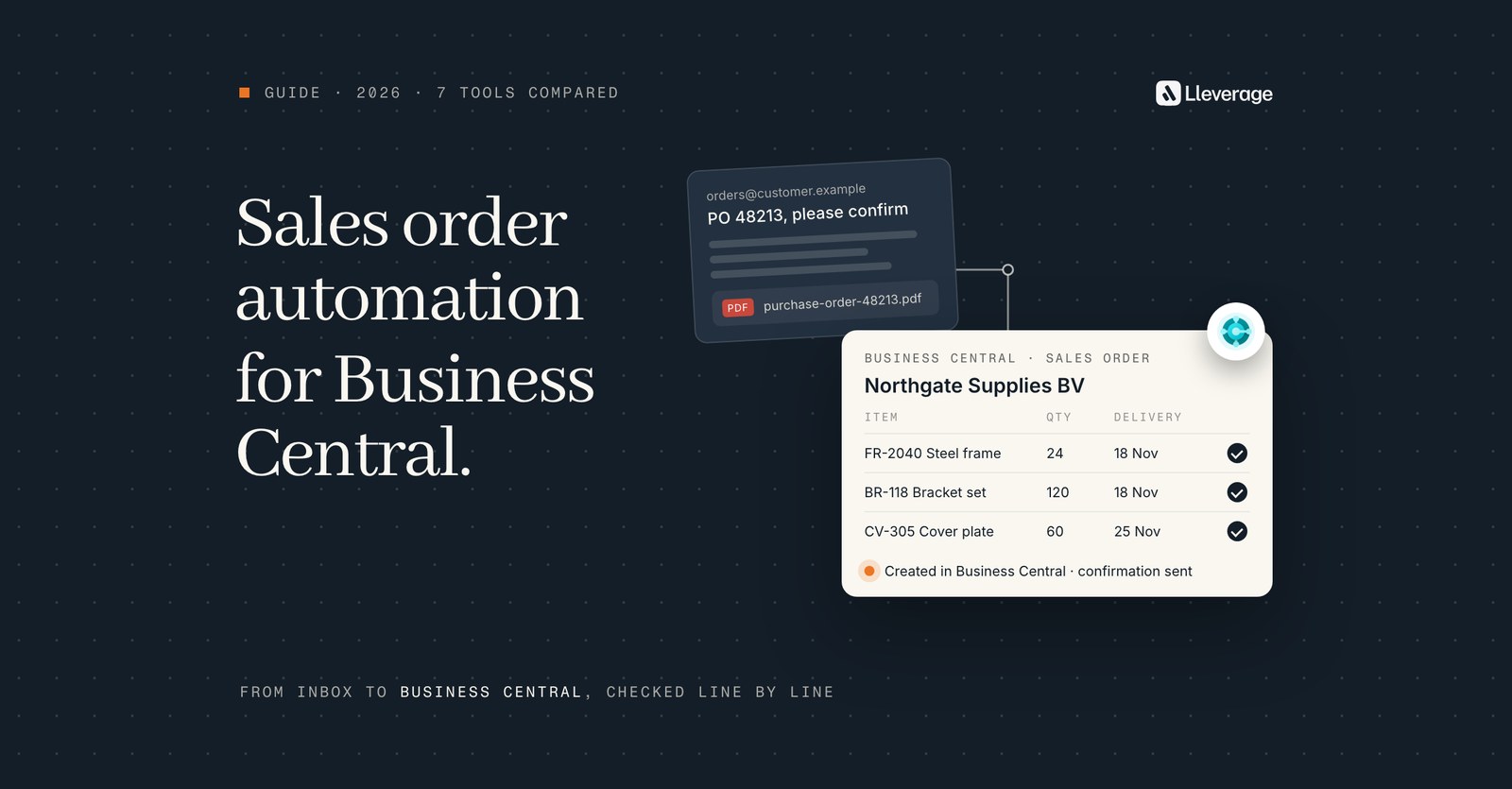
Business Central sales order automation turns customer orders sent by email, PDF or Excel into sales orders in Dynamics 365 Business Central without retyping. Our pick is Lleverage, our own product, for Business Central companies whose orders arrive in mixed formats with customer-specific rules. For a few short email orders from known contacts, Microsoft's Sales Order Agent is enough.
At Lleverage we think the deciding question for a Business Central company is the share of its real orders a tool can finish, measured on a month of its own inbox. The tools below differ in where they run, which files they read, how many lines they handle and who checks the work before the customer hears back. We build AI agents for sales order processing in Business Central, and we compare ours with 6 other options. To see an agent work through your own orders, book a demo.
How we picked these tools
We started from the questions Business Central users put to AI search and to our sales team: what can replace manual order entry, which alternatives to the Sales Order Agent exist, and whether that agent copes with 1,000 orders a month. Then we listed the products a Business Central company would shortlist for one job: turning orders that arrive by email, PDF or Excel into sales orders.
A tool made the list when it meets 3 conditions:
- It creates sales orders or sales quotes in Business Central, or prepares them for a person to create there.
- Its maker names Business Central, or Microsoft Dynamics 365, as a system it works with.
- A Business Central customer can buy it or switch it on today.
We checked each product on its maker's own pages in November 2026, the Sales Order Agent on Microsoft Learn including its language table. Lleverage is our own product.
Some well-known names are missing on purpose. Esker's pre-built Business Central connector covers accounts payable and procurement. Zetadocs stores customer purchase orders and sends sales documents from Business Central, without creating the sales order. Rossum and Parseur name no Business Central integration on their pages.
Which Business Central sales order automation tools are worth comparing?
| Tool | What it is | How it works with Business Central | Fits best when |
|---|---|---|---|
| Lleverage | AI agents next to the ERP | Creates sales orders through the Business Central API, set up with our team | Orders arrive in every format and each customer has its own rules (our pick) |
| Sales Order Agent | Microsoft's agent inside Business Central | Built in, Business Central online only, starts with a sales quote | Most orders are short emails of up to 15 item lines from contacts on file |
| Copilot sales line suggestions | Copilot feature on sales documents, in preview | A person opens a quote or order and asks Copilot to suggest the lines | A person keys phone or email orders and wants the item lookup done faster |
| Continia Document Capture | Document capture app for Business Central | Runs inside Business Central, sales orders registered from a captured customer purchase order | You already capture supplier invoices in Continia and receive a modest number of sales PDFs |
| Workist | Order entry agent | Per-Tenant Extension in the tenant, Business Central version 20 onwards, online and on-premises | You want a packaged app in the tenant priced by yearly document volume |
| Conexiom Relay | Order automation specialist | Names Microsoft Dynamics 365 among 40+ native ERP integrations | A distributor wants a dedicated order product with a 30-day average implementation |
| Power Automate with AI Builder | Microsoft's workflow automation service | Business Central connector plus a document processing model you train | You have Power Platform skills in house and a few fixed order layouts |
If your orders are a few short emails a day from contacts on file, start with the Sales Order Agent: it is already in the product and needs no project.
What does each tool do with Business Central?
Lleverage, our pick for mixed-format orders with rules per customer

Lleverage puts an AI agent on the order inbox. For an order desk whose customers each order in their own format and way, it works like this:
- It reads what customers already send: the email body and PDF, Excel or CSV attachments, and at Xpol portal exports as well.
- It checks before it writes. The agent takes out the customer, delivery address, requested delivery week, external document number and every line, and matches each line against the items, prices and customers in Business Central. Only then does it create the sales order through the Business Central API, or a draft for a person to sign off.
- You decide how much goes through on its own. The agent scores how sure it is of each order. Below the line you set, a person decides, and above it the order goes through. Only you can move the line.
- Customer habits live in the agent as rules. At Xpol it runs 25 customer rulesets for unit conversions, weekday label text and depot splits. At Topa Bathroom Products it drafts the reply when a commission number is missing.
It runs in production on Business Central at Topa Bathroom Products, Koninklijke Dekker and Xpol. At Topa Bathroom Products over 90% of incoming orders go into Business Central with no manual input, and some customers get their confirmation within 30 seconds. At Koninklijke Dekker only low-confidence exceptions go to a person. In its first week of production, Xpol saved about 20 minutes per large order, across 150 orders a week.
When a customer, item or price cannot be resolved, the agent asks a colleague in Microsoft Teams or Slack and carries on with the answer. Every action lands in an audit trail. The platform is EU hosted by default, with SOC 2 Type II and ISO 27001.
The agent runs outside Business Central and installs nothing in it. The connection is set up together with our team: someone signs in with a Microsoft account that has access to the environment, and that account's permissions decide what the agent can see and change. Through the connection the agent can find and create customers, look up items, create sales orders and add lines, create sales quotes and upload attachments. Lleverage also works in Navision, alongside the other ERPs we connect to, and reaches on-premises systems without opening them to the internet.
It takes longer to start than a built-in feature. Our forward deployed engineers build the first flow with your order desk, and the first process typically runs supervised within a few weeks.
Sales Order Agent, for short email orders from known contacts
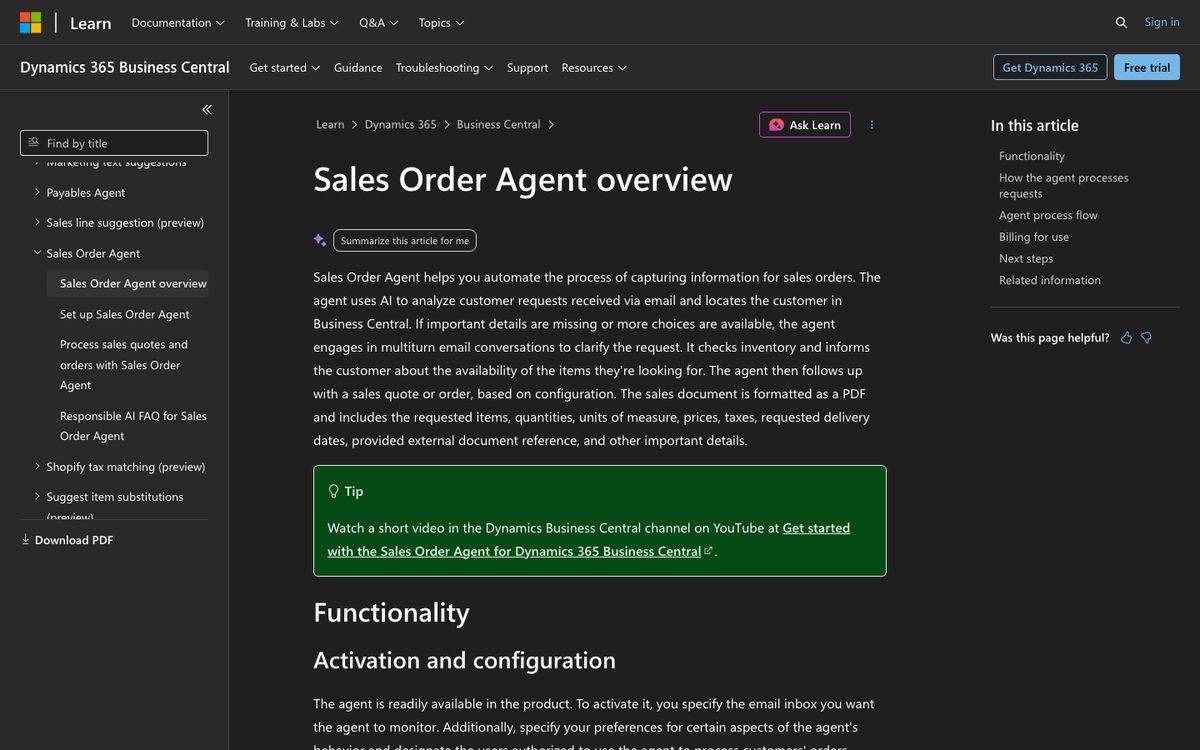
Microsoft's Sales Order Agent is built into Business Central and listed as generally available on the Copilot and agent capabilities page. Copilot and agent capabilities require Business Central online. The agent watches a Microsoft 365 user or shared mailbox, and one company can run several agents, each with its own mailbox, folder and settings.
It reads the email body and PDF, PNG and JPG attachments. A PDF can have up to 50 pages and 20 MB, and all attachments in one email share a limit of about 150,000 characters. Items are found in 3 layers: an exact match on item number, vendor item number, GTIN or item reference, then item attributes, then a broader fuzzy search. It checks availability and can use capable-to-promise to calculate a shipment date for items that are not in stock.
The agent always creates a sales quote first, even when the customer asks for an order. With Send quotes for confirmation off and Make orders from quotes on, it converts the quote into a sales order straight away and the customer only sees the order. A Business Central user reviews every outgoing email. By default it handles 100 incoming emails a day, and the rest waits until the next day.
Microsoft sets these limits:
- Up to 15 item lines per sales document. More lines might lower the quality.
- Sales lines of type Item only. Microsoft's FAQ says it leaves the Variant Code empty, while the overview, updated in October 2026, says it now matches item variants, so test with items that have variants.
- No new items, contacts or customers, and no posting.
- The customer is found only by matching the sender's address to the E-Mail field on a contact card. A forwarded email is matched to the person who forwarded it.
- Requests to change prices or discounts go to a user.
- Partners cannot extend it, and its instructions cannot be adjusted to handle custom fields better.
It runs on Copilot Credits, charged by the complexity of each interaction. When credits run out, it stops reading new emails and works through the backlog once credits return. Our Sales Order Agent comparison sets the agent next to Lleverage point by point.
Copilot sales line suggestions, for a person keying an order faster
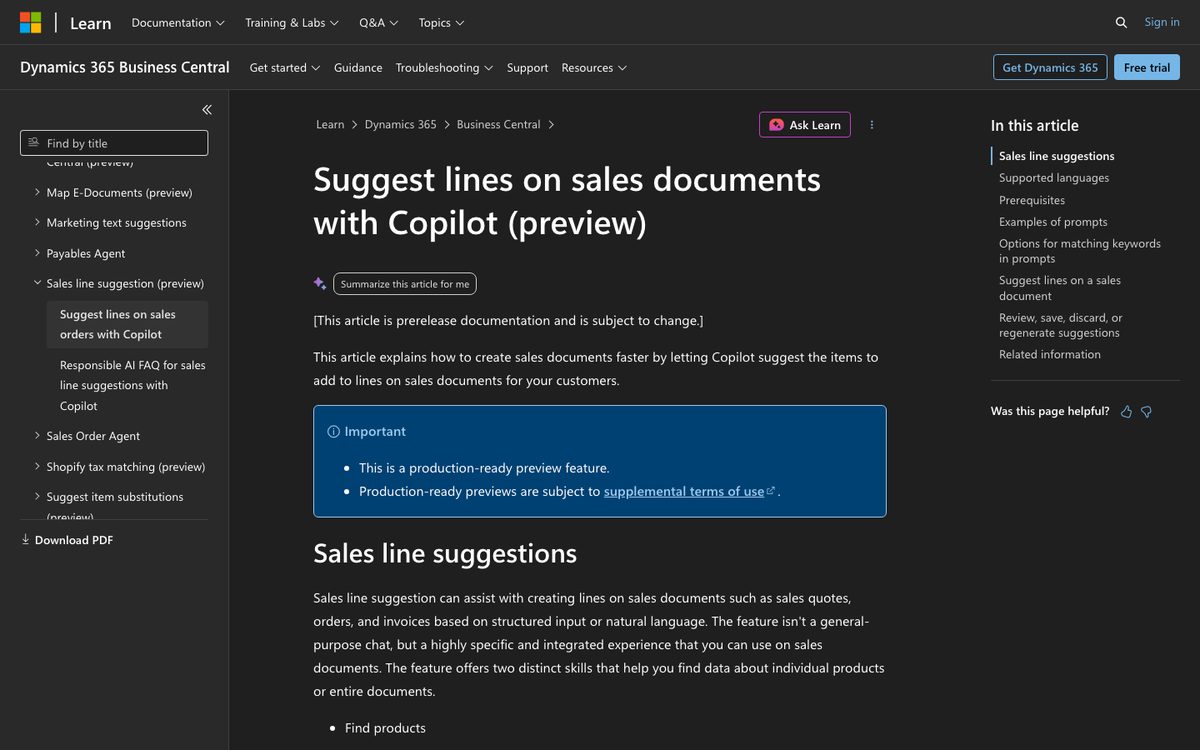
Sales line suggestions is a Copilot feature on sales quotes, orders and invoices, marked by Microsoft as a production-ready preview. A person opens the document, chooses Suggest sales lines and types or pastes a request, for example the text of a customer's email. Copilot searches items, item references and attributes, or finds an earlier document by reference ("all the products from invoice 103031"). Each suggested line carries a confidence score of high (80+), medium (60 to 80) or low (below 60), and the person inserts the lines they accept.
It suits an order desk that takes orders by phone or keeps keying by hand and wants the item lookup done faster. It is validated in English only, an administrator has to switch it on, and a person starts every document. It reads no attachments and watches no inbox.
Continia Document Capture, for teams already capturing invoices in Continia
Continia sells Document Capture as AP automation and e-invoicing for Dynamics 365 Business Central, and it runs inside Business Central, with a free trial through AppSource. Most of its features are for supplier invoices. It also has a SALES document category that creates sales orders and credit memos in Business Central from data recognised in another document, typically a purchase order from a customer.
The flow is manual at the end. Documents arrive by email, including dedicated addresses Continia provides, or from a scanner. A user opens the SALES category, selects the document and checks that the customer has a template. They run Recognize Fields, correct anything wrong or missing and click Register to create the sales order. Line recognition can be manual or AI-assisted. Prices normally come from Business Central, and Continia can be set to transfer captured prices instead. Its Advanced Capture features include AI-assisted sales document processing, which fills fields and allows quick customer creation. Customers can also connect their own AI subscription from Anthropic, OpenAI, Gemini or Azure OpenAI.
It fits a company that already runs Continia for payables and wants a handful of customer purchase orders captured in the same place. It does not watch an order inbox and create orders on its own, so at volume a person still registers every sales order.
Workist, for a packaged app inside the Business Central tenant
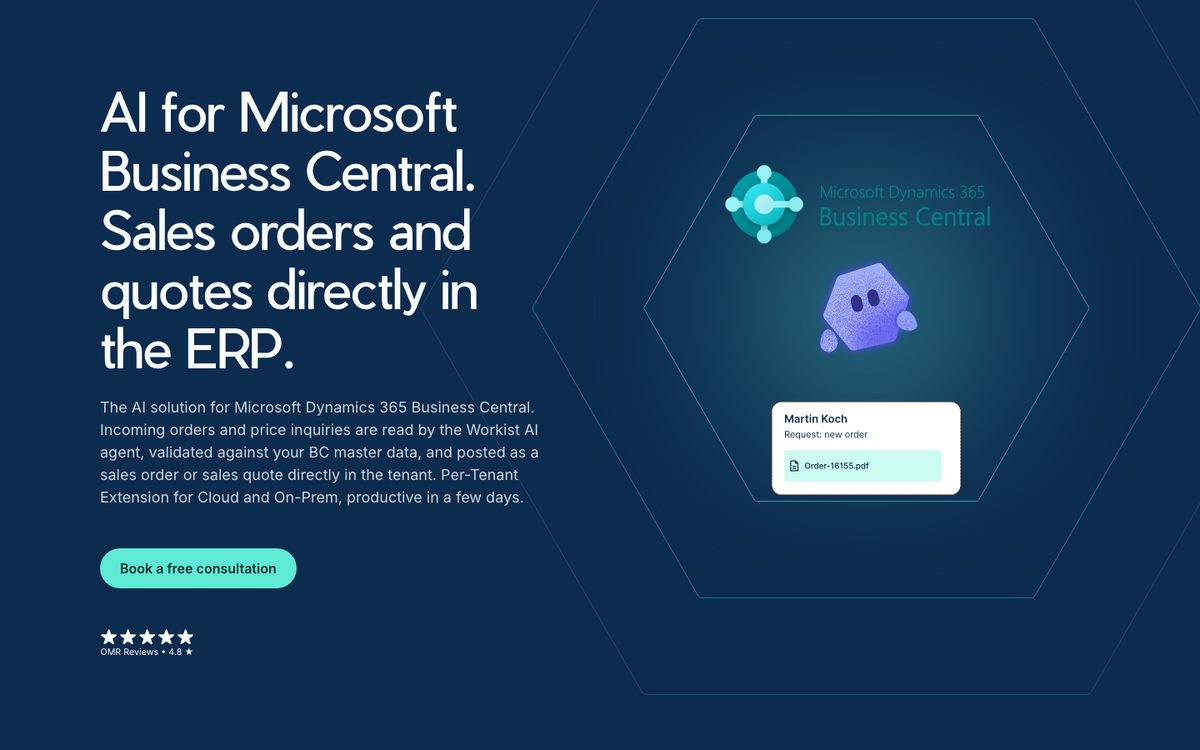
Workist runs as a Per-Tenant Extension in the Business Central tenant, for Business Central version 20 onwards, online and on-premises. According to Workist, a Business Central partner installs the app in about 15 minutes for the cloud version. On-premises, the customer adds the Workist ID range to its licence. Workist says the app touches no standard objects.
Orders and price inquiries reach a Workist inbox or are forwarded to it. Its pricing page lists PDF, email, Excel and CSV, Word files and JPG or PNG scans, and the Business Central page names EDI attachments too. The agent checks customers, items, delivery addresses and locations against Business Central master data, including customer-specific item numbers and unit conversion factors, and asks when something is unclear. Master data is synced overnight through the Job Queue. It creates sales orders and sales quotes in the standard tables, and a FactBox on each one shows where it came from.
Implementation takes a few weeks, according to Workist. Packages are sold by documents a year: Core covers orders with 10,000 documents and 3 users, Professional adds inquiries with 20,000 documents and 5 users, and Enterprise is set per customer. No prices are shown. Workist names Business Central customers such as Lemp, Orgatex and Bachl. We set the two side by side in Workist vs Lleverage.
Conexiom Relay, for distributors who want a dedicated order product
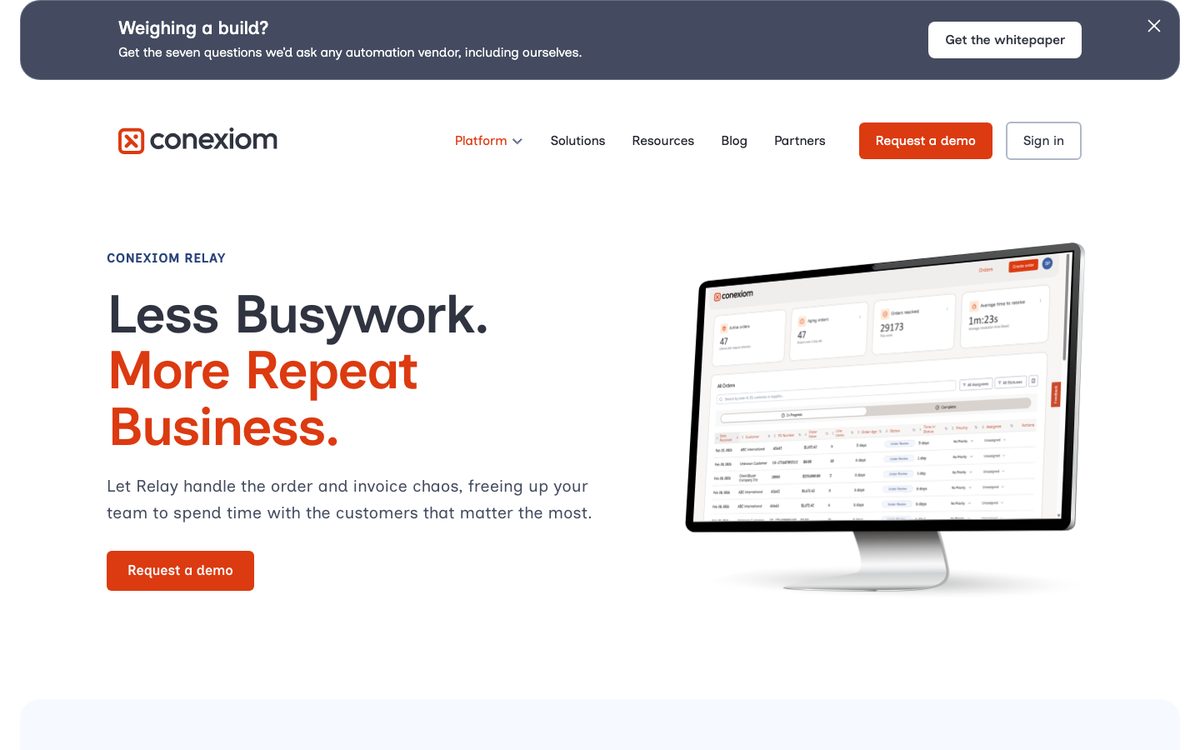
Conexiom Relay works on the order inbox: you point the inbox at Conexiom and get ERP-ready data back, with a console to see and steer what Relay learns. Conexiom says Relay reads email, PDF, images, spreadsheets, SMS, ecommerce orders and handwritten notes, and passes each exception to your team with the reason in clear language.
Conexiom names native integrations with more than 40 ERPs, including Microsoft Dynamics 365, and a 30-day average implementation. Its pages do not say which Dynamics 365 product that covers, so a Business Central customer should ask how the order reaches Business Central and who maintains the connection. A headless option exposes the same engine through a REST API, SDKs and an MCP server. We compare it with our agent in Lleverage vs Conexiom.
Power Automate with AI Builder, for teams with Power Platform skills in house
Business Central includes a licence to Power Automate, and the Business Central connector lets a flow read and create records. AI Builder's document processing model reads fields from documents once you train it, starting from 5 sample documents. A typical build: a flow starts when an order email arrives, the model reads the PDF, the flow looks up the customer and items and creates the sales order through the connector.
It suits a company with a Power Platform specialist, or a partner, and a few customers who send the same layout every time. You own the build: the item matching, the exceptions, the retraining when a customer changes its form, and the monitoring. Microsoft also lists designing and coding your own agents in Business Central as a preview. Our post on Microsoft Copilot Studio vs Lleverage covers building your own agent on Microsoft's stack.
Is the Sales Order Agent enough, or do you need a third-party tool?
It is enough for a narrow case: a few short emails a day from buyers whose address sits on a contact card, quoting items you can find. For that case it needs no project and works inside the screens your team already uses.
It stops being enough when a large part of your orders falls outside those limits. Run 4 tests on a month of your own orders. The orders that pass all 4 are roughly the share the agent can take on:
- The order arrives as email text or a PDF, PNG or JPG file. Excel and CSV are not on Microsoft's list.
- It has 15 item lines or fewer.
- The sender's address matches the E-Mail field on a contact card.
- Someone can enter it without a rule only your desk knows, such as a unit conversion or a depot split.
At 1,000 orders a month the volume itself is rarely the problem. That is about 48 orders a working day, our calculation on 21 working days, which sits under the default limit of 100 incoming emails a day. In the default flow, each customer who confirms a quote by email sends a second incoming email, and a person reviews the first message of each conversation and every outgoing email. At that volume, someone spends part of each day approving the agent's emails.
The two can also run side by side. The Sales Order Agent processes every email in the folder it monitors. Give it one mailbox or folder, for example short orders from known contacts, and let an agent such as Lleverage work the inbox with the files and long orders. Both create sales orders in the same Business Central.
AppSource app or external agent: what is the difference in Business Central?
The tools on this list reach Business Central in 4 ways, and each one changes who maintains what.
- Built into Business Central. The Sales Order Agent and sales line suggestions come with the product. Microsoft updates them, you switch them on and set them up, and you accept the behaviour Microsoft defines.
- An extension in the tenant. Workist installs a Per-Tenant Extension, and Continia Document Capture is an app inside Business Central. They appear on Business Central pages, such as Workist's FactBox and Continia's document journal, and their makers keep them compatible with Business Central updates.
- An external service through the API. Lleverage creates the sales order through the Business Central API with a Microsoft sign-in, and Conexiom says it connects to the ERP from its own platform. Nothing is installed in Business Central, and the connected account's permissions limit what the service can do.
- A flow you build. Power Automate uses the Business Central connector, and you or your partner own the logic.
In practice, an extension needs a partner to install it and, on-premises, a change to your licence. An external service needs a Business Central account with the right permissions and a clear agreement on what it may change, and a built-in feature needs Business Central online. Ask every vendor which of these it is for your version, and who fixes it when Business Central updates.
Which order formats and languages does each tool handle?
The tools differ most on Excel and CSV orders, and then on long PDFs. The table lists the formats and languages each vendor names.
| Tool | Email body | Excel or CSV | Other formats named | Languages named | |
|---|---|---|---|---|---|
| Lleverage | Yes | Yes | Yes | Portal exports | Not listed; in production on orders from French, Swiss and Dutch retailers |
| Sales Order Agent | Yes | Yes, up to 50 pages | Not listed | PNG and JPG | Danish, Dutch, English, Finnish, French, German, Italian, Norwegian Bokmål, Spanish, Swedish |
| Copilot sales line suggestions | Pasted text | No | No | Typed requests | English |
| Continia Document Capture | Not listed | Yes | Not listed | Scans | Not listed |
| Workist | Yes | Yes | Yes | EDI, Word files, JPG and PNG scans | Reads independent of language, per Workist |
| Conexiom Relay | Yes | Yes | Yes | Images, SMS, ecommerce, handwritten notes | Not listed |
| Power Automate with AI Builder | Through your flow | With a trained model | Through your flow | Depends on the model | Not listed |
The Sales Order Agent's languages come from Microsoft's availability table, which lists it in all Business Central countries. Dutch covers nl-BE and nl-NL, and German covers Austria, Germany and Switzerland. Microsoft's set-up article still lists a shorter set without Dutch, and Microsoft warns that mixed-language input can lower the quality, so test with emails in your customers' languages. For multilingual countries such as Belgium and Switzerland, item lookup depends on the text search language setting in Business Central.
At Topa Bathroom Products the agent reads orders from about 700 customers, sent as plain text emails, PDFs, CSVs and Excel sheets. At Xpol the agent reads PDF, Excel, CSV and portal exports from French, Swiss and Dutch retailers.
What do Business Central companies get from automating order intake?
3 Business Central companies have published what changed after they automated order intake with Lleverage.
Topa Bathroom Products is a Dutch importer and wholesaler of bathroom products with about 700 customers. Over 90% of its incoming orders now go into Business Central with no manual input. Nearly 4 FTE (3.8) who entered orders by hand moved to after-sales and service planning. Some customers get their order confirmation within 30 seconds, and after the holidays the year-end backlog was cleared by the end of Monday.
Koninklijke Dekker makes doors, mouldings, profiles and other timber products, many made to order, and receives orders as PDFs, Excel files and plain emails. The agent reads them, checks products, availability and pricing in Business Central and then creates the order. Only low-confidence exceptions go to a person.
Xpol supplies fresh flowers to retailers across Europe and went live on 20 April 2026. In the first week of production the team saved about 20 minutes per large order, across 150 orders a week. Xpol also avoided 1 to 2 planned hires. The agent runs 25 customer rulesets and prepares a draft in Business Central that a person signs off with one click.
"It's a matter of building trust in the organisation with these kinds of initiatives. You can't just throw something like this over the fence." Cees Maaskant, General Manager, Xpol
The 3 set the agent up differently. Topa lets most orders go straight into Business Central, and Dekker sends only low-confidence orders to a person. Xpol keeps a person on every order by design, with ambiguous fields left blank for the reviewer.
How much does Business Central sales order automation cost?
Most vendors here price by quote. What their pages show:
- The Sales Order Agent uses Copilot Credits, charged by the complexity of each interaction, once a billing model is set up for the environment. Microsoft suggests the daily email limit as a way to control consumption.
- Workist sells yearly packages by document volume and users, with no prices shown.
- Continia shows no prices on its Document Capture page.
- Conexiom shows no prices.
- Business Central includes a Power Automate licence, but a flow with an AI Builder action is a premium flow that needs Power Automate premium licensing, and each document page it processes uses AI Builder credits or Copilot Credits. The build, the model training and the upkeep are your own effort or your partner's bill.
Lleverage charges one monthly price per agent. Integration, AI usage and ongoing improvement are included, with no seats and no usage bills. We price after we have seen the work.
Compare cost per order at your volume, including the minutes your team still spends on each one. Count the time spent approving a built-in agent's emails, keying the orders a tool cannot read and keeping a home-built flow running. Our Business Central order page shows the 4 steps an order takes from email to confirmation.
Which Business Central order automation should you choose?
We recommend Lleverage for Business Central companies whose orders arrive as a mix of email text, PDFs, Excel and CSV files, from customers who order in their own words, units and layouts. It reads all of those formats, checks every line against Business Central before it creates the order and keeps each customer's rules in the agent. You decide how much goes through without a person. Topa Bathroom Products, Koninklijke Dekker and Xpol run it on Business Central today.
| Your situation | Our recommendation |
|---|---|
| Orders arrive as a mix of email text, PDF, Excel and CSV files | Lleverage |
| Orders often run past 15 lines | Lleverage |
| Customers have their own units, label texts or delivery rules | Lleverage |
| Confirmations should go back fast, with a person only on the exceptions | Lleverage |
| Business Central on-premises or Navision | Lleverage |
| A few short email orders a day from contacts on file, quoting your item numbers | Sales Order Agent |
To test it, take a month of real order emails and sort them by the 4 tests above: format, number of lines, whether the sender is on a contact card and whether a desk rule is needed. The group that fails a test is the work the Sales Order Agent leaves with your desk.
Then pick 50 of those orders, including the awkward ones: the spreadsheet in a new layout, the 30-line PDF, the email forwarded by a sales rep, the customer who orders in boxes you sell per piece. Book a demo and our agent reads them, checks them against your items, prices and customers, and shows the sales orders it would create. You compare the result line by line with what your desk entered. For the step by step of how an emailed order becomes a sales order in any ERP, read our sales order automation guide.
This guide is one of 8 we keep up to date on order and purchasing automation. The others compare sales order automation software, sales order automation for SAP, sales order automation for Exact Online, sales order automation for AFAS, sales order automation for manufacturers, order entry software for wholesalers and purchase order automation software.
Frequently asked questions
What are the alternatives to the Business Central Sales Order Agent?
Lleverage creates sales orders through the Business Central API from email, PDF, Excel and CSV orders, with rules per customer. Workist runs as an extension in the Business Central tenant and creates sales orders and quotes. Continia Document Capture registers sales orders from captured customer purchase orders.
Can Business Central create sales orders from Excel order files automatically?
Not with Microsoft's built-in features. The Sales Order Agent reads the email body and PDF, PNG and JPG attachments, and sales line suggestions takes typed or pasted text. A Power Automate flow can do it if you build and maintain it. Lleverage, Workist and Conexiom name Excel or spreadsheet orders. If many customers send spreadsheets, put a few of their real files in every vendor test.
Does the Sales Order Agent work with Business Central on-premises?
No. Copilot and agent capabilities in Business Central require Business Central online, and the agent needs a Microsoft 365 mailbox and Copilot Credits billing. On-premises companies can look at Workist, which supports on-premises from version 20, or at an external agent. Lleverage reaches on-premises systems without opening them to the internet.
Which languages does the Sales Order Agent support?
Microsoft's availability table lists Danish, Dutch, English, Finnish, French, German, Italian, Norwegian Bokmål, Spanish and Swedish, in all Business Central countries. It can be used in other languages, but Microsoft says it might not work as intended there, and mixed-language emails can lower the quality of item matching.
How long does it take to automate order entry in Business Central?
The Sales Order Agent can be switched on and tried on your own items from its Try it out page, before any mailbox is connected. Workist quotes a few weeks and Conexiom a 30-day average. With Lleverage, the first process typically runs supervised within a few weeks, built with your order desk.