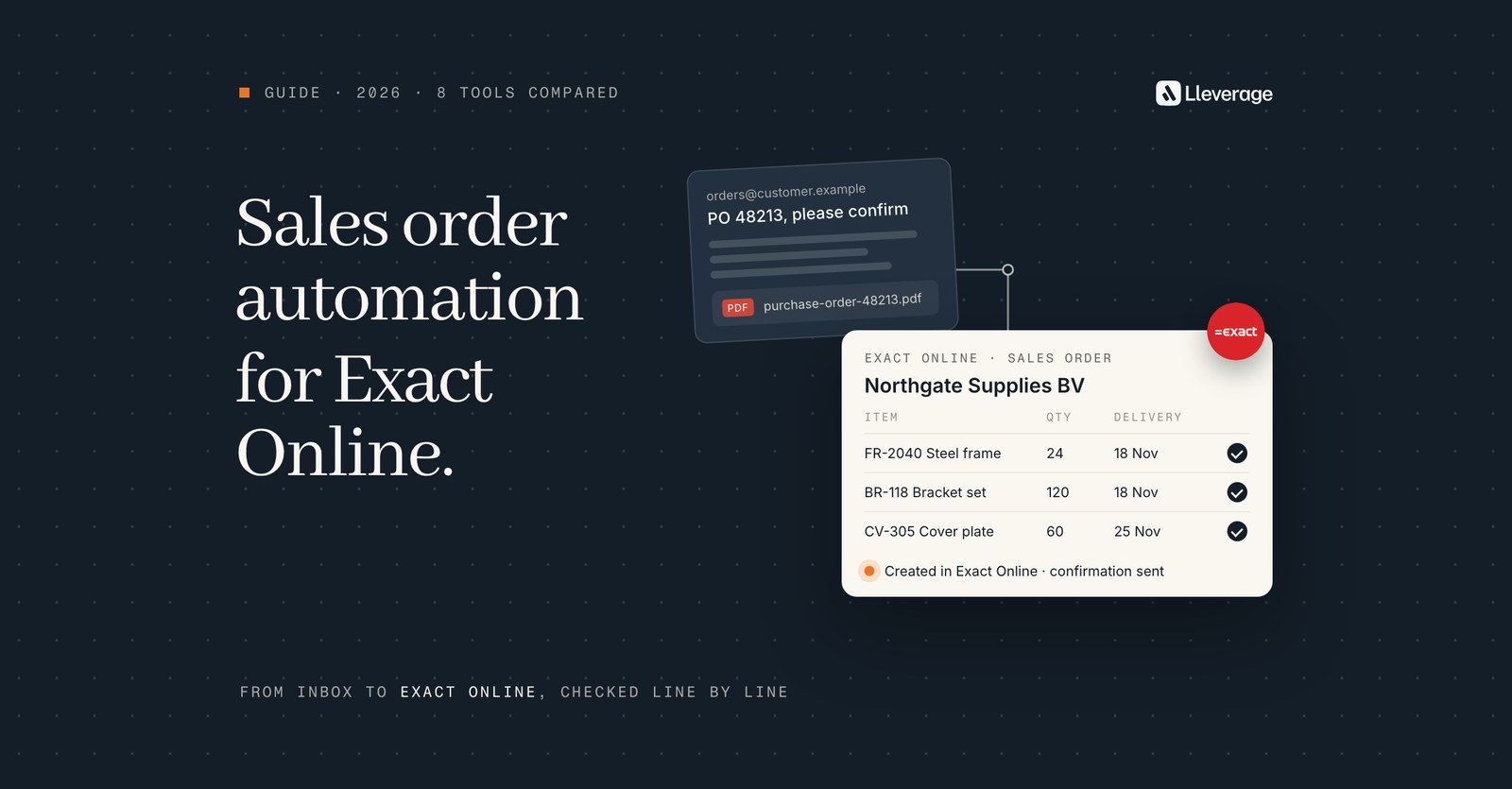
Exact Online order automation turns a customer order that arrives by email, PDF or Excel into a sales order in Exact Online without anyone retyping it. For Exact Online companies whose orders arrive in mixed formats with customer-specific rules, our pick is Lleverage, our own product: an AI agent that reads each order, checks it against Exact and creates the sales order.
Exact itself gives you import, approval rules and an API, and the other tools here read part of the order or move it into Exact. At Lleverage we think every tool should be judged on the orders it cannot read cleanly: the line with a description and no item code, the customer who orders in boxes you sell per piece, the PDF in a layout nobody has seen before. We build AI agents that do order entry in Exact Online, so this list comes from a vendor. To see the agent on your own orders, book a demo.
For the step by step of how an emailed order becomes a sales order, read our sales order automation guide. For what the agent reads and writes in Exact beyond orders, see our Exact Online integration page.
What does sales order automation in Exact Online have to do?
A sales order in Exact Online is a header and a set of lines. The header holds the customer who ordered, the delivery address, the customer's own reference and a description, which Exact limits to 60 characters, with a separate Remarks field for anything longer. Each line holds an item, a quantity and a price. In the Wholesale & Distribution editions from Plus upwards, every sales order also needs a warehouse.
Whatever tool you choose has to fill those fields from whatever your customer sent. That breaks into 6 jobs:
- Receive. Pick the order up from a shared inbox, an upload or an EDI message.
- Read. Pull the customer, the reference, the delivery date and every line out of the email body, the PDF, the Excel sheet or the EDI file.
- Match. Tie the sender to an account in Exact Online and each line to an item code, including lines that carry the customer's part number or only a description.
- Check. Compare price, stock in the right warehouse and credit with what Exact holds, before the order exists.
- Create. Write the sales order into Exact Online through the API, an import file or the screen.
- Hand over. Send the orders that fail a check to a person, with the reason.
Most tools on this list do 2 or 3 of these jobs well and leave the rest to you or to another tool. In our experience the reading and matching take most of the desk's time, whatever the ERP. A timber company we work with, on Business Central, described its order desk this way:
"The problem is, you have a lot of Excel sheets, PDFs, or just text emails coming in with an order. This requires a lot of interpretation from our internal sales team." Mart, Continuous Improvement Team, Koninklijke Dekker
On Exact Online the work is the same: someone reads the order, finds the account and the items, and types the lines in.
How we picked these tools
We started from the question an Exact Online customer actually asks: which software turns the orders my customers email me into sales orders in Exact Online? A tool made the list when its vendor states that it creates sales orders in Exact Online, or when it is a common way to connect a document parser to Exact. We left out tools that only handle webshop and marketplace orders, and tools whose pages name no Exact Online link.
Then we read each vendor's own pages in November 2026: product pages, the listing in the Exact App Store, help centres and pricing pages. For Exact itself we used Exact's support knowledge base and the REST API reference. Every fact about another product comes from those pages. Where a page did not say something, the cell says so or stays empty. No vendor paid to be included. We name our pick, and why, in the section before the FAQ.
Lleverage is our own product. We describe it from our product documentation, and we have tried to give each other tool the same care. The list covers 4 kinds of software:
- Exact Online's own order features, which most companies already pay for.
- Apps in the Exact App Store that read documents or EDI messages and create sales orders.
- General automation platforms with an Exact Online connector, such as Zapier and Make.
- A document parser and an AI agent that sit before Exact and write into it.
Which sales order automation tools work with Exact Online?
These 8 tools make a realistic shortlist for a company on Exact Online for Wholesale & Distribution or Manufacturing that receives customer orders by email, PDF, Excel or EDI.
| Tool | What it is | Orders it reads | How it reaches Exact Online | Choose it when |
|---|---|---|---|---|
| Lleverage | AI agents next to the ERP | Email body, PDF, Excel, CSV | Connected by our engineers with your team | Orders arrive in many formats and each customer has its own rules |
| Exact Online | The ERP's own features | Files in Exact's own import schema | Manual entry, XML import, approval, Automate, REST API | Orders are few or already arrive as a structured file. This fits better than buying anything, Lleverage included |
| Scan Sys ImageCapture | Document processing app in the Exact App Store | Email, PDF, Word and other documents | Direct integration with Exact Online | You want purchase invoices and customer orders in one document app |
| Semso EDI for Exact Online | EDI link in the Exact App Store, run through OrderChief | EDI orders from retailers | Incoming EDI orders processed straight into Exact Online | You supply Dutch retailers such as Albert Heijn or Jumbo by EDI. A dedicated EDI link fits better than Lleverage here |
| ediconnector | EDI integration layer in the Exact App Store | EDI messages from retailers, wholesalers, logistics partners and marketplaces | EDI link plus a web portal to check orders before Exact | Your EDI partners vary and someone checks orders before they reach Exact |
| Zapier | Automation platform | Whatever an earlier step hands it | A Create Sales Order action in its Exact Online app | One predictable order flow that you build and maintain |
| Make | Automation platform | Whatever an earlier step hands it | 3 community-built Exact Online apps with a Create Sales Order module | You want to build the flow visually and accept a community-maintained connector |
| Parseur | Document parser | Email body, PDF (including scans), Excel, CSV | Export through Zapier, Make, Power Automate, a webhook or its API | Few layouts, modest volume, and you want a published price |
3 of these tools read documents themselves (Lleverage, Scan Sys and Parseur). 2 handle EDI only. Zapier and Make move data into Exact but need something else to read the PDF. Exact Online on its own creates sales orders well but reads no customer documents.
Which Exact Online edition do you need for order automation?
On Exact Online the order features and the API differ by package and subscription level. Check these 4 points before you talk to any vendor:
- Sales orders through the API. Exact's REST API reference lists the SalesOrders endpoint for the Wholesale & Distribution and Manufacturing packages. A POST must include the sales order lines, a completed sales order cannot be changed through the API, and the endpoint supports webhooks.
- Approval before the order goes further. Approve sales orders is available with a Professional or Premium subscription in Exact for Wholesale Distribution and Manufacturing.
- Rules that run on their own. Automate is only available to Exact Online Premium customers.
- Warehouses. From Plus upwards, Exact asks for a warehouse on every sales order, so any tool you pick must know which warehouse an order ships from.
| What you want | Edition Exact names | Who uses it |
|---|---|---|
| Create sales orders through the REST API | Wholesale & Distribution or Manufacturing | Connectors and custom code that write through the API |
| Hold new sales orders for approval | Professional or Premium | Any tool that creates orders, as a safety net |
| Approve or route orders automatically by rule | Premium (Automate) | Exact Online on its own |
| Process customer orders into sales orders with ImageCapture | Scan Sys names Exact Online (Premium) | Scan Sys |
Where does each Exact Online order automation tool fit?
Lleverage, our pick for order desks with mixed formats and customer-specific rules

An AI agent watches the order inbox and reads each order from the email body, a PDF, an Excel sheet or a CSV file. It works out which account in Exact Online sent it, ties each line to an item code, and compares the price with what Exact holds for that customer and the quantity with stock in the warehouse the order ships from. Credit status is checked too. Then it creates the sales order in Exact Online with the customer's own order number in Your ref., so your desk can still find it the way it always has.
The agent scores how sure it is of each order. Below the line you set, a person decides. Above it, the sales order is created without anyone opening it. Only you move that line. When a customer, an item or a price cannot be resolved, the agent asks a colleague and carries on with the answer, and it works from Microsoft Teams as well as the web. Every correction your team makes can become a change to the Skill behind the work once a person approves it.
Our forward deployed engineers connect the agent to Exact Online with your team and build the first order flow on your real orders, and the first process typically runs supervised within a few weeks. You can also show the agent how you handle an order in Exact Online on a screen-share call, and it saves each screen, field and exception as notes it can build from.
We pick it because it covers all 6 jobs from the start of this guide without a second product. Excel orders are read alongside emails and PDFs, items, price, stock and credit are checked against Exact before the order exists, and you decide which orders go through on their own. Your team's corrections make the next order better, and integration, AI usage and ongoing improvement come in one monthly price per agent. The same platform has agents for purchase invoices and master data, so the Exact back office does not collect a separate tool per job. Lleverage holds SOC 2 Type II and ISO 27001, is hosted in the EU by default and keeps a full audit trail.
Where it stops: Lleverage reads emails and documents. If most of your volume already arrives as EDI from retailers, an EDI link from the App Store is the better first purchase. We have no published customer story on Exact Online yet, so ask us to show it on your own orders.
Exact Online, for low volumes and orders that already arrive as files
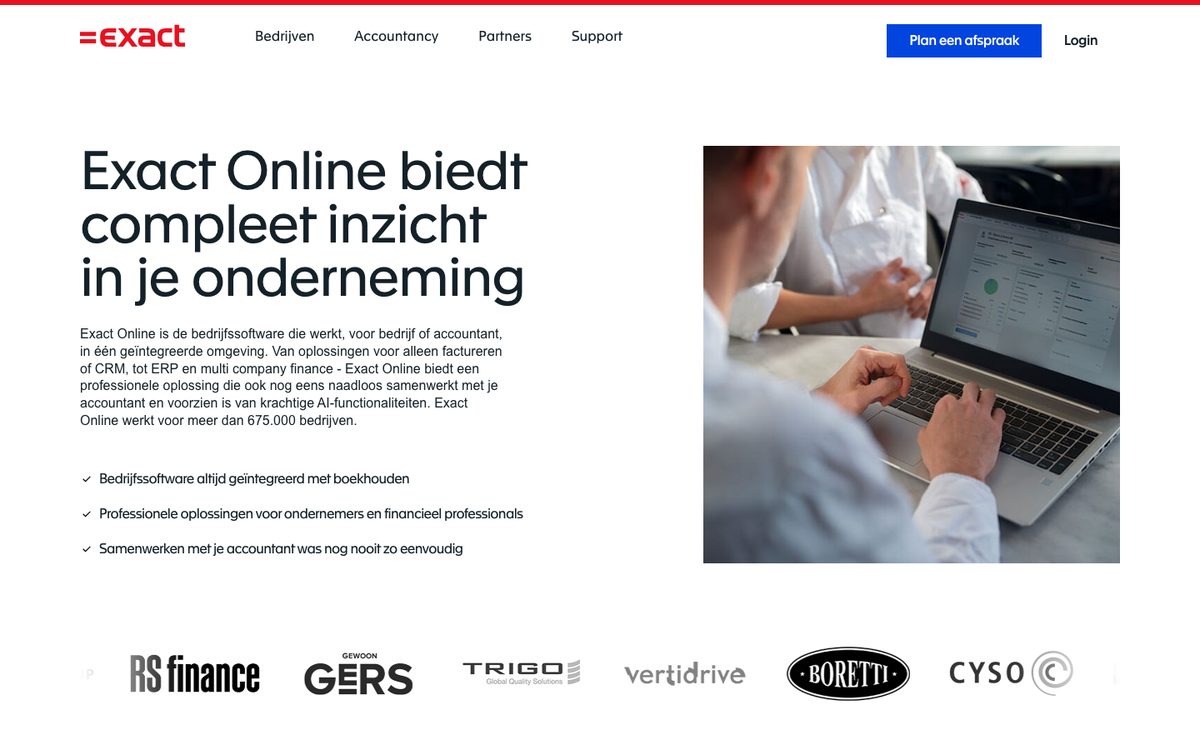
Exact Online creates sales orders 2 ways by hand: from a quotation the customer accepted, or from scratch under Sales, Orders, Sales orders, Create. For files, Import/Export takes XML or CSV and Excel laid out in Exact's own schema. The XML import accepts sales orders and rounds the net price to your price precision. Exact warns that XML import requires you to be familiar with XML schemas.
Exact also checks orders once they exist. With a Professional or Premium subscription, Approve sales orders holds new orders until a user with that right approves them. Automate, for Premium customers only, runs an Automation when an event happens, such as a new sales order. Exact's own example authorises new sales orders under €100 automatically. Since February 2024 a condition can also use related data, such as the customer's country.
None of this reads a customer's email or PDF. Exact's AI agents are a Support Agent, a Purchase Agent for purchase invoices, a Bank Agent, a Debtor Agent, and a Financial Agent, CRM Agent and Excel Agent in beta. According to Exact, the Purchase Agent suggests the right general ledger account for a purchase invoice with 98% accuracy. None of the agents is built to read customer orders.
Where it stops: Exact creates and approves sales orders well, but someone or something has to turn the customer's document into Exact's fields first. If you get 10 orders a day, mostly from a few customers in the same layout, that may be a person and the approval rule, with nothing extra to buy.
Scan Sys ImageCapture, for finance and sales teams that want one document app on Exact
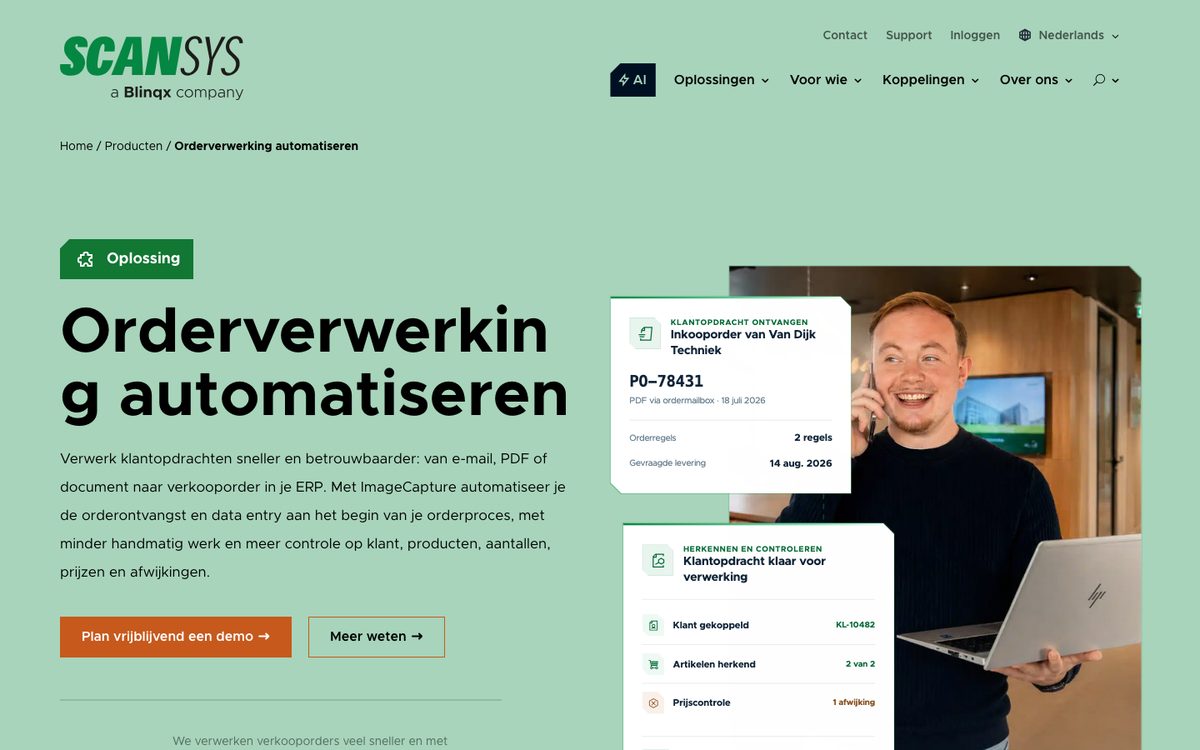
Scan Sys lists ImageCapture in the Exact App Store as a document layer before and around Exact Online, for purchase invoices, expense claims and customer orders that become sales orders. Its Exact Online (Premium) page says the integration pulls master data, booking logic and order information straight from Exact Online.
For orders, ImageCapture reads documents that arrive by email, PDF, Word or other documents. It links the order to the right customer, reads the lines (item codes, descriptions, quantities, prices, delivery week and delivery date) and checks them against ERP data: known items, prices, stock levels, warehouse, customer data and availability. Differences in price, quantity, item or stock are shown, and the order can be routed to sales or the internal sales desk. After the check, the order goes to Exact and the original document stays archived with an audit trail. Scan Sys says AI helps it read changing layouts and recurring customers.
Scan Sys cites Insulcon, which processes 5,200 customer orders a year digitally across 4 locations. It connects to more than 60 systems, Exact Globe among them.
Where it stops: Scan Sys names email, PDF and Word documents for orders and does not mention Excel. It publishes no prices, so you will need a demo and a quote. It fits best when finance already runs invoice processing in ImageCapture and you want customer orders in the same tool.
Semso EDI for Exact Online, for suppliers to Dutch retailers
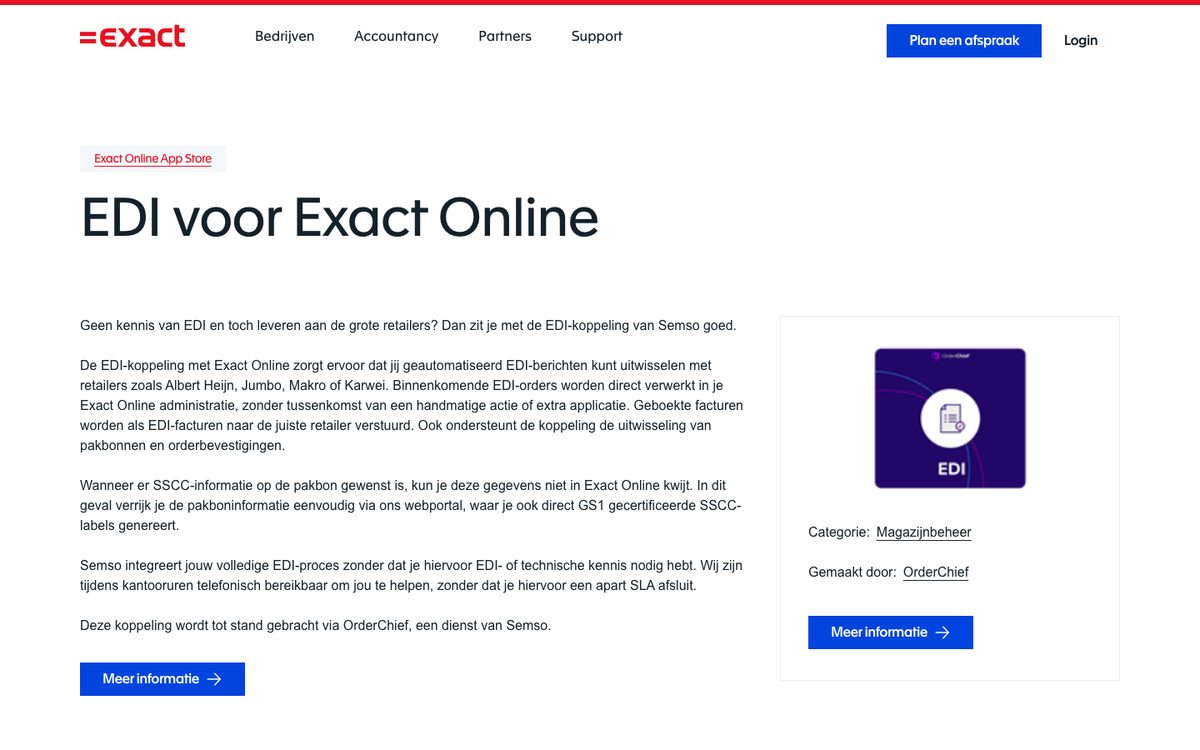
Semso's EDI link is listed in the Exact App Store as EDI voor Exact Online and runs through OrderChief, a Semso service. It exchanges EDI messages with retailers such as Albert Heijn, Jumbo, Makro and Karwei. Incoming EDI orders are processed directly into your Exact Online administration without a manual step or an extra application. Booked invoices go back to the retailer as EDI invoices, and dispatch notes and order confirmations are exchanged too.
When a retailer wants SSCC data on the dispatch note, which Exact Online has no field for, you add it in Semso's web portal, where you can also print GS1-certified SSCC labels. Semso offers phone support during office hours without a separate service agreement. According to OrderChief, a new retailer connection can be live after 6 weeks.
Where it stops: it handles EDI and nothing else. The email from the garden centre that does not use EDI still needs another route. For a food or DIY supplier whose largest customers are Dutch retail chains, we would automate this link before anything else.
ediconnector, for EDI partners plus a check before Exact
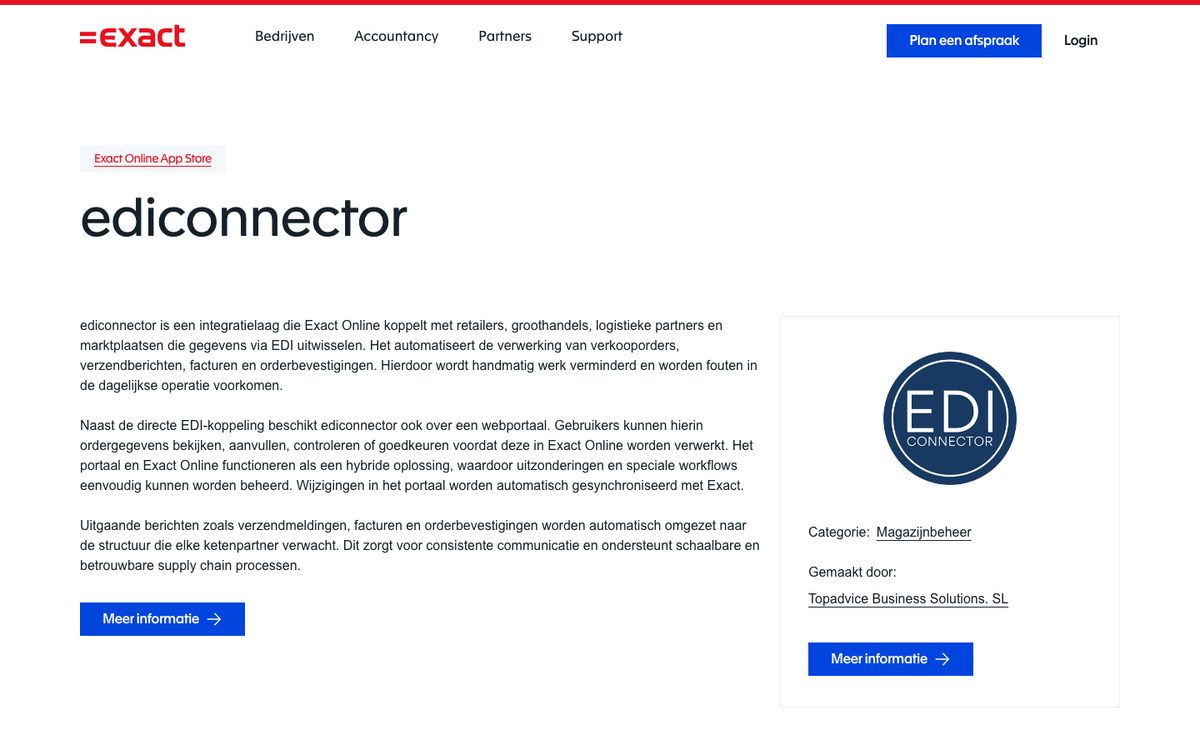
ediconnector, made by Topadvice Business Solutions, is an integration layer in the Exact App Store that connects Exact Online with retailers, wholesalers, logistics partners and marketplaces that exchange data by EDI. It automates sales orders, dispatch messages, invoices and order confirmations.
Its web portal lets users view, complete, check or approve order data before it is processed in Exact Online, and changes made there sync back to Exact. Outgoing messages are converted to the structure each trading partner expects.
Where it stops: like Semso, it reads EDI, not emails or PDFs. Choose it over a plain EDI link when your partners are a mix of retailers, wholesalers and logistics providers, or when someone on your desk wants to see and adjust EDI orders before they land in Exact.
Zapier, for one predictable order flow you build yourself
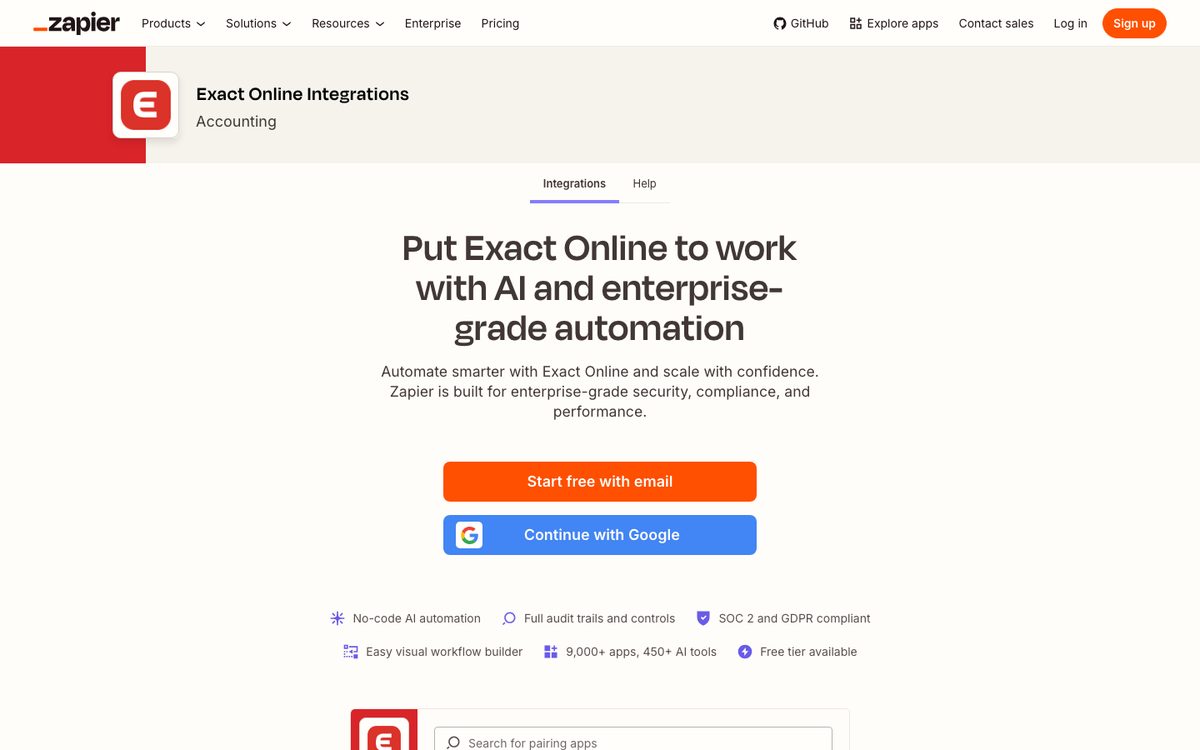
Zapier's Exact Online app has a Create Sales Order action, with the sales order lines passed in as JSON, plus actions to create and update sales order lines and to create a sales invoice from a sales order. Triggers include a new mail message attachment in Exact Online. To read the order itself, Zapier offers AI by Zapier, whose Analyze and Return Data action can extract data, and an Extract Content From URL action that reads text from PDFs and images. Zapier has a free tier.
Zapier flags one risk on the action: Create Sales Order is not replay-safe, so if a run fails with a timeout or an unclear error, you should check Exact Online before you run it again, because a retry creates a second order. Some sales order actions, such as completing a sales order line, need the Manufacturing or Wholesale & Distribution package.
Where it stops: Zapier moves data, and every check you want before the order exists is a step you build and maintain. Matching a customer's part number to your item code, comparing the price with the customer's price list and spotting a duplicate all sit on you. It fits a single customer who sends the same layout every time, and a team member who likes building and owning automations.
Make, for teams that want to build the flow visually
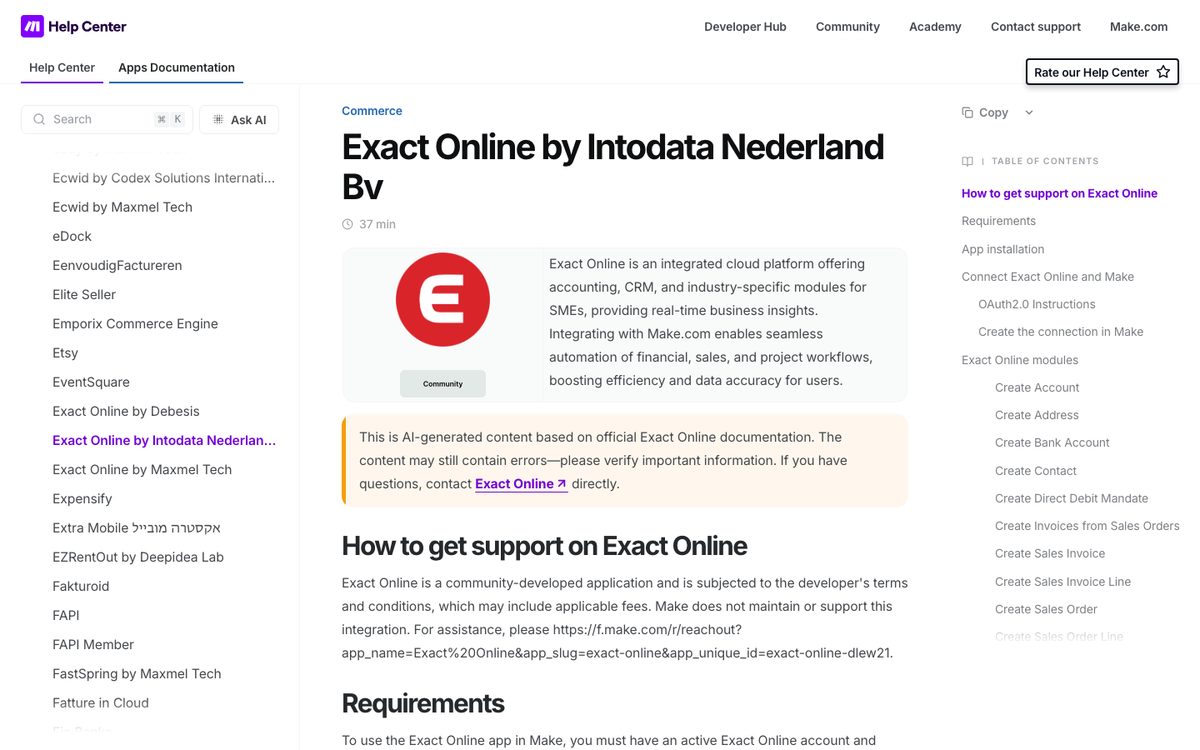
Make lists 3 Exact Online apps, all built and maintained by the community: by Intodata Nederland, by Debesis and by Maxmel Tech. Make does not maintain or support these apps, and each is subject to its developer's terms, which may include fees. The Intodata and Maxmel Tech apps are marked free, and the Debesis app needs a third-party payment.
Both the Intodata and the Debesis app have a Create Sales Order module. The Intodata module lets you add order lines one by one or all together as an array, and the Debesis app can also watch, update and search sales orders. Make labels its own documentation for these apps as AI-generated, so check each module against Exact before you rely on it.
Where it stops: the same as Zapier. Make writes the order once something has read it. You choose the connector, you own the matching and checks, and support comes from the app's developer, not from Make or Exact.
Parseur, for stable layouts at a published price
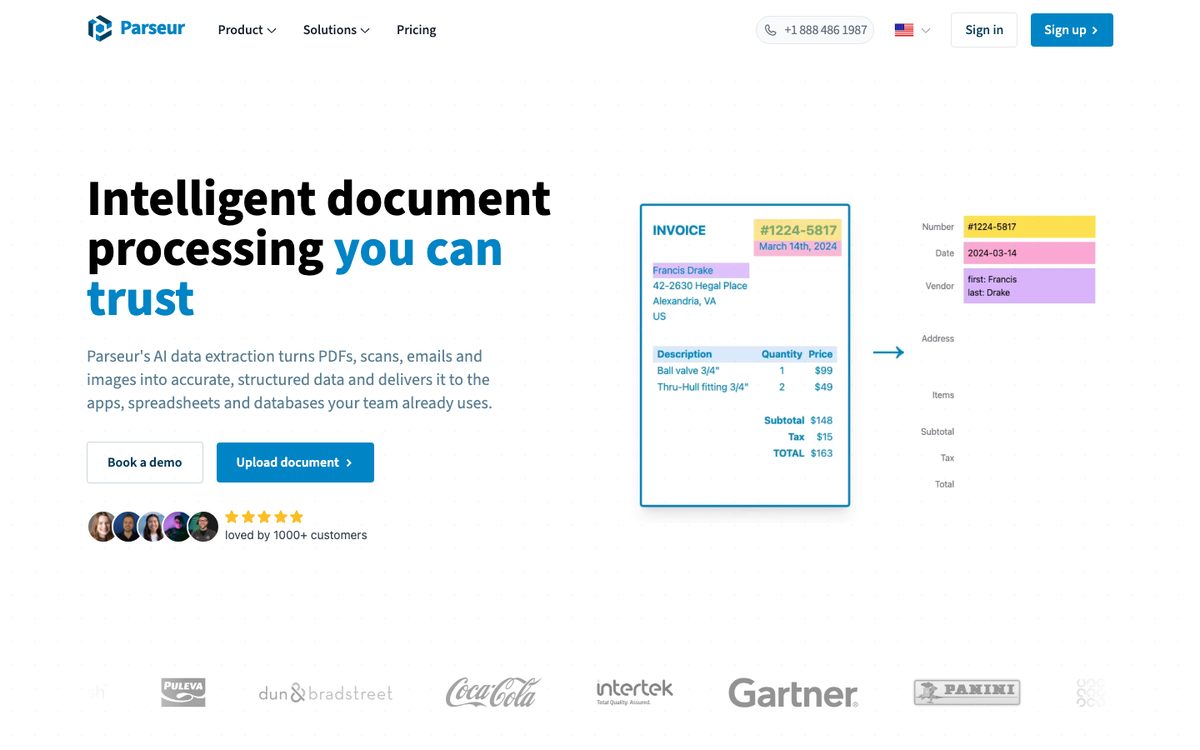
Parseur extracts sales order data from PDFs, with OCR for scanned files, from Excel and CSV files, and from the email body and every attached order document. You mark the fields on a sample order and Parseur learns the layout. A new customer layout is a one-time setup, after which every order in that format is parsed on its own. It pulls the order number and date, the customer, shipping and billing addresses, lines with SKU, description, quantity and unit price, the requested delivery date and the purchase order reference.
Parseur exports through Zapier, Make, Power Automate, a webhook or its REST API, and its pages name no Exact Online connector. In practice that means Parseur for the reading and Zapier or Make for the Create Sales Order step. According to Parseur, its customers saved up to 152 hours of manual data entry a month in 2025. Its prices are public: a free tier of 20 pages a month, then 49 euros a month for 100 pages, 129 euros for 1,000 and 499 euros for 10,000, excluding VAT.
Where it stops: Parseur extracts fields. Matching a description to your item code, checking the price against Exact and deciding what happens to an unclear line happen in whatever comes after it. For a small desk with a handful of steady customers, Parseur plus a Zapier step is often enough.
What should be checked before an order is created in Exact Online?
A wrong sales order travels: the warehouse picks it, the invoice follows from it, and a wrong price shows up when the customer complains. These are the checks worth asking every vendor about, in the order they matter on an Exact desk:
- The account. Is the sender the account that becomes Ordered by, and is the delivery address one of that account's addresses?
- The item. Does each line map to one item code, including lines with only the customer's part number or a description?
- The unit. Does the customer order in boxes, pallets or metres while you sell per piece?
- The price. Does the price on the order match the price Exact holds for that customer?
- Stock and date. Is the quantity available in the warehouse the order ships from, by the date the customer asked for?
- Credit. Is the account on hold or over its limit?
- Duplicates. Has this customer reference already come in, by email and again by phone or as a corrected PDF?
| Check | Exact Online on its own | Scan Sys ImageCapture | Zapier or Make | Parseur | Lleverage |
|---|---|---|---|---|---|
| Account and address | A person enters them | Links the order to the customer | You build the lookup | Extracts the fields | Matched before the order is created |
| Item code | A person enters it | Checks against known items | You build the lookup | Extracts SKU and description | Matched, held for a person when it cannot tie a line to one item |
| Price | Approval rule after creation | Checks against ERP prices | You build the check | Not named | Compared with the customer's price in Exact |
| Stock and warehouse | A person checks | Checks stock levels and warehouse | You build the check | Not named | Checked in the warehouse the order ships from |
| Credit | Approval rule after creation | Not named | You build the check | Not named | Checked before the order is created |
| Exceptions | Awaiting approval | Routed to sales or the internal desk | You build the route | Not named | Sent to the person you choose with the reason |
The EDI apps are left out of this table because EDI orders arrive as structured messages. ediconnector's portal is where someone checks them before Exact.
Before you choose, write down which customers send out-of-date prices and which order in units you do not stock, then test each tool against that list.
How much does order automation for Exact Online cost?
Most vendors here price by quote. The published figures:
- Exact Online's manual entry, import and approval come with the subscription you already pay for. Approve sales orders needs Professional or Premium, and Automate needs Premium.
- Parseur lists a free tier of 20 pages a month, then 49 euros a month for 100 pages, 129 euros for 1,000 pages and 499 euros for 10,000 pages, excluding VAT. Annual billing is cheaper.
- Zapier has a free tier. Check which plan covers the AI steps and the number of runs your order volume needs.
- On Make, the Intodata and Maxmel Tech Exact Online apps are free, and the Debesis app needs a third-party payment on top of your Make plan.
- Scan Sys, Semso and ediconnector publish no prices on their Exact App Store listings or product pages. Ask each for a quote.
Lleverage charges one monthly price per agent. Integration, AI usage and ongoing improvement are included, with no seats and no usage bills. We price after we have seen the work, so the first conversation is about your orders and your Exact setup.
A Parseur and Zapier flow costs little in licences, but someone on your team builds the matching, owns the error handling and fixes it when a customer changes layout. Count those hours next to the licence before you compare.
To size the work, count the orders your desk types into Exact Online in a normal week, time 10 of them from opening the email to saving the sales order, and multiply. Weigh each tool's price against those hours.
How do you test order automation tools on your own Exact Online orders?
Vendor figures come from other companies' orders. Run every shortlisted tool through the same test on yours:
- Pick 50 recent orders. Include the awkward ones: the email with no item codes, the Excel sheet in a new layout, the order that says "same as last week", the corrected PDF that arrived after the first.
- Keep the test away from live orders. Ask each vendor how it runs your orders without creating sales orders your warehouse would pick.
- Ask for the result per line. Count lines that went in right, lines that waited for a person, and lines that went in wrong without a flag.
- Ask which interface it uses. The REST API, an import file or the screen, and which of your Exact packages that needs.
- Ask who builds and maintains the connection. Your team, the vendor, an Exact partner or a community developer.
- Ask what happens on a retry. Zapier warns that a retried Create Sales Order makes a second order. Every tool that writes into Exact needs an answer for a duplicate.
- Ask what the tool learns. When your desk corrects a line, does the next order from that customer go in right?
Once you have chosen, start with the 5 customers who send the most orders, let the tool run beside the desk for a few weeks, and widen what goes through on its own as the numbers earn it.
Which Exact Online order automation should you choose?
We recommend Lleverage for Exact Online companies whose customers send orders by email, PDF and Excel in their own layouts, with part numbers, units and prices that differ per customer. It reads those orders, checks them against Exact before anything is written, creates the sales order and sends only the exceptions to a person, with the reason. Our forward deployed engineers build the first flow with your order desk, so nobody on your team has to build or maintain the automation.
| Your situation | Our recommendation |
|---|---|
| Orders arrive by email, PDF and Excel in many customer layouts | Lleverage |
| Lines carry the customer's part numbers or only a description | Lleverage, which ties each line to one item code or holds it for a person |
| Price, stock and credit must be checked before the sales order exists | Lleverage |
| Clean orders should go through on their own and the rest reach a person with the reason | Lleverage, with the confidence line set by you |
| Nobody on your team wants to build and maintain automations | Lleverage, built with your desk by our forward deployed engineers |
| You also want purchase invoices or master data handled in Exact | Lleverage, with an agent per job on one platform |
| Every order arrives by EDI from retail chains such as Albert Heijn or Jumbo | An EDI app from the Exact App Store, such as Semso's EDI voor Exact Online |
If your customers send a mix of EDI and email, start the EDI link for the retail chains and put Lleverage on the inbox for everyone else. Book a demo and we will run the agent on a week of your own orders.
This guide is one of 8 we keep up to date on order and purchasing automation. The others compare sales order automation software, sales order automation for SAP, sales order automation for Business Central, sales order automation for AFAS, sales order automation for manufacturers, order entry software for wholesalers and purchase order automation software.
Frequently asked questions
Can Exact Online read customer orders from email or PDF by itself?
No. Exact Online creates sales orders by hand, from a quotation, through an XML import in its own schema, or through the REST API. Its AI features and agents cover bookkeeping, support and CRM, and none reads customer orders. Reading a customer's own email or PDF takes an App Store app such as Scan Sys ImageCapture, a parser or an AI agent.
Which Exact App Store apps create sales orders from customer orders?
Scan Sys ImageCapture processes customer orders from email, PDF and Word documents into sales orders in Exact Online. For EDI orders, Semso's EDI voor Exact Online and ediconnector both create sales orders from retailers' EDI messages, and ediconnector adds a portal to check orders first.
Do I need Exact Online Premium for order automation?
Not for every tool. Exact lists its sales order API for the Wholesale & Distribution and Manufacturing packages, and Zapier notes that some of its sales order actions need one of those packages. Approve sales orders needs Professional or Premium, and Automate needs Premium. Scan Sys names Exact Online (Premium) for its integration, so check your edition with each vendor before you sign.
Can I connect Parseur or Zapier to Exact Online myself?
Yes. Parseur reads the order and hands the fields to Zapier, Make or Power Automate, and Zapier's Exact Online app has a Create Sales Order action. You build and maintain the matching of customers and items, the price checks and the error handling. Zapier warns that a retried sales order action creates a second order, so plan for duplicates.
How long does it take to automate order entry in Exact Online?
It depends on the route. OrderChief says a new EDI retailer link can be live after 6 weeks. A Parseur and Zapier flow depends on how many layouts and checks you build. With Lleverage, the first order process typically runs supervised within a few weeks, built by our engineers with your order desk.
Start with 50 orders from your own desk
Pick 50 recent orders and give every vendor on your shortlist the same set. Compare what went in right, what waited and why, and who maintains the connection a year from now. If your customers send EDI, start with an EDI app. If they send emails, PDFs and spreadsheets in their own layouts, book a demo and we will run the agent on your orders and show you the sales orders it would create in Exact Online. For the full Exact setup, see order automation for Exact Online.