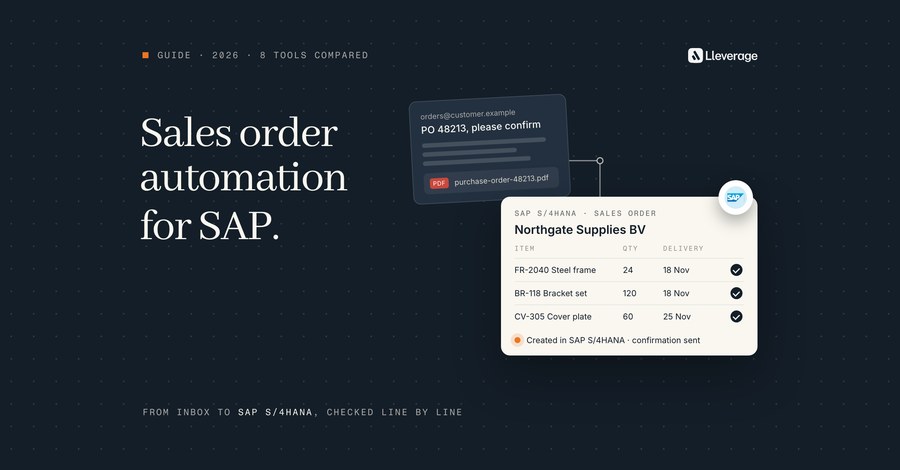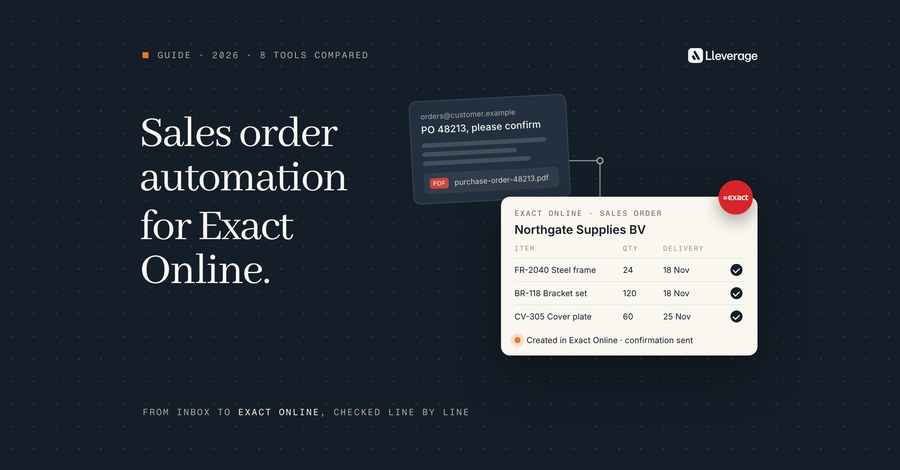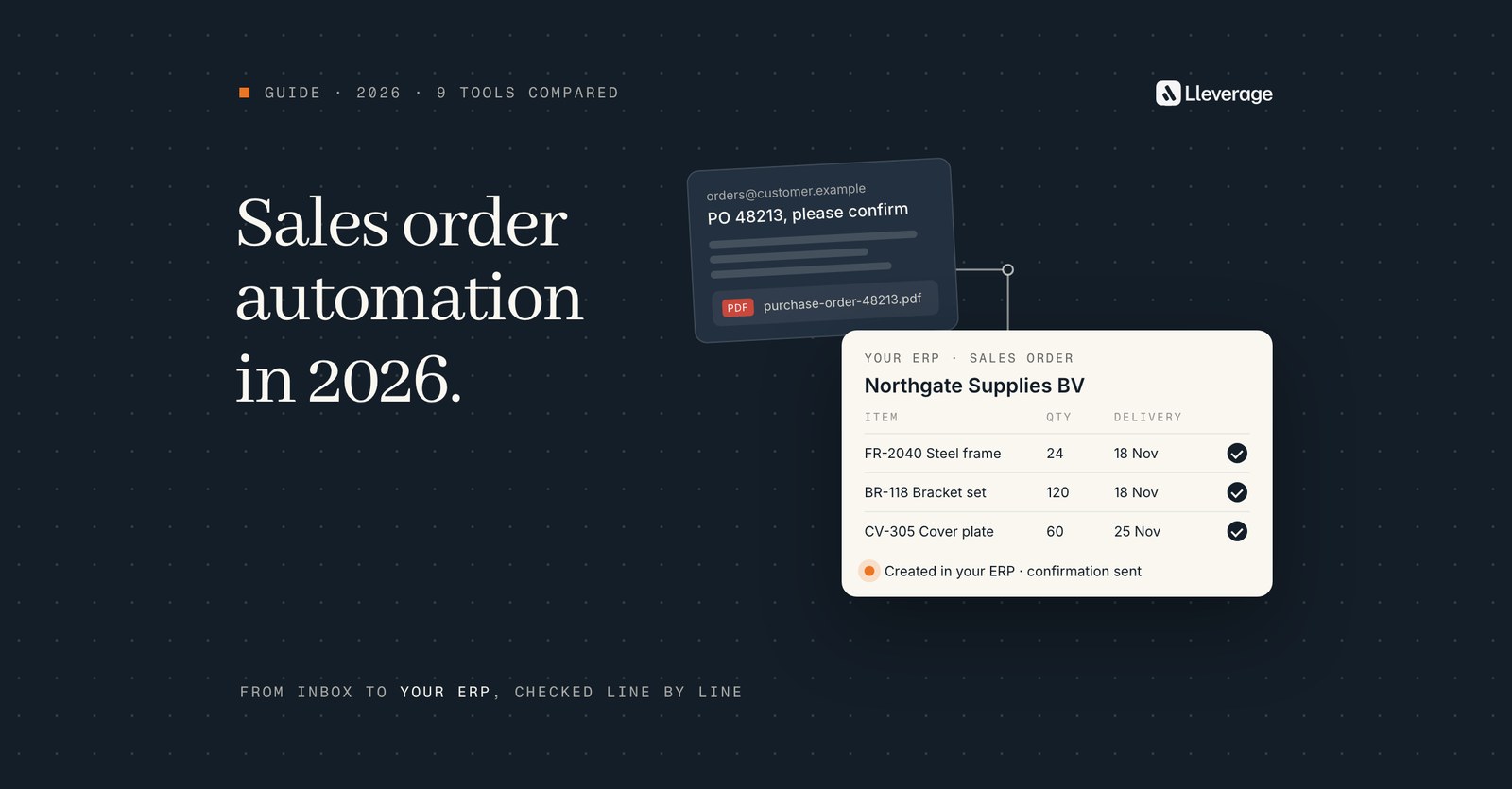
Sales order automation software reads customer orders in the format they arrive, matches every line to your own articles, prices and customers, and creates the sales order in your ERP. For mid-size manufacturers and wholesalers that receive orders in mixed formats and keep their ERP, our pick is Lleverage, which is our own product.
At Lleverage we think the deciding test is the long tail: the order that says "same as last week, 40 boxes", the line with a description and no article number, the ERP with no open API. Every tool below reads a clean 3-line PDF, and they differ on those cases. We build AI agents for order management, and Lleverage is on this list. To see an agent work through your own orders, book a demo.
For the step by step of how an emailed order becomes an ERP sales order, read our sales order automation guide.
How we picked these tools
We started from the question a mid-size company asks when it makes, moves or sells physical products: which software turns the orders our customers email us, as PDFs, spreadsheets and plain text, into sales orders in the ERP we keep. That rules out order management suites that start once the order exists and EDI translators that need the customer to change how it sends.
Sales order automation software takes a customer order from the inbox to a sales order in the ERP, and we judged every tool on the 5 steps that takes:
- Reading. Email bodies, PDFs, Excel and CSV files, scans, EDI messages and portal orders.
- Matching. Customer part numbers, free-text descriptions and units mapped to your own articles.
- Checking. Prices, stock, credit and customer terms, before the order exists.
- Writing. A sales order, or a draft of one, created in the ERP through its own interfaces.
- Exceptions. Who sees the unclear orders, and with what reason attached.
9 tools passed. Each reads unstructured orders and names the ERP or ERPs it writes into, and together they cover the routes a buyer meets: agents built into the ERP, specialist order products, order-to-cash suites, document platforms and a parser. Every fact about a tool comes from that vendor's own product, documentation and pricing pages. Where a vendor says nothing about a case, we say so: the tool may still handle it, so ask in the demo.
We put Lleverage first, and for each tool we say where it stops, ours included, without a score.
Which sales order automation software should you compare?
These 9 tools make a realistic shortlist for a mid-size company that receives orders by email and PDF and runs SAP, Business Central, Dynamics 365, Infor, Epicor or a similar ERP.
| Tool | What it is | Orders it reads | How it reaches the ERP | Where it stops |
|---|---|---|---|---|
| Lleverage | AI agents next to the ERP | Email bodies, PDF, Excel, CSV, photos | The ERP's own interfaces, or the screen where there is no API | No published case for call-offs or order changes, no self-serve plan |
| Business Central Sales Order Agent | Agent inside Business Central | Email body, PDF, PNG and JPG attachments | Inside Business Central, always starting with a sales quote | 15 item lines, item lines only, no new items or customers |
| SAP S/4HANA sales order creation | AI feature inside S/4HANA | PDF and image files a sales rep uploads | Inside S/4HANA, as a sales order request | A person uploads each file, S/4HANA only |
| Esker Order Management | Order-to-cash suite | Email, EDI, portals, e-commerce, punchout, mobile | Certified SAP connector, pre-built integrations for other ERPs | Prices by quote, a suite to adopt beyond order entry |
| Conexiom | Order automation specialist | Virtually any format, from email to handwritten notes | Native integrations with more than 40 ERPs | ERP must be on its list, no published price |
| Workist | Order entry agent | Emails, PDFs, Excel, iDocs | Standard APIs or EDI, more than 40 systems | 12-month minimum, says it adds little at low volumes |
| turian | AI agents for inside sales | Emails, PDF, Excel, Word, XML, scans, images | Writes header, lines, pricing and delivery details into the ERP | Staff review the output, no published price |
| Rossum | Document automation platform, now part of Coupa | Email, EDI, web portals, mobile apps, scanners | APIs or RPA tools | Master data matching starts above its Starter plan |
| Parseur | Document parser | Emails, PDFs, scans, images, spreadsheets | CSV, Excel or JSON export, API, webhooks, Zapier, Make | No ERP integration and no matching to your articles |
What changed in this market recently?
2 ownership changes matter for this list. Esker left the stock market on 3 March 2025, after a takeover by Bridgepoint and General Atlantic together with Esker's management. Coupa has acquired Rossum, which now sits inside a spend management suite. Ask both where order automation sits in the new roadmap.
Where does each sales order automation tool fit, and where does it stop?
Lleverage, our pick for mid-size manufacturers and wholesalers with orders in mixed formats

We pick Lleverage for this group because one agent covers all 5 steps, from reading the order to handling the exception, in the ERP the company already runs. Its customers publish production results for order intake. Topa Bathroom Products processes over 90% of incoming orders into Business Central with no manual input, and some of its customers get their order confirmation within 30 seconds. At Microtechniek, the agent writes customer purchase orders into an on-premise Ridder iQ that had no way in for outside systems. One monthly price per agent includes integration, AI usage and ongoing improvement, and the first process typically runs supervised within a few weeks, built by our forward deployed engineers with your order desk.
An AI agent watches the order inbox. It reads each order from the email body, a PDF, an Excel sheet or a CSV file, sorts out what is an order and identifies the sender. Each line is tested against your item list, your prices and that customer's credit before the agent creates the sales order in the ERP. The customer gets the confirmation after the ERP has taken the order. The agent scores how sure it is of each order: below the line you set, a person decides, and above it the order goes through. Only you move that line.
In our experience matching is where an order desk loses most time, so the agent learns it from your order history: this description, from this customer, means that article. At SIG Benelux, 88% of order lines match the right article first time in Dynamics 365, including lines without an article number. When a customer, product or price cannot be resolved, the agent asks a colleague in Microsoft Teams or Slack and carries on with the answer. Where an order follows a quotation already in the ERP, it links the two, so the order arrives priced and specified as quoted.
The agent works in SAP S/4HANA and ECC, Business Central, Dynamics 365 Finance and Operations, Navision, Infor, Exact, AFAS, Epicor, Ridder iQ, IBM AS/400, Oracle and NetSuite, through each system's own interfaces. It fills the same fields a person fills, so the ERP checks the work the same way. Nothing is migrated, and every action lands in an audit trail. In Business Central and Dynamics 365 Finance and Operations it can also look up and update existing sales orders.
We have no published customer story for blanket orders, call-offs or changes to confirmed orders, so test those on your own orders first. There is no self-serve plan and no published price. You pay one monthly price per agent, set after we have seen the work. A small desk with a few fixed layouts may need less than that.
Business Central Sales Order Agent, for Business Central users with short email orders
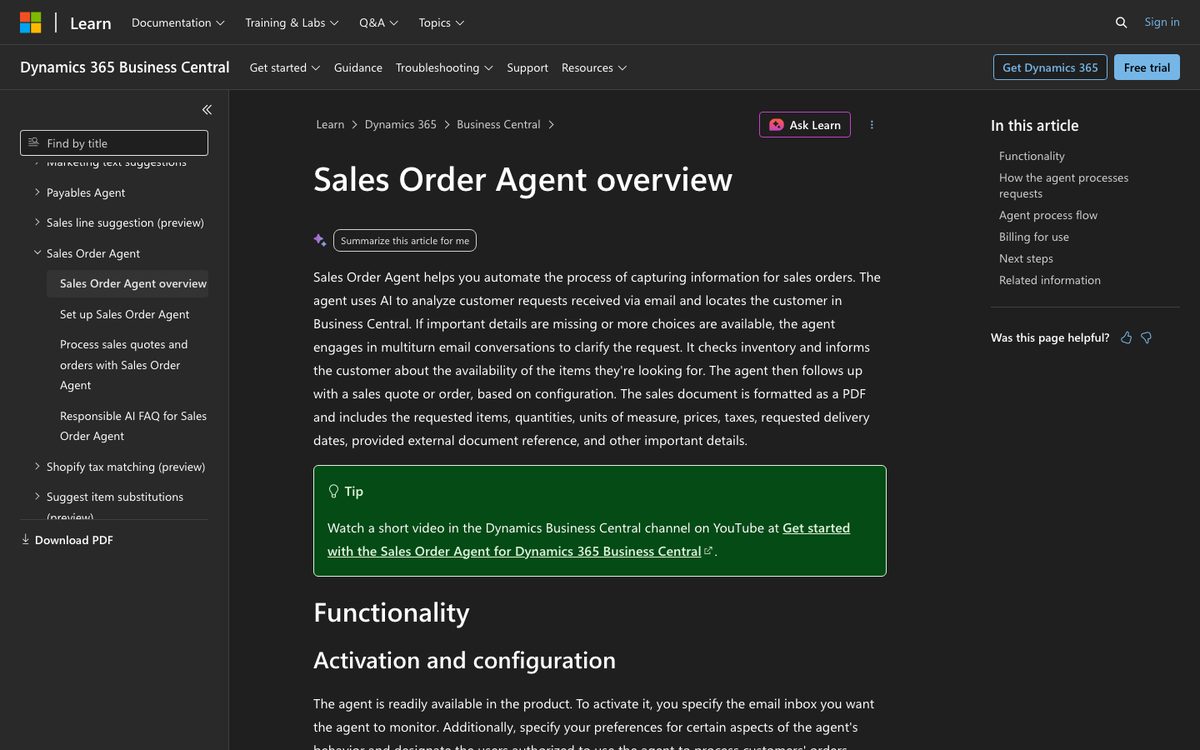
Microsoft's agent ships inside Business Central and watches a shared Exchange inbox. It reads the email body and PDF, PNG and JPG attachments, and finds the customer by matching the sender's email address to the contact cards. It searches your items by item number, vendor item number, GTIN and cross-references. It then checks availability and always creates a sales quote first, even when the customer asks for an order. Depending on your settings it sends that quote for confirmation or turns it straight into a sales order. A person reviews every outgoing message.
It can use Business Central's capable-to-promise logic to calculate the earliest delivery date for items not in stock, from production capacity and lead times. For a manufacturer on Business Central, that is a check most tools on this list do not name.
Microsoft lists the limits: up to 15 item lines per sales document, PDFs of 20 MB and 50 pages or fewer, item lines only, and no new items, contacts or customers. A forwarded email is matched to the person who forwarded it, so someone links the right customer by hand. The agent does not post documents. It runs on Copilot Credits and supports Dutch, German, French and 7 other languages. Our Sales Order Agent comparison shows where an agent next to Business Central picks up.
SAP S/4HANA sales order creation, for S/4HANA teams that want extraction inside SAP
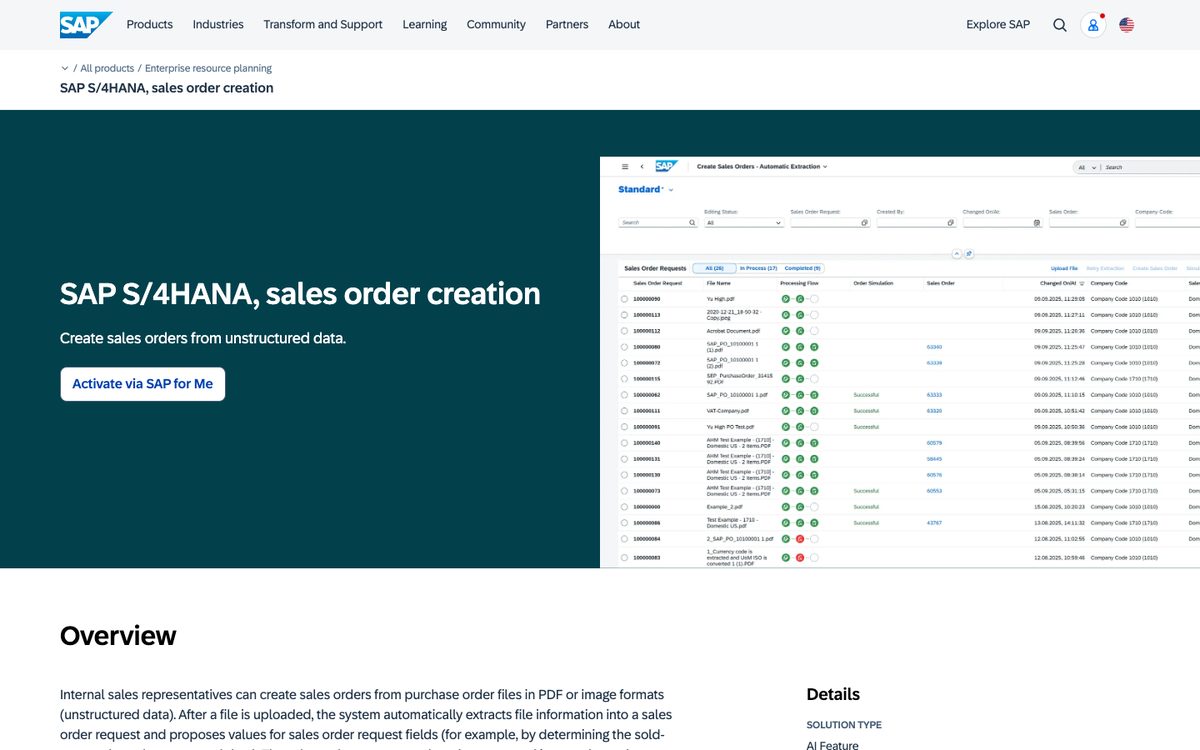
SAP sells this as an AI feature of S/4HANA. An internal sales representative uploads a customer purchase order as a PDF or image file. The system extracts it into a sales order request and proposes values for the request's fields, such as the sold-to party it works out from the extracted data. The request can later be converted into a sales order. SAP lists the feature as included with the base subscription, with no AI Units required, and claims a 25% reduction in the cost of sales order creation.
For an S/4HANA company that means no extra vendor and no extra contract. The sales order request is a holding step, so nothing reaches planning before someone converts it.
SAP describes a file that a person uploads, so the inbox, the sorting of emails and the questions back to the customer stay with your team. It does not describe customer material numbers, call-offs or delivery date checks for this feature, and it is for S/4HANA only. For an SAP desk that needs more than extraction, see order management for SAP and Esker below.
Esker Order Management, for SAP order desks with EDI and email in one queue
Esker captures orders from email, EDI, portals, e-commerce, punchout and mobile channels in one workflow. AI identifies the orders in the incoming flow, extracts header and line data and checks it against ERP data such as products, pricing, quantities and delivery details. Discrepancies go to the right person, and eligible orders run touchless. Esker handles more than 130 document languages and lists contract orders, change orders, returns and RFQ workflows among its scenarios.
For SAP it has a certified connector for clean core compliance. Its connectivity suite names pre-built integrations with SAP, Microsoft, Oracle and Sage, and partner integrations for QAD, Sage X3 and Epicor Prophet 21 among others. Esker claims 92% less manual entry, 5 times faster order processing and 3 times fewer order entry errors.
Esker is a suite: the same platform includes a customer ordering portal and an AI agent for customer service teams. A company that only wants its emailed orders keyed buys more than it uses, and prices are by quote. It suits a customer service team on SAP that also receives a large EDI flow. We set the two side by side in Lleverage vs Esker.
Conexiom, for distributors and manufacturers on one of its 40 ERPs
Conexiom's order product is called Relay: you point your order inbox at it and get ERP-ready data back. Conexiom says it validates virtually any format, from email to handwritten notes, against your rules. It resolves missing SKUs, units of measure and contract prices, and shows the reason behind every exception in plain language. What Relay learns about each customer is kept as plain-English rules your team can read, edit and lock. A Headless Platform puts the same engine behind your own portals and agents through a REST API, SDKs and an MCP server.
It names native integrations with more than 40 ERPs, including Epicor, SAP, Infor, Microsoft Dynamics 365, Oracle NetSuite and Sage, with zero ERP changes required. It quotes a 30-day average implementation and more than 15 years of automating orders for manufacturers and distributors.
Conexiom publishes no price, and its pages say nothing about call-offs, configured products or delivery date checks. If your ERP is not on its list, the native route is gone. See our Conexiom comparison.
Workist, for European mid-size firms on SAP, proALPHA, abas or Sage
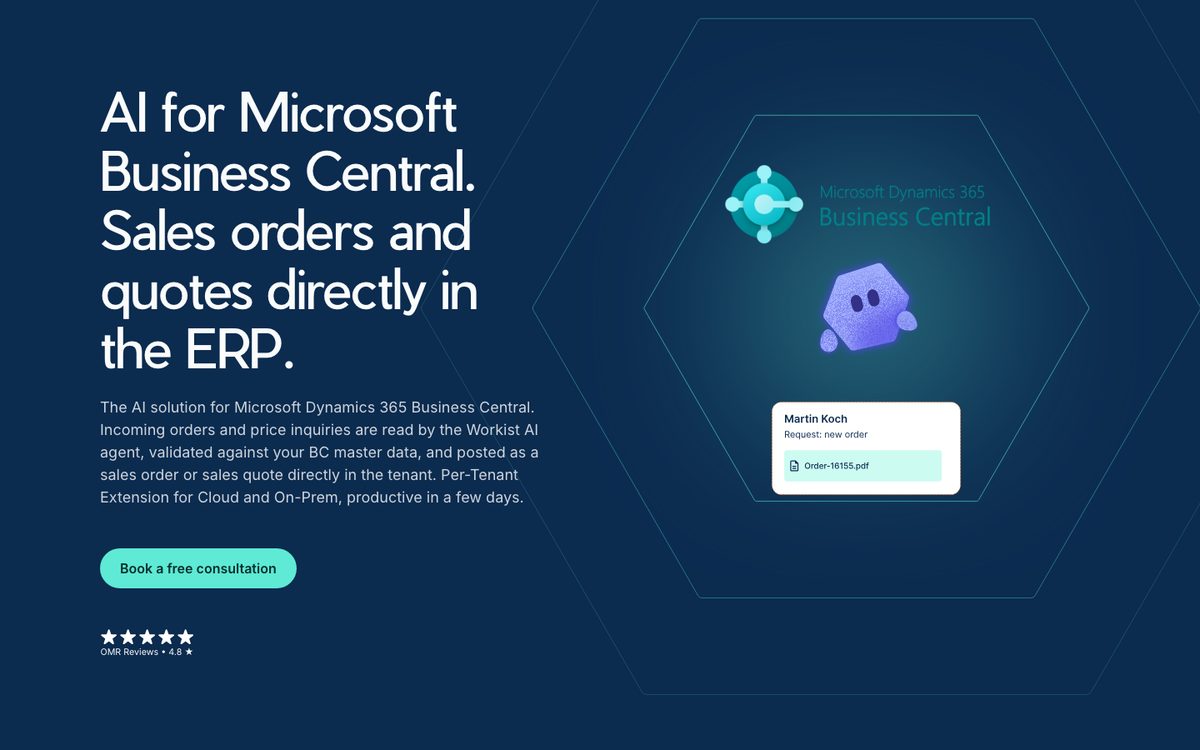
Workist, based in Berlin, reads orders from emails, PDFs, Excel sheets and iDocs, whatever the customer's layout. It checks them against the master data in your ERP, asks your team when it finds a discrepancy and writes the validated order into the ERP. It also prepares quote suggestions from price and availability requests. Workist also lists Word files, scans, unit conversion and article variants among what it handles.
It names more than 40 systems, including SAP S/4HANA and ECC, NetSuite, Business Central, Dynamics NAV, Sage 100 and 200, proALPHA, abas, weclapp and Global Shop Solutions, reached through standard APIs or EDI. NetSuite and Business Central are usually live in a week, and SAP in about 6 weeks. Workist says 60 to 90 percent of orders run fully automatically, with the rest checked by a team member.
Workist itself says it adds little for companies with a few orders a day or with documents that already arrive fully standardised, for example over EDI. Contracts are annual with a 12-month minimum, and no prices are shown. It offers a one-time free test on your own documents. Our Workist comparison puts the two side by side.
turian, for sellers of configurable technical components
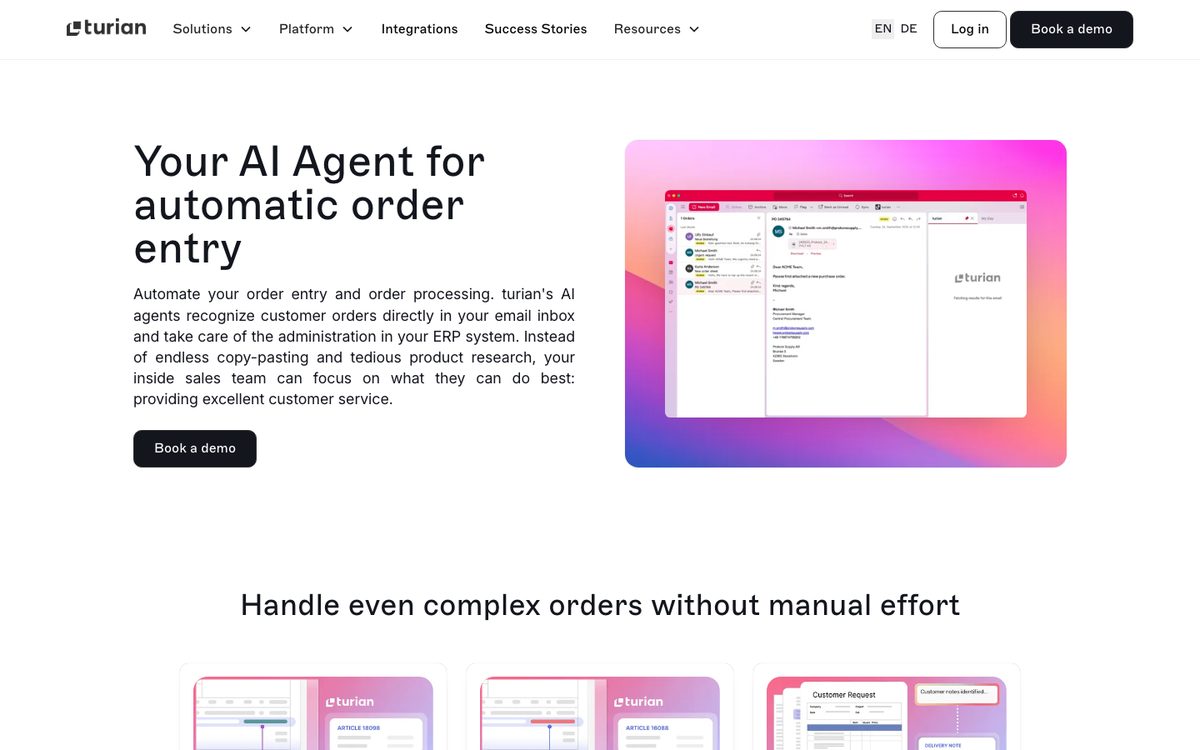
turian, also from Berlin, sells AI agents to mid-market manufacturers, distributors and wholesalers. It reads free-text emails and attachments in PDF, Excel, Word, XML, JPEG and scanned form, in any language, from Outlook, Gmail or a forwarding address. It finds the right product when the item number is missing or outdated, uses a cross-reference lookup for customer-specific article numbers and falls back on description matching. It names variant configurations for products such as configurable pressure gauges, bearings and linear guides.
It checks prices against the customer agreement in the ERP, and you can add rules for stock, delivery timelines and pricing conditions. It writes the header, lines, pricing and delivery details into the ERP, and names SAP Business One, S/4HANA and ECC, Dynamics 365, AX and NAV, Infor LN and M3, proALPHA, NetSuite, Sage X3 and Odoo. Staff check and change results in an Outlook add-in or the browser. It quotes 4 to 6 weeks to go live, a proof of concept on your historical documents and up to 85% less order processing time, and publishes no price.
Rossum, for companies that want orders and supplier documents on one platform
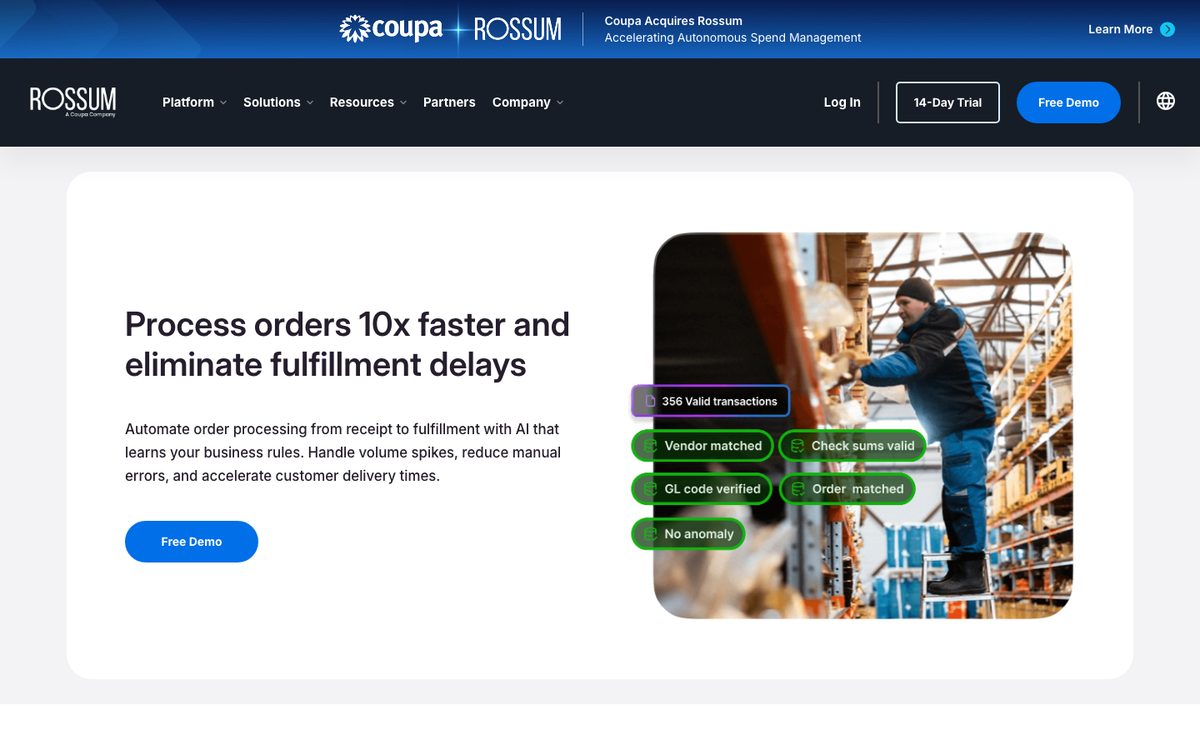
Rossum, now part of Coupa, takes orders from email, EDI, web portals and mobile apps, as well as shared drives and scanners, without templates. It checks customer information, inventory availability and pricing against your business rules. It pushes verified data through APIs or RPA tools and names SAP, Coupa, NetSuite, Workday and Microsoft Dynamics. Rossum cites customer results of 71% straight-through processing and 70% touchless order processing.
Rossum's pages say nothing about customer part numbers, call-offs or order changes. Its Starter plan begins at 18,000 US dollars a year, and master data matching, which an order desk needs to map lines to its own articles, starts on the Business plan, priced by quote. See Lleverage vs Rossum.
Parseur, for a small order desk with fixed layouts and a file import
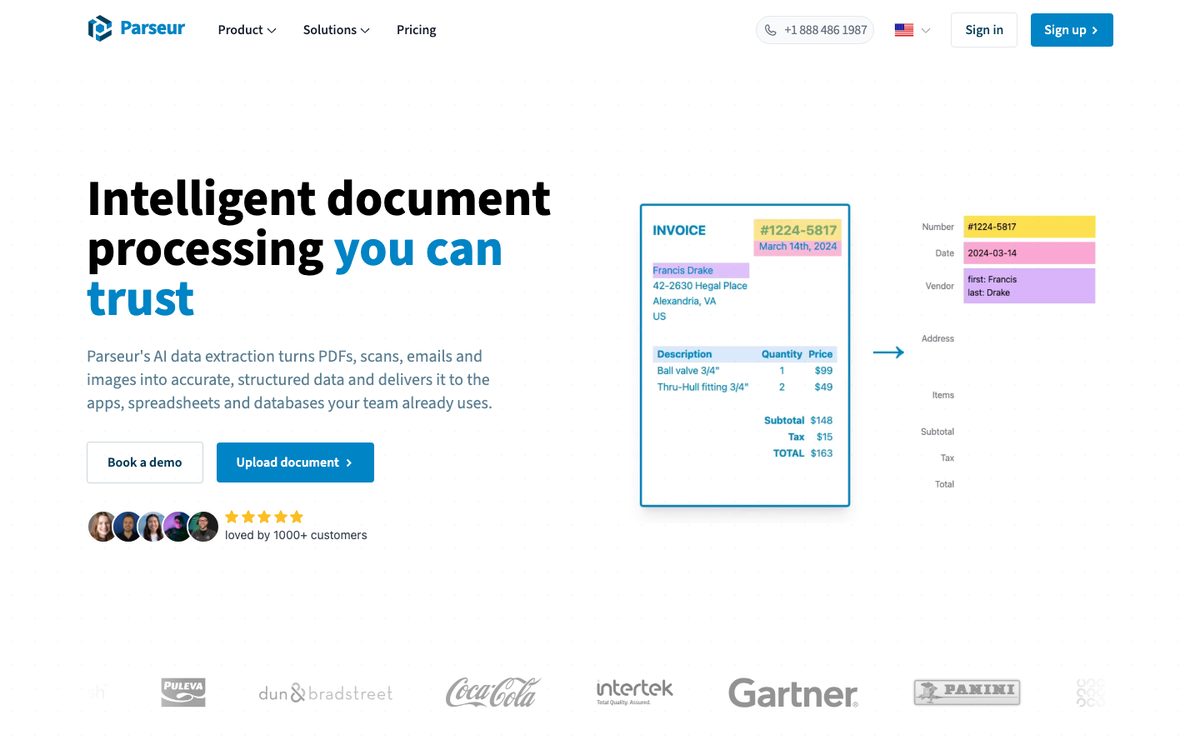
Parseur reads emails, PDFs, scans, images and spreadsheets with AI. You name the fields you want in plain English, and new layouts work without a template. Data leaves as CSV, Excel or JSON, or through its API, webhooks, Zapier, Make, n8n or Power Automate.
It names no ERP integration and does not match lines to your articles, check prices or create the sales order, so someone builds and maintains that step. The free tier covers 20 pages a month, and prices are published. For a small order desk that already imports a file into the ERP, that is often enough.
What touchless rate is realistic for AI order processing?
Vendors answer with numbers measured in different ways, so read each one for what it counts.
| Source | Figure | What it counts |
|---|---|---|
| Workist | 60 to 90% | Orders running fully automatically, vendor claim |
| Rossum customers | 71% and 70% | Straight-through and touchless order processing, customer figures |
| Esker | 92% | Less manual entry, which is effort saved |
| SAP | 25% | Lower cost of sales order creation, vendor claim |
On Lleverage, 2 customers publish a rate for order intake:
| Customer | ERP | Figure | What it counts |
|---|---|---|---|
| Topa Bathroom Products | Business Central | Over 90% | Incoming orders processed with no manual input |
| SIG Benelux | Dynamics 365 | 73% | Order emails arriving as a draft ready to review |
A touchless order, a draft waiting for approval and effort saved are 3 different measures, and every figure here comes from someone else's orders. In our experience the rate depends mostly on how your customers order. Lines with your article numbers go through first. Free-text descriptions, new contacts and unusual units take longer.
At Topa Bathroom Products, some customers get their order confirmation within 30 seconds of sending the email. At SIG Benelux the salesperson opens each draft, checks it and approves it. Both are order intake on Microsoft ERPs, so ask a vendor for a figure on your own ERP and your own customers.
Ask every vendor to measure on your orders, per line as well as per order, and to count wrong lines that went through unflagged separately.
"I knew the technology made this possible. My biggest question was the quality of our data. It was a positive surprise to see the order history was enough of a base to get results this fast." Ditte Smit, Marketing Director, SIG Benelux
Can you automate order intake when the ERP has no open API?
Yes. Most tools on this list write through an API or EDI. Rossum also names RPA tools, and the two ERP agents work inside their own system.
Microtechniek runs Ridder iQ on-premise, which gave outside systems no way in. In December 2025 a Ridder specialist installed the API module on-site, and our team adapted the cloud API to the on-premise installation. In August 2026, between 45 and 71 purchase orders a week went into that ERP without anyone typing them, including the ones matched to an existing quote. Each order used to take about 10 minutes by hand, and the admin desk now gets more than 500 hours a year back.
Where an ERP has no API at all, our agent works the screen with the same access a person has. On-premise systems are reached without opening them to the internet.
Before you sign with any vendor, ask 3 questions. Which interface does it use for your ERP and your version? Who builds and maintains the connection? What happens to an order when the connection is down?
What should manufacturers check in sales order automation software?
A distributor's order is mostly a question of stock and price. A manufacturer's order also decides what the plant makes, to which specification and by when. 4 cases separate the tools for a factory, and many vendor pages say nothing about them.
- Configured and make-to-order products. The order follows a quote or a configuration, and the sales order must carry the same specification. Lleverage links an order to its quotation in the ERP, and turian names variant configurations.
- Drawings and specifications. A drawing number, a revision or a customer specification travels with the order. No vendor here says it checks a drawing revision against the quote. At SPL Treatments, an agent reads the customer's purchase order and the aerospace specifications it refers to, checks them against more than 800 standards and drafts the treatment route, which took about an hour per first-time part and now takes 2 to 2.5 minutes. A person keys the confirmed route into the ERP, because that ERP has no other way in.
- Customer part numbers. The customer orders under its own code. Business Central's agent searches item references and cross-references, turian names a cross-reference lookup, and Lleverage learns the translations from your order history.
- Delivery dates against capacity. Business Central's agent can use capable-to-promise. For Lleverage, checking a date against capacity is planning work an agent can be set up to do, fitting work into lines, shifts or weeks and flagging conflicts. We have no published customer story for it.
Put an order of each kind in every vendor test. Our guide to AI order processing for manufacturers walks through the order desk of a factory in more detail.
Which sales order automation software fits your ERP?
Start from the ERP you keep. We have written a version of this guide for each of the ERPs our readers run most, with the tools that work in that ERP and how each one reaches it:
- SAP. Our guide to SAP sales order automation software compares SAP's own extraction apps, SAP Build Process Automation and the add-ons for ECC and S/4HANA. For the Lleverage route, see order management for SAP.
- Business Central. Our guide to the best sales order automation software for Business Central sets Microsoft's Sales Order Agent and sales line suggestions next to apps in the tenant and agents outside it. See order management for Business Central.
- Exact Online. Our guide to sales order automation software for Exact Online covers the Exact App Store apps, EDI connectors and build-it-yourself routes. See order management for Exact Online.
- AFAS. Our guide to sales order automation software for AFAS covers the add-ons built for AFAS Profit and building on the AFAS Profit API. See order management for AFAS.
- Manufacturers on any ERP. Our guide to the best sales order automation software for manufacturers goes case by case through part numbers, drawings, call-offs and order changes.
- Dynamics 365 Finance and Operations. See order management for Dynamics 365 Finance and Operations.
Next, count 4 facts about your order desk: orders per week, the share without your article numbers, how many customers send EDI and how often orders change after they are in. Those numbers set your cost per order and the test set for every vendor. Our guide to order entry software for wholesalers lists the matching checks to test for.
How much does sales order automation software cost?
Most vendors here price by quote. The published figures:
- SAP lists its S/4HANA sales order creation feature as included with the base subscription, with no AI Units required.
- The Business Central Sales Order Agent is billed in Copilot Credits, charged by the complexity of each interaction. When the credits run out, it stops processing new emails until they are available again.
- Parseur publishes its prices: a free tier of 20 pages a month, 129 euros a month for 1,000 pages and 499 euros for 10,000.
- Rossum's Starter plan begins at 18,000 US dollars a year. Master data matching starts on its Business plan, priced by quote.
- Workist sells annual packages by document volume, from a Core package of 10,000 documents a year, with no prices shown and a 12-month minimum.
- Conexiom, Esker and turian publish no prices.
Lleverage charges one monthly price per agent. Integration, AI usage and ongoing improvement are included, with no seats and no usage bills. We price after we have seen the work.
Compare offers on cost per order at your volume, including the hours your team still spends checking. A desk with 100 orders a day and many customer part numbers pays a different cost per order than one with 20 orders a day of standard items. Count the time spent looking up quotes, prices and customer codes as well as the typing.
Which sales order automation software should you choose?
We recommend Lleverage for mid-size manufacturers and wholesalers whose customers order by email, PDF and spreadsheet and that keep the ERP they run. The agent learns matching from your order history and creates the sales order in that ERP, including one with no open API. Its customers publish production results in Business Central, Dynamics 365 and an on-premise Ridder iQ.
| Your situation | Our recommendation |
|---|---|
| Orders by email, PDF, Excel and CSV, often without your article numbers, in an ERP on our integrations list | Lleverage |
| An on-premise ERP with no open API | Lleverage, working the screen with the access a person has |
| Orders that follow a quotation in the ERP | Lleverage, which links the order to the quote |
| A few fixed-layout PDFs and a file import already in place | Parseur, at a published price |
Pick 50 recent orders, including the awkward ones: the email with no article numbers, the spreadsheet in a new layout, the customer who orders in boxes you sell per piece, the order that follows a quote. Ask every vendor to run them against your own ERP data and show what went through, what waited and why. Count the wrong lines that went through without a flag. Book a demo and we will run your 50 orders with you, then show the agent creating the sales orders in the ERP you run.
This guide is one of 8 we keep up to date on order and purchasing automation. The others compare sales order automation for SAP, sales order automation for Business Central, sales order automation for Exact Online, sales order automation for AFAS, sales order automation for manufacturers, order entry software for wholesalers and purchase order automation software.
Frequently asked questions
What is the best sales order automation software for a mid-size company?
We recommend Lleverage for a mid-size manufacturer or wholesaler whose orders arrive as emails, PDFs and spreadsheets and that keeps its ERP. The agent learns matching from your order history and creates the sales order in the ERP.
Can sales order automation software read Excel orders?
Most tools on this list can. Lleverage, Workist, turian and Parseur name Excel or spreadsheet orders. Microsoft's Sales Order Agent reads the email body and PDF, PNG and JPG attachments, and SAP's feature reads PDF and image files, with no Excel listed for either. If many customers send spreadsheets, put a few of their real files in every vendor test.
How long does it take to implement sales order automation?
Conexiom quotes a 30-day average and turian 4 to 6 weeks. Workist says Business Central and NetSuite are usually live in a week and SAP in about 6 weeks. With Lleverage, the first process typically runs supervised within a few weeks, built by our forward deployed engineers with your order desk.
How is AI order entry software different from EDI?
EDI exchanges structured messages with trading partners who have set it up, through a mapping per partner. AI order entry software reads the orders that arrive any other way: emails, PDFs, spreadsheets and free text. Most companies keep EDI for the customers who use it and automate the rest. Esker, Workist and Rossum read EDI orders as well.
Does sales order automation replace the order desk?
It removes the typing and the lookups. The order desk keeps the exceptions, the customer conversations and the decisions about price and stock that need judgement. At Topa Bathroom Products, the people who used to enter orders moved to after-sales and service planning.